Overview
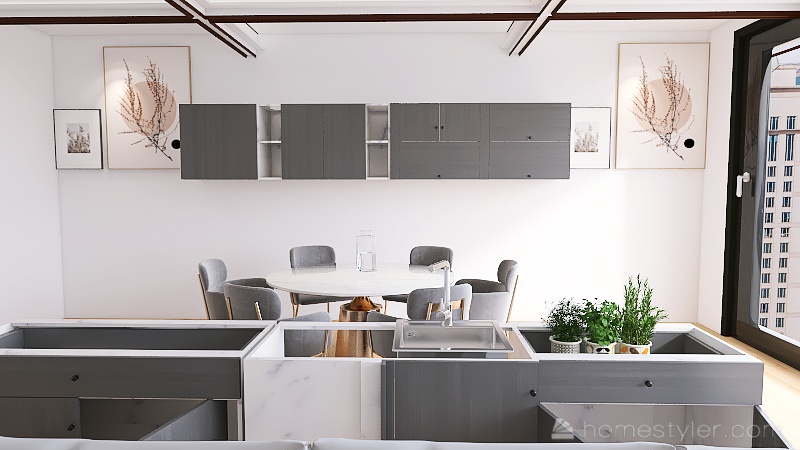
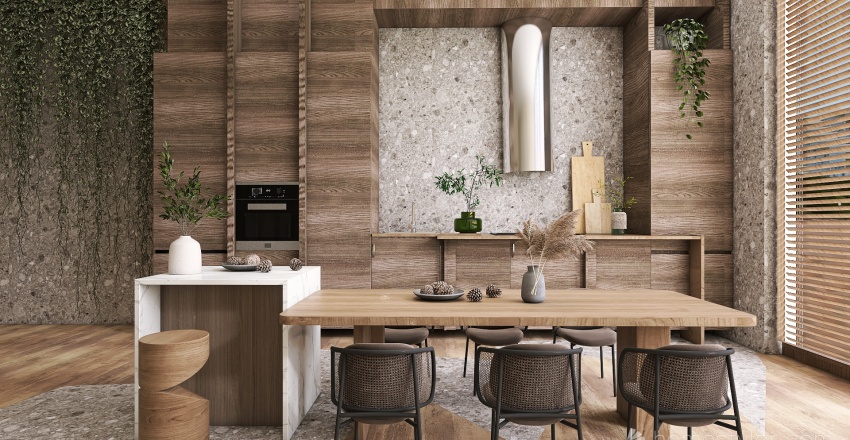
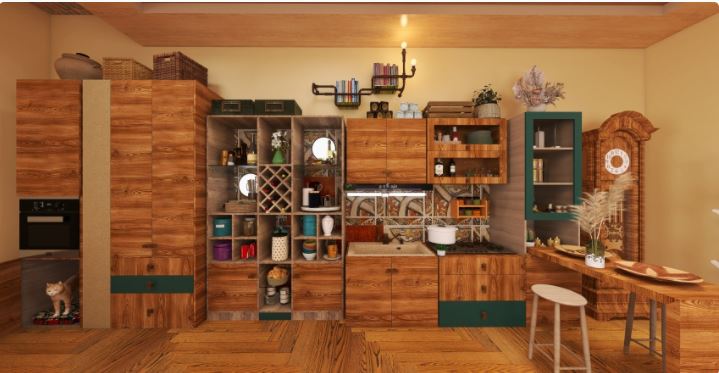
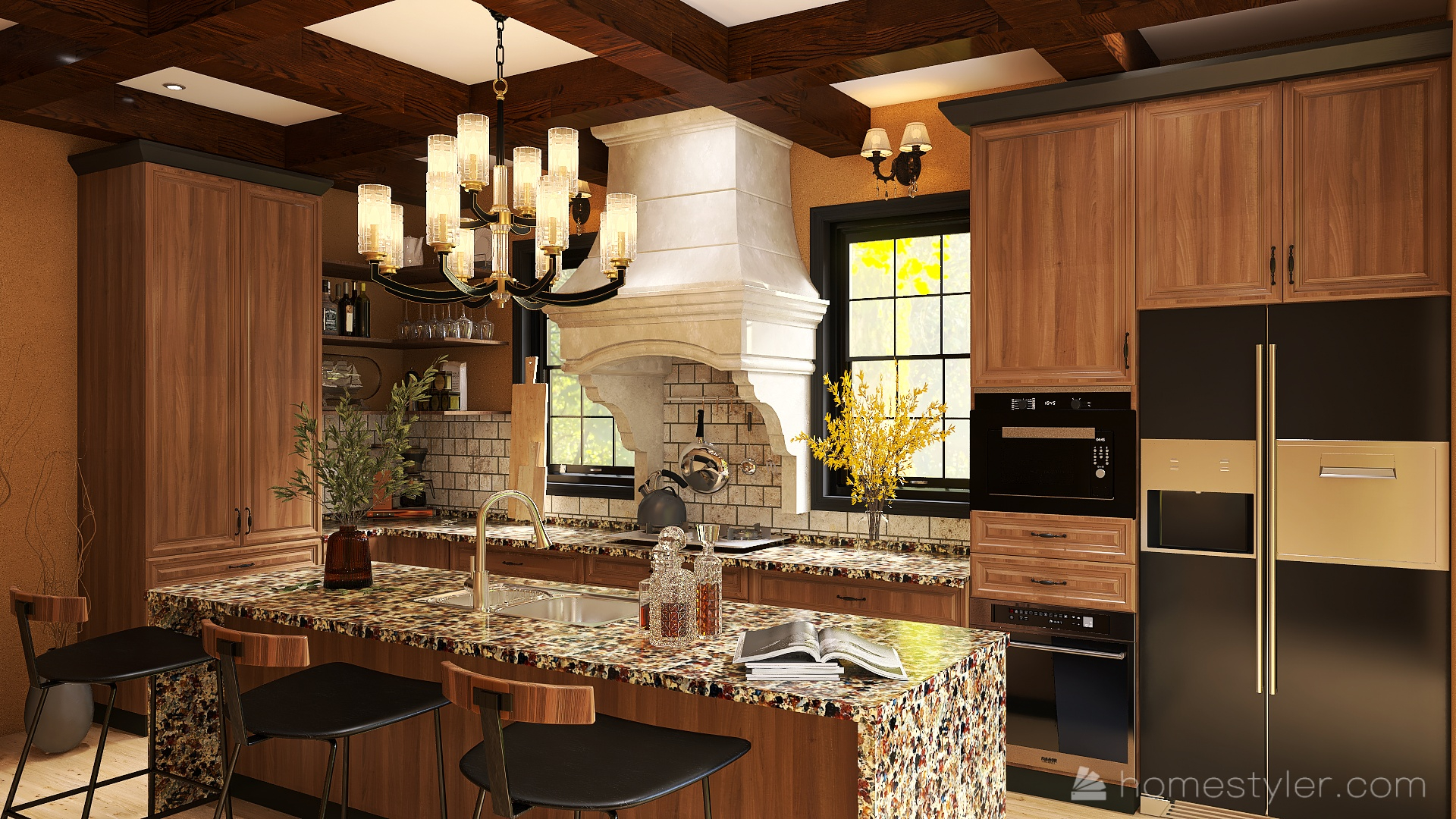
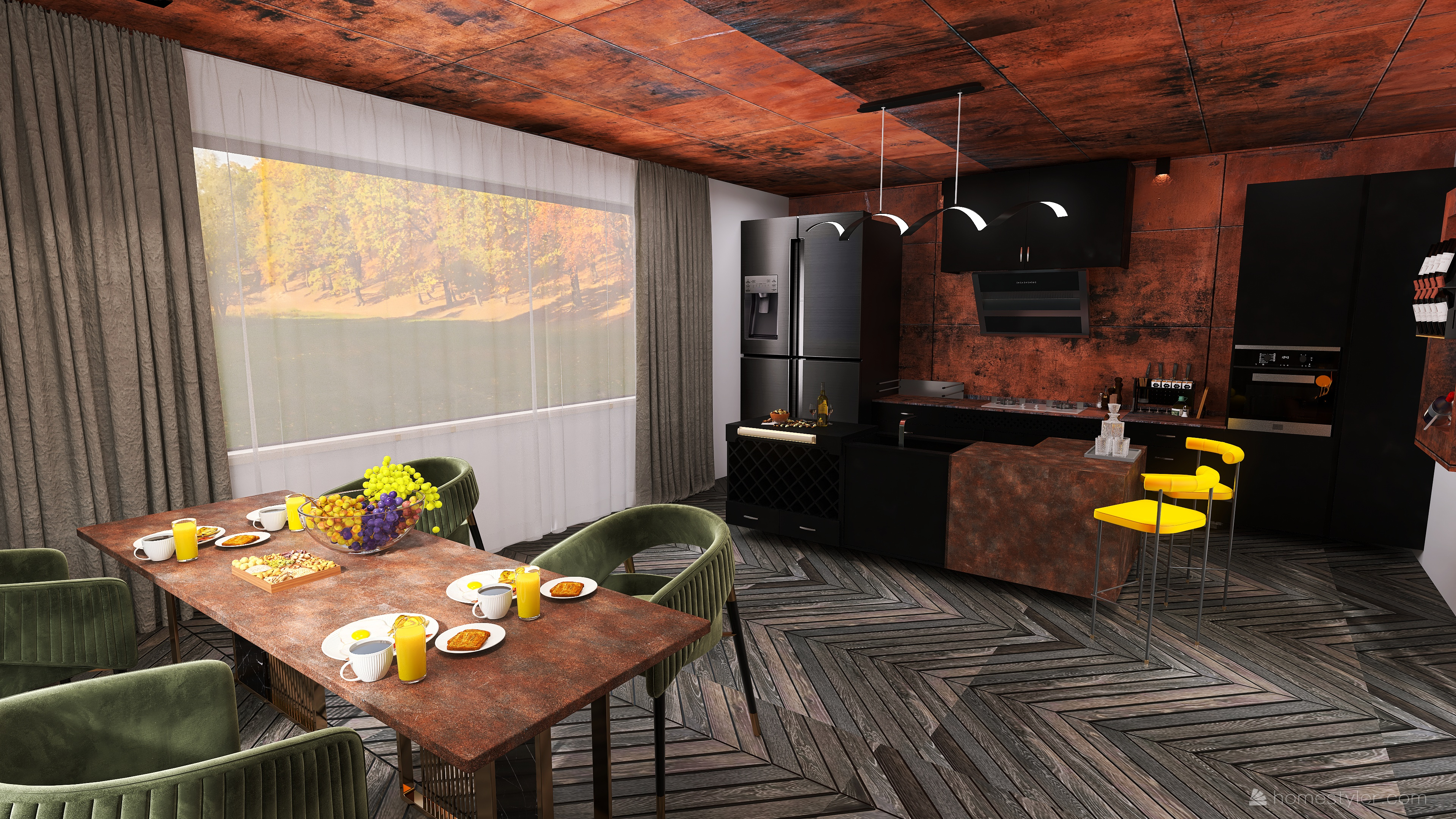
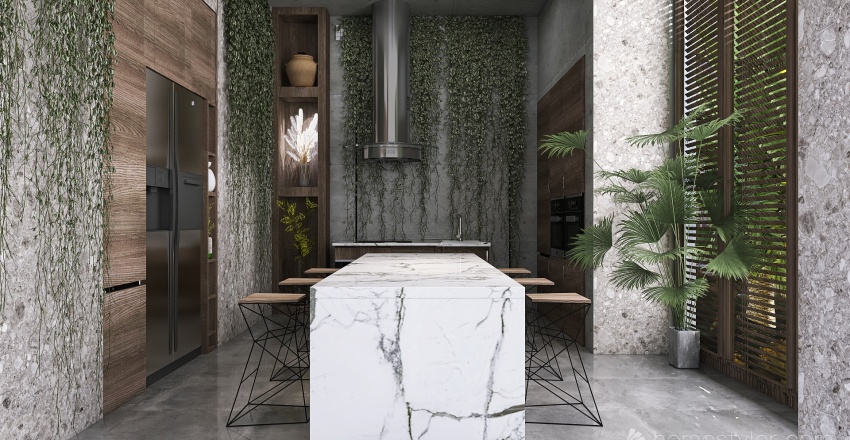
In our daily life, the kitchen takes center stage in most homes. A kitchen that makes people happy can cook food full of love and joy. If you love to cook, be sure to reward yourself with a comfortable kitchen.
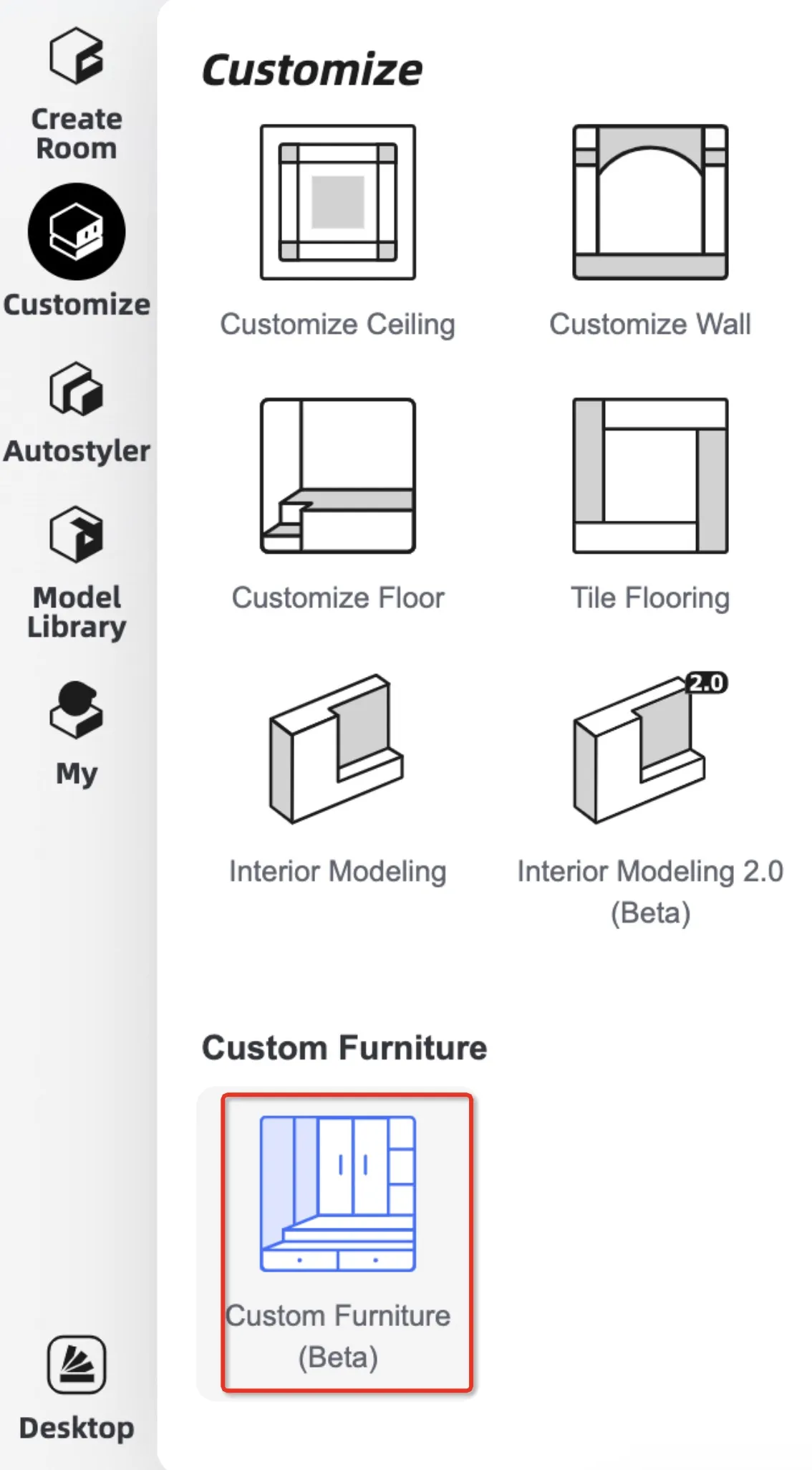
Homestyler's recently updated "Custom Furniture" feature can help you create your ideal kitchen. Please open or create a new room, and use the "Custom Furniture" function to design your own dream kitchen. Click here to watch the video tutorial, which can help you learn cabinet design quickly. Don't let the uneditable cabinet model limit your design passion!
Duration
Submission: 2022.02.21 (Monday) to 2022.03.06(Sunday)
Winner Announcement:2022.03.07 to 2022.03.08
Awards & Prizes
Once your work is shortlisted, you will earn 10 points as a reward. The shortlisted works can be found in our Gallery under the #KitchenContest tag. 
Selection Criteria:
Best Room Award:
25% Number of likes + 25% Innovatoin + 25% Aesthetics + 25% Color Matching
Best Popularity Award:
To 3 projects with the highest points = (70% x Number of likes) + (30% x Number of views)
Most Innovative Award:
Innovation will be the first criteria - whether you make the most innovative purpose of the room, or the most creative redecoration of the space. Remember to include your ideas in the project description!
Submission Requirements
Content Requirements:
1)Floor plan: This competition does not specify a floor plan, draw an empty room to design the kitchen.
2)Render quality&quantity: each room/space contains at least two 2K and above normal renders(normal image, not panorama) and uploaded floor plans
3)Project name: the project name must contain the hashtag#KitchenContest
4)Project status: the project must be set to public status
5)Number of entries: the number of projects submitted is not limited, but each person shall only be awarded one prize
7)Project Cover Image: You must include a render with the custom cabinet in the cover image of your submitted project
8)Other requirement: The main kitchen cabinet must be made with the "Custom Furniture" function of Homestyler
Submission Process
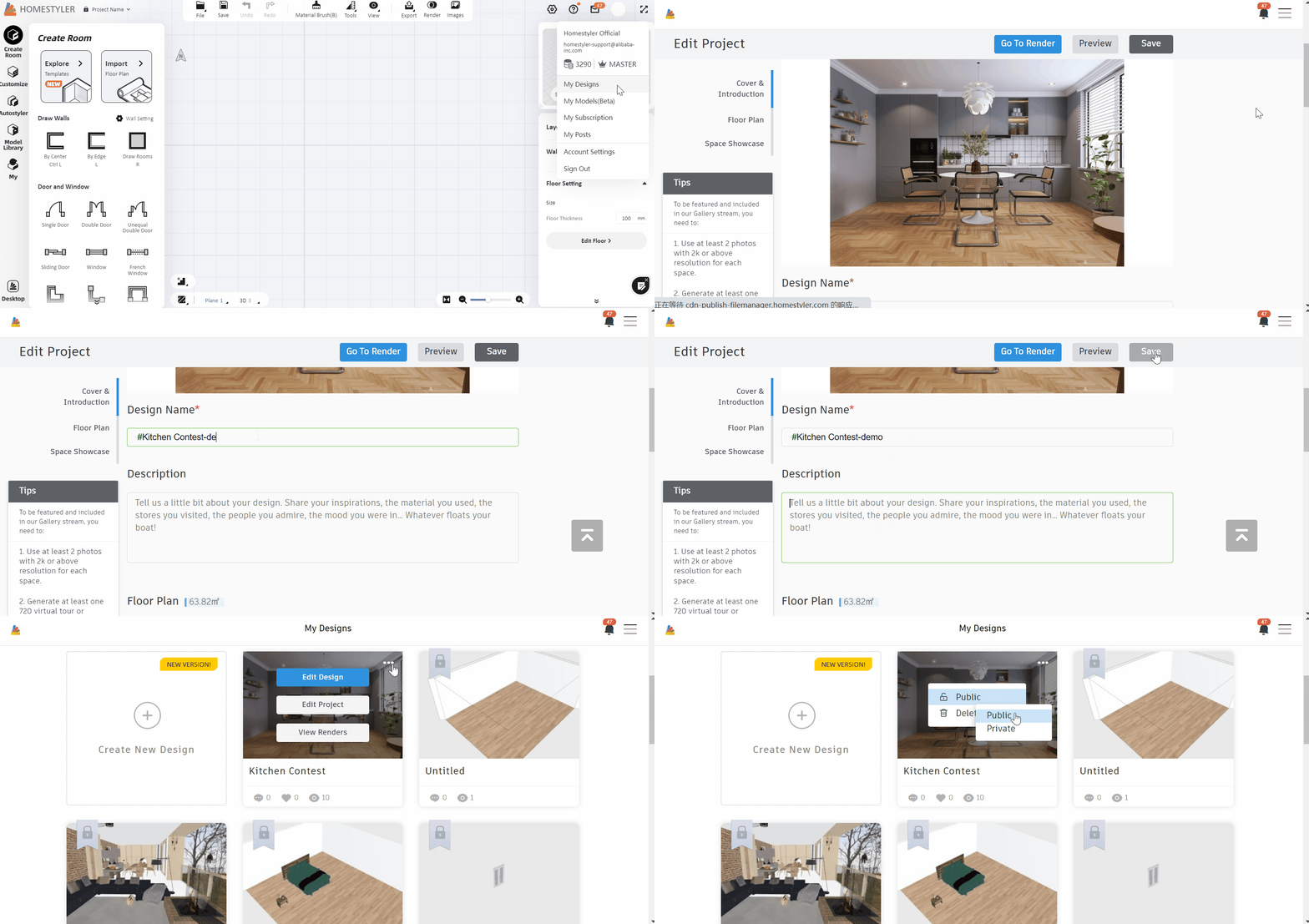
After the design is completed, enter "My Design" and click "Edit Project " to enter the project name and description, and add the renderings. The cover image needs to be a picture of the custom cabinet.
Finally, remember to set the project status to public, please refer to the following gif.
Notification
1. If your work passes preliminary selection and gets shortlisted, it will show up in Gallery under the #KitchenContest hashtag.
2.Each participator shall only be awarded once for the same award, and the awarded projects will be further featured in the main Gallery - which means the design will not only be shown under the Activity tag, but also the mainstream of the featured designs!
3. We will post the final winner announcement in the Forum, and we will send an email to all winners.
4.During your participation, feel free to contact us if you have any questions: Homestyler.contest@service.alibaba.com
FAQ
1:How to use the Custom Furniture function to design kitchen cabinets?
Click the link to learn:https://www.homestyler.com/forum/view/1494612071938945026
2:Are there room size requirements for this contest?
There is no room size requirement, you can create a room and design a set of cabinets to participate in the contest. You can also design other rooms altoghether as you wish. Just remember to include a render of the custom cabinet you design in the cover image