Ever wanted to fit a sink in your build, but current countertops do not have a cut-out of the right size? Or had a vision of a shelf, but could not find an exact one in the catalogue, as extensive as it might be?
Custom Modelling is your answer! This mode can be found on the left side of your screen, under the Customize header. Click on Custom Modelling (Beta) and simply click Others. It can seem daunting to do 3D modelling, the following resources might help.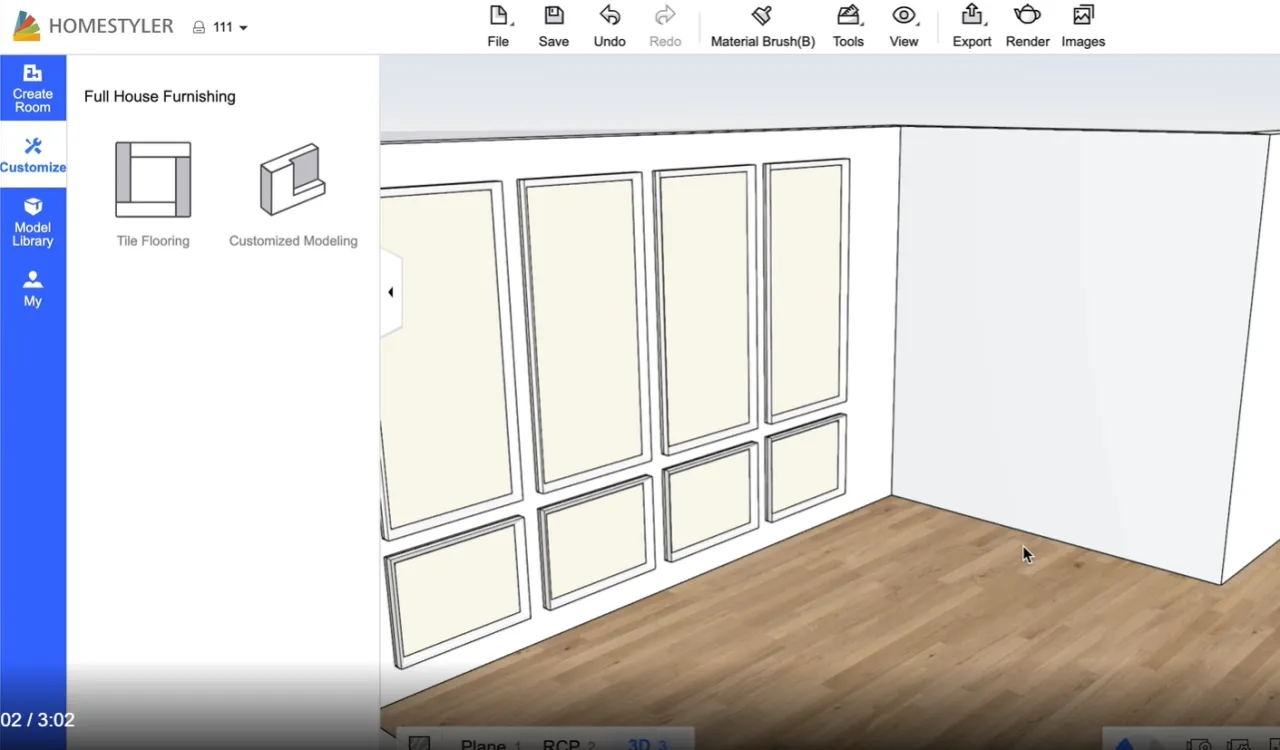
Here's an amazing channel that will make your exploration into customised modelling easier: https://www.youtube.com/channel/UCVktmnaIoLBDsthYQPe8kCQ .
They have tutorials on certain projects, like creating a custom kitchen set.
Also, check out Homestyler's YouTube channel: https://www.youtube.com/channel/UCNn9WxXe0aaQGPSoX5A_kaA OR https://www.homestyler.com/learn/video
They have a video on using this mode to create sloped ceilings. So if you're looking to create beautiful exteriors to complete your splendid interior design, give custom modelling a go!
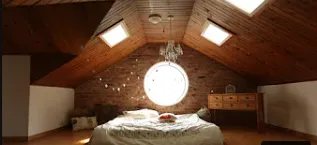
picture credits: Homestyler
It certainly can be quite challenging to do 3D modelling, but perservere because the results will be worth it! Many designs on the Gallery use this mode to enhance their designs, which I'm sure you can do too.