The gallery section in the Homestyler website has been added only a few months ago but it has already become very popular.
In fact, many people consider it extremely useful to get home design inspiration for their upcoming remodel or to simply browse through all the different house design images as a hobby.
Do you want to become a source of home design inspiration for all the other Homestyler user of our floor plan creator?
Let's see together how you can create a design that deserves to be featured in the Homestyler gallery.
After haivng read our previous post on how to move your first steps in Homestyler, you most certainly do not need us to review how to draw a room or how to furnish your home design project - Let's go straight to how you can render your home design and prepare a presentation that is worth to be published!
After your home design project is completed and saved, go to the top of your Homestyler floor plan creator and click "Edit project" and follow the step listed in the new page that will open to you.

1. Choose the best render as the cover of your design
Click "Change cover" and select your favorite rendered picture of your home design. If you haven't rendered any picture yet, click on "Go to Render".
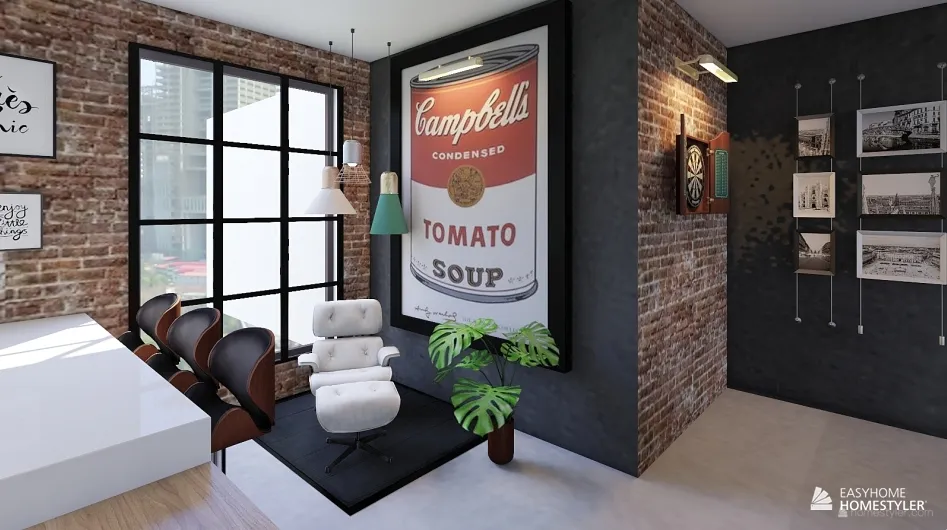 This home design was created by Isabella Neilson, Homestyler floor plan creator user
You will have to choose among simple Render, Panorama, Aerial and Top View.

The qualty options for your renders are essentially three: Standard (Fast), HD and Ultra HD. When available, please opt for the HD or Ultra HD quality if you want to grant yourself the possibility of being featured in the Homestyler Gallery.
If your design is very good but you have rendered it in Standard quality, the Homestyler Staff might take the liberty of upgrading the quality of the render - This will make your design eligible to be featured in the Gallery, and you will earn 50 Homestyler Points to spend in your next renders.
2. Choose your design name
This is your chance to change your home design name if you want to - Go ahead! Please note that your design needs to have a name in order to be saved.
3. Describe your design
Tell us what inspired your design, who is the space suitable for, your estimated prices and all the other information you might find relevant.

4. Generate the floor plan
Show us how the space is divided in your design by generating the floor plan and adding an aerial render of your house design.

This floorplan was created by Isabella Neilson, Homestyler floor plan creator user

This aerial view was created by Isabella Neilson, Homestyler floor plan creator user
5. Describe the layout of your house plan
How many rooms is your space divided in? How big are the living area and the master bedroom? Let us know in this part of our house design presentation.
For every room design, please remember also to attache one or more renders, so that everyone can see them!

This living room design was created by Isabella Neilson, Homestyler floor plan creator user
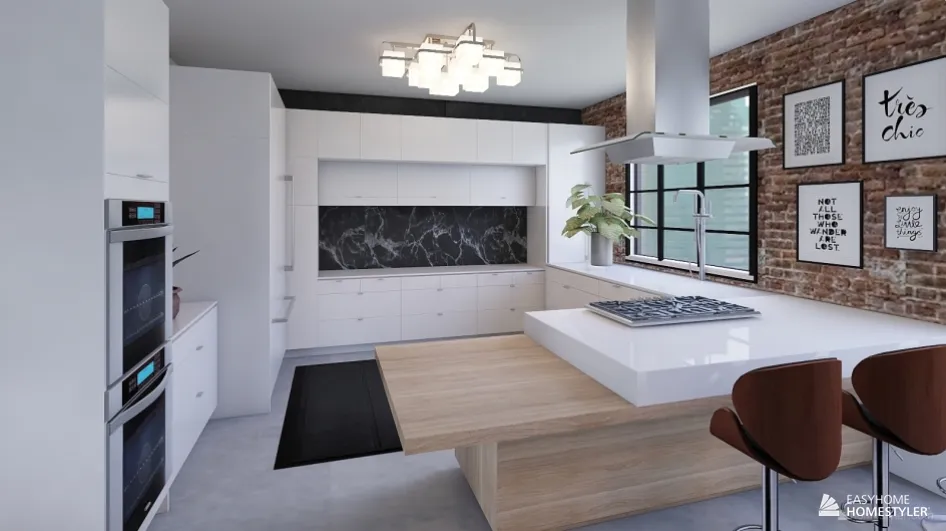
This kitchen design was created by Isabella Neilson, Homestyler floor plan creator user

This bedroom design was created by Isabella Neilson, Homestyler floor plan creator use
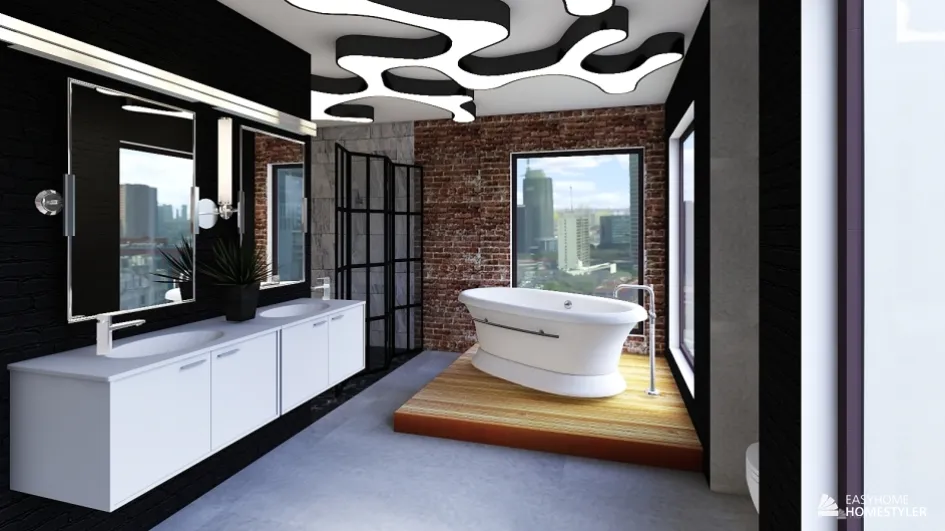 This bathroom design was created by Isabella Neilson, Homestyler floor plan creator user
We mentioned that create a great home design presentation will help you get featured in the Homestyler Gallery and will make you earn 50 Homestyler Points.. But what this mean, exaclty? How can these Homestyler points help you?

As you can see from the picture, you can use your Homestyler points to create different kinds of renders:
- Ultra HD renders will cost you 25 Points
- HD Panorama views will cost you 25 Points
- Each HD Aerial rendering and HD Topview are worth 1 Point
What if your home design doesn't get featured in the Homestyler community? Don't worry! You will still earn 5 Homestyler Points for every day you log in Homestyler.
