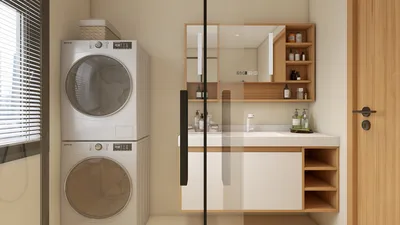


Transforming sun path charts into 3D models can greatly elevate your architectural design by optimizing sunlight exposure and enhancing energy efficiency within spaces. This article will guide you on how to effectively convert your sun path data into a practical 3D representation utilizing tools like Homestyler, which simplifies the modeling process.
Understanding Sun Path Charts:
Sun path charts provide a visual depiction of the sun's trajectory in the sky at any given location throughout the year. These diagrams offer essential information regarding the sun's altitude and azimuth, which can be applied in your design to enhance natural lighting and decrease energy consumption.
Using Software Tools:
To create a 3D model based on a sun path chart, you'll need a software application capable of 3D modeling. Programs such as SketchUp, Rhino, or even Homestyler are excellent choices. These platforms typically include features that can seamlessly integrate sun path data into design components, making the modeling process both efficient and precise.
Step-by-Step Process:
Extract Data: Start by pinpointing the key altitude and azimuth angles from your sun path chart for various seasons and times of day. This crucial data serves as the backbone for your modeling task.
Create Basic Geometry: Within your selected software, begin by outlining the fundamental geometry of your space, such as walls, roofs, and windows. Setting up this base is essential for accurately representing sunlight.
Visualize Sunlight: Utilize the sun simulation features in the software to visualize where sunlight will impact your design based on the extracted data. Make necessary adjustments to the geometry to enhance natural lighting, ensuring all sun angles are properly considered.
Refine Model: Incorporate materials and textures that imitate real-world settings to finalize your 3D model. This not only contributes to visual appeal but also addresses reflective properties that are significant for light distribution.
Tips for Accurate Modeling:
Tailor your model according to local geographical data for greater precision. Adjust for seasonal variations during your design development to reflect true conditions accurately. Moreover, conducting user testing within the simulated environment can provide valuable insights on lighting quality and functionality of the space.
FAQ
Q: What software is recommended for creating 3D models from sun path charts? A: Applications like SketchUp, Rhino, and Homestyler are highly regarded for their intuitive features and sun simulation capabilities, streamlining the modeling experience and enhancing efficiency.
Q: Is special training required to utilize these tools? A: While having some familiarity with 3D modeling can be an asset, many of these tools come equipped with comprehensive tutorials, enabling beginners to start quickly and use them effectively, regardless of prior knowledge.

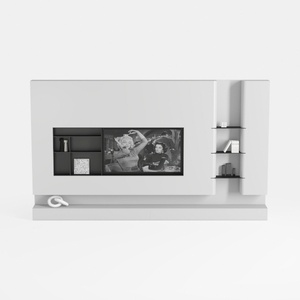
Black/White Wall Cabinet Suitable for Kitchens and
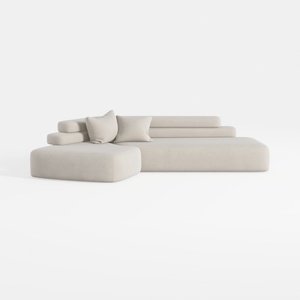
Minimalist Fabric L Shape Sectional Sofa 3D Model
Homestyler is your go-to online home design platform, perfect for transforming your ideas into stunning reality. With its user-friendly design tool, impressive 3D renderings, a wealth of design projects, and engaging DIY video tutorials, creating your dream space has never been easier or more inspiring!
今すぐ无料でデザイン
































