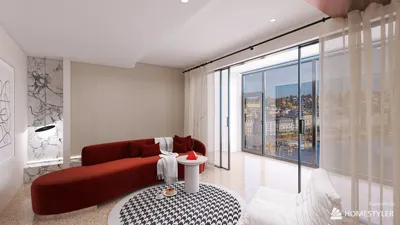


Transforming 2D floor plans into 3D models can greatly improve your design journey, providing a more engaging view of your environment. Whether you're an experienced interior designer or a DIY lover, the choice of software plays a crucial role in this process. In this article, we will delve into a variety of software solutions that excel at converting 2D plans into immersive 3D representations, highlighting their unique features and advantages.
Comprehending the Conversion Methodology
The conversion from a 2D floor plan to a 3D model entails several steps, such as entering measurements, choosing materials, and positioning furniture. Most software applications feature user-friendly interfaces and tools that facilitate this transformation, enabling you to visualize your design with precision and ease.
Essential Features to Evaluate in Software
When selecting software for the conversion process, keep these essential features in mind:
Recommended Software Options
Homestyler is an excellent tool that empowers users to develop intricate 3D models from 2D floor plans. Its intuitive design and vast library resources make it a favored choice among designers.
AutoCAD stands out as a professional-grade application that offers powerful utilities for architectural design. It supports both 2D drafting and 3D modeling, making it ideal for extensive design endeavors.
RoomSketcher simplifies the process of transforming 2D floor plans into 3D visualizations. With its drag-and-drop functionality, it enhances accessibility for novices entering the design field.
For those seeking to quickly create stunning 3D models, Homestyler provides an easy-to-use floor planner and realistic rendering capabilities, making it a top choice for interior design projects.
Strategies for Successful 2D to 3D Transformation
To achieve optimal results during the conversion of your floor plans, consider these strategic tips:
Final Thoughts
Selecting the appropriate software for converting your 2D floor plans into 3D models can elevate your design skills and realize your creative visions. Whether you choose accessible tools or advanced applications, the key is to identify a solution that aligns with your specific needs and workflow.
Frequently Asked Questions
A: Homestyler is highly recommended for beginners because of its user-friendly interface and drag-and-drop functionalities.
A: Indeed, many software options mentioned, such as AutoCAD and SketchUp, are well-suited for professional projects.
welcome to Use No.1 2D Floor Planner
Design Now for FREE
































