

Are you prepared to transform your LEGO Digital Designer (LDD) masterpieces into stunning 3D models? Exporting an LDD file into a usable 3D format can unlock a world of opportunities for design and 3D printing. In this guide, we'll walk you through the necessary steps to do this effortlessly, alongside utilizing tools like Homestyler for enhanced design capabilities.
Step 1: Launch Your LEGO LDD Project
Start by opening LEGO Digital Designer and accessing the project you intend to export. Ensure that your model is completely assembled and ready for the export process.
Step 2: Exporting Your Model
To export your model, navigate to the 'File' menu and select 'Export.' You should see options to save as an LXF file or as a .OBJ file for 3D models.
Step 3: Selecting Your Preferred Format
If you intend to use the model with 3D printing software, opting for an .OBJ file is the most compatible option available.
Step 4: Importing into 3D Software
After exporting your model, you can open your preferred 3D modeling software such as Blender or Tinkercad, and import the .OBJ file you saved. This lets you manipulate the design even further or prepare it for printing, possibly incorporating elements from Homestyler to enhance your project.
FAQ
A: It's unfortunate, but LEGO LDD does not support direct STL exports. However, you can convert .OBJ files to .STL using various available software tools, ensuring compatibility across different platforms like Homestyler.

Modern Rattan Fabric Outdoor Sectional Sofa with Coffee Table 3D Model

Minimalist Velvet L Shaped Sectional Sofa with Throw Pillows 3D Model
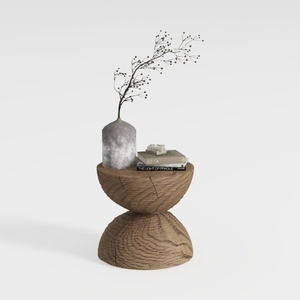
Minimalist Solid Oak Wood Side Table Unique Hourglass Shape 3D Model
Discover the ease of home design with Homestyler! This online platform offers a user-friendly design tool, stunning 3D renderings, and a wealth of design projects and DIY video tutorials. Whether you're a novice or an expert, Homestyler empowers you to create your dream space effortlessly.
Design jetzt kostenlos
































