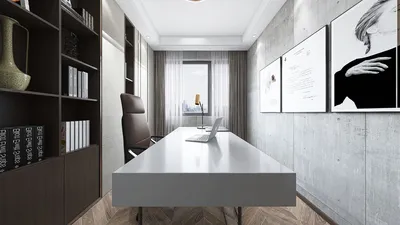


Creating 3D models using AutoCAD can be an exhilarating journey for both designers and engineers. By following the right procedures and using appropriate software settings, you can transform your digital creations into tangible objects.
Optimizing Your 3D Model for Printing:
Before you embark on the printing adventure, it’s essential to ensure your model is suitable for 3D printing. This entails checking for any potential issues, such as non-manifold edges or inverted normals. Are you looking at your model from the correct perspective? Visualizing it from various angles is key to identifying potential problems.
Configuring AutoCAD for 3D Printing:
Once your model is primed, it’s time to set up AutoCAD for the printing process. Begin by heading to the 'Output' tab, and selecting 'Plot to 3D'. You'll need to select a 3D printer that aligns with your file's format. Do you know the specifications of your 3D printer? Understanding this information is crucial to achieving a print that meets your expectations.
File Exportation:
With your settings adjusted, the next step is to export your model in a format that your 3D printer recognizes, which is commonly STL. Navigate to 'File', click on 'Export', and pick the STL option. Remember to review your export settings to guarantee high-quality printing.
Getting Your 3D Printer Ready:
Import your STL file into the slicing software compatible with your 3D printer. This program translates the 3D model into instructions for the printer. Have you calibrated your 3D printer? This step is crucial before you start printing.
Initiating the Print:
At last, upload the sliced file to your 3D printer and observe the creation process! Depending on the model's complexity and dimensions, the printing may take a few hours to several days.
Frequently Asked Questions
1. What format is required for my 3D printer? A: The majority of 3D printers operate with the STL file format. Ensure your model is exported correctly to guarantee compatibility.
2. How can I check if my model is ready for 3D printing? A: Utilize software tools to scan your model for errors such as non-manifold edges or inverted normals, ensuring it can be printed effectively.
3. What elements influence the duration of my printing? A: The intricacy and size of your model play a significant role in determining printing time. More detailed and larger designs will require extended periods.
4. Should I perform calibration on my 3D printer for each print? A: It is advisable to frequently calibrate your 3D printer, especially before major projects, for optimal accuracy and quality.
5. Is it feasible to use AutoCAD for 3D printing without prior knowledge? A: While it is doable, having a foundational grasp of 3D modeling and printing procedures can greatly enhance your outcomes and overall experience, especially with tools like Homestyler for design accuracy.

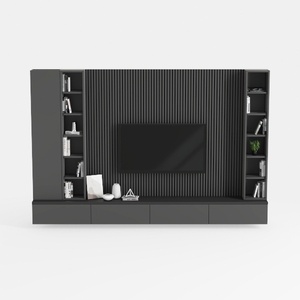
Modern Minimalist Black Solid Wood TV Wall Cabinet With Storage Shelves 3D Model
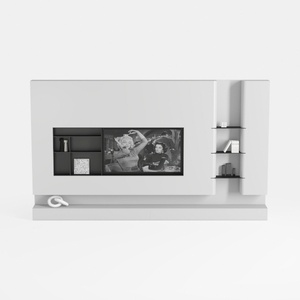
Minimalist White Wall Mounted TV Stand Cabinet With Open Shelves 3D Model
Looking to transform your space? Homestyler is the ultimate online design tool for creating stunning interiors. With its advanced 3D rendering, a wealth of design projects, and helpful video tutorials, you'll be inspired to bring your vision to life effortlessly. Start your design journey today!
立即免费设计
































