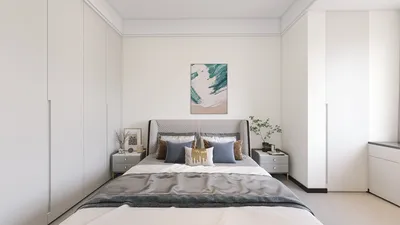


Have you ever wondered about the fascinating process of creating time-lapse 3D models? You’re not alone in your curiosity! This captivating fusion of technology and artistry begins with meticulous data collection, often involving a camera or specialized software to establish the foundation for stunning visual representations. Utilizing tools like Homestyler can enhance this data capture process, bringing creativity to the forefront.
After the data has been gathered, each image undergoes detailed processing. These images come together to form an animated sequence that beautifully illustrates transformations over time—whether showcasing the vibrant development of a flower or the progressive stages of a construction work.
Steps to Create a Time-Lapse 3D Model:
To start your journey into time-lapse 3D modeling, ensure that your camera is firmly positioned to maintain a consistent angle throughout the duration of the capture. Choose an interval for image capture—capturing images every hour can produce mesmerizing results that, when played back at a standard frame rate, effectively bring time to life.
Your subsequent step involves using robust 3D modeling software. This vital tool allows you to seamlessly stitch together images from different stages of your project into one cohesive 3D model. Software like Homestyler, alongside popular options such as Blender or Autodesk, can be your trusted companions in this creative process.
Post-Production:
Once your model is created, the post-processing phase begins. This is the stage where you can enhance your 3D model by adding textures, lighting, and extra details that increase realism. Make sure to render the sequence while refining elements to guarantee a smooth playback experience.
Why Time-Lapse 3D Models Matter:
Time-lapse 3D models play a vital role in visual storytelling. They enable audiences to observe changes and advancements in various projects, providing essential insights, especially in fields like architecture and environmental research. Utilizing platforms like Homestyler can further enhance visualization within these domains.
FAQ
Q: What software is best for creating time-lapse 3D models? A: Leading options include Blender, Autodesk Maya, Cinema 4D, and Homestyler, each catering to a variety of needs and expertise levels.
Q: How long should a time-lapse video be? A: The length can vary depending on the project; however, a few minutes is typically sufficient to convey significant changes over time effectively.

Looking to transform your home? Homestyler offers a user-friendly online design tool alongside stunning 3D renderings and a wealth of DIY video tutorials. Whether you’re a beginner or an experienced designer, you’ll find inspiration and practical resources to bring your vision to life effortlessly!
立即免费设计
































