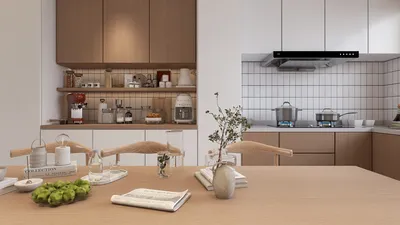


Are you facing challenges with sharp edges in your 3D model designs? By softening these edges, you can significantly enhance both the realism and aesthetic appeal of your creations. This guide will explore effective techniques for achieving smoother edges in 3D models, particularly using Homestyler and Photoshop.
Start by importing your 3D model into Photoshop. You can do this easily by navigating to File > Open and selecting the model file you wish to work on.
To begin softening, utilize the Smudge Tool located within the toolbar. Adjust your brush size according to the area you're aiming to smooth. Simply click and drag along the sharp edges to gradually soften them. This tool allows for precise control over the amount of texture you wish to diminish.
Using the Blur Tool for Softer Edges
Another powerful method is employing the Blur Tool. Select it from the toolbar and modify its strength in the top options bar. Carefully brush over the harsh edges, and you will immediately notice a transformation as the edges begin to merge with their surroundings, resulting in a more organic appearance.
Utilizing Dodging and Burning Techniques
Moreover, incorporating the Dodge and Burn tools can further enhance the softness around your edges. The Dodge Tool lightens specific areas, whereas the Burn Tool can darken them. Use these tools judiciously to add depth and subtly soften your edges. Keeping adjustments understated will yield the best effects.
Adding Final Touches with Layer Styles
Often, it’s the finishing touches that make your model stand out. Experiment with Layer Styles by right-clicking your layer and selecting Blending Options. Applying a soft Drop Shadow or an Outer Glow effect can create an illusion of softer edges, giving depth to your work.
Frequently Asked Questions
Q: Can I soften edges on a 3D model without compromising detail? A: Absolutely! Tools like the Smudge and Blur tools can effectively soften edges while maintaining detail. The key is in adjusting their strength appropriately.
Q: What if I don’t have access to Photoshop? A: If Photoshop isn't available, you might look into alternatives such as GIMP or Blender, both of which provide options to achieve similar results in softening edges.

Looking to transform your space? Homestyler is your go-to online design platform! Featuring an easy-to-use design tool, stunning 3D renderings, extensive design projects, and helpful DIY video tutorials, it empowers you to unleash your creativity and visualize your home like never before!
立即免费设计
































