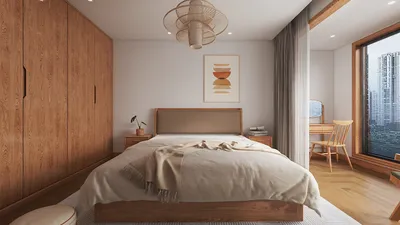


Importing a 3D model into Procreate opens up a plethora of creative opportunities, enabling artists and designers to paint directly on 3D objects, experiment with various materials, and visualize concepts from multiple perspectives. The Procreate app, particularly on the iPad Pro, supports 3D model painting and comes with specific file and workflow requirements. This article presents a detailed guide to help you prepare your 3D model and seamlessly integrate it into Procreate.
From a design perspective, using 3D functionalities in Procreate offers a remarkable way to visualize surface details and color variations before finalizing a render or moving into production. For those who frequently create room visualizations and need an efficient method to paint over furniture, lighting fixtures, or decorative elements, mastering this workflow effectively connects the initial concept phase with the visualization stage. For a more advanced approach to 3D visualization and space planning, tools like Homestyler can elevate your interior designs to an impressive level of sophistication.
Tips 1:
Always verify your model's UV mapping before importing. Proper UV mapping ensures that paint and textures apply evenly across your object in Procreate, minimizing future editing challenges.
FAQ
Q: Which 3D file formats are compatible with Procreate?
A: Procreate supports the .USDZ 3D file format for importing and painting models. Q: Can I directly import .OBJ or .FBX files into Procreate?
A: No, you need to convert .OBJ, .FBX, or other 3D file types into .USDZ beforehand for importing into Procreate. Q: What exactly is .USDZ, and why is it necessary?
A: .USDZ is a 3D file format endorsed by Apple, optimized for AR and applications on iOS like Procreate. It ensures full compatibility for textures, materials, and animations. Q: How can I convert other 3D file formats to .USDZ?
A: You can use software like Blender, Autodesk Maya, or several online conversion tools to export your model to .USDZ, ensuring that scaling and UV mapping are correct. Q: After importing a 3D model into Procreate, can I modify textures?
A: Absolutely, once your model is imported, you can directly paint and edit textures on the model's surface using Procreate's painting tools.

Minimalist Linen Fabric Extra Large Sofa With Throw Pillows And Blanket 3D Model
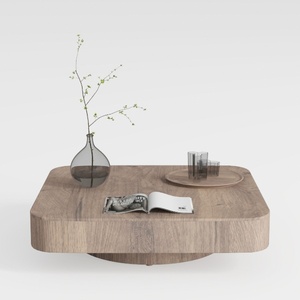
Minimalist Solid Oak Square Floating Coffee Table 3D Model

Minimalist Glass Top Solid Wood Base Irregular Coffee Table 3D Model
Looking to transform your home with ease? Homestyler has you covered! This user-friendly online design tool offers stunning 3D renderings, diverse design projects, and helpful DIY video tutorials. Unleash your creativity and visualize your dream space effortlessly!
Design Now for FREE
































