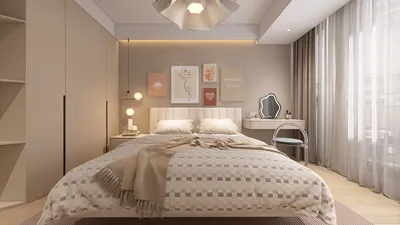


Integrating yourself into a 3D model using Blender can be an exciting and innovative endeavor! Whether your goal is to craft a stunning piece of art or to create a virtual representation of yourself in a digital environment, this guide will provide you with all the necessary steps to achieve that aim. Let’s dive into the process!
Step 1: Get Your 3D Model Ready
To begin, you'll need a 3D model that you'd like to engage with. This can range from a cozy room to an imaginative landscape. Start by launching Blender, then import your desired model by navigating to File > Import and selecting the right file type.
Step 2: Create a 3D Version of Yourself
Now, it’s time to create a 3D avatar of yourself. This can be done using 3D scanning applications or by manually sculpting your model with Blender’s extensive tools. For a more straightforward option, you might find a pre-existing human figure in Blender’s asset libraries to expedite your process.
Step 3: Position Your Model Within the Scene
With your model prepared, the next step is positioning it within the environment. Select your avatar, enter Edit Mode, and utilize transformations to adjust the scale and placement, ensuring it harmonizes with the scene. Utilize the G key to move your model and position it accurately.
Step 4: Add Textures and Set Up Lighting
To achieve a realistic appearance, properly texture your 3D self. Apply various materials and ensure they align with the lighting of your scene. Tweak the World Settings to achieve consistent lighting; this detail is vital for enhancing realism.
FAQ
Q: Is it possible to animate my model within the scene? A: Definitely! You can rig your 3D avatar and incorporate animations for interactive elements within the environment.
Q: What potential difficulties might I encounter? A: Typical challenges include issues with scaling and lighting discrepancies, so it’s advisable to take a thoughtful approach when adjusting these aspects.
Enhancement Tips:
Utilizing reference images of yourself can significantly elevate the accuracy of your 3D model creation. Furthermore, diving into resources like community forums specialized in Blender can offer valuable support and guidance as you navigate challenges in your project, especially if you're also considering platforms like Homestyler for design inspiration.
Homestyler is an exceptional online home design platform that empowers you to unleash your creativity. With a user-friendly design tool, stunning 3D renderings, inspiring design projects, and helpful DIY video tutorials, transforming your space has never been easier. Dive in and start designing today!
立即免费设计
































