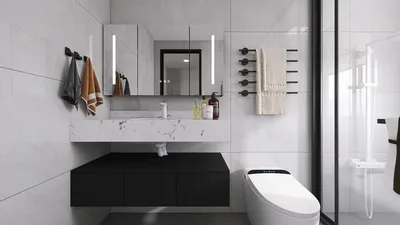


Are you prepared to display your 3D creations globally? Uploading 3D models through platforms like Sketchfab provides an excellent opportunity to showcase your work and connect with an international audience. Follow these simple steps to convert your designs into engaging 3D presentations. Let’s explore how you can easily upload your 3D models!
Navigating the Upload Process
To begin with, if you haven’t yet created an account on Sketchfab, now is the time. Registration is quick and free, enabling you to become part of a lively community of artists and designers.
After logging in, head to your profile and look for the clearly marked 'Upload' button, which makes it simple for your creativity to shine.
Preparing Your Model for Upload
Before you proceed with the upload, make sure your model is saved in one of the compatible file formats, such as OBJ, FBX, or STL. Additionally, it's crucial to optimize your model, which includes confirming the polygon count and ensuring that textures are properly applied.
Be sure to check texture and material requirements, as these can differ depending on your model type. Correct texture dimensions and formats are essential for your model to appear its best once uploaded.
Uploading and Configuring Settings
With your model prepared, it’s time to drag it into the upload section or select it via the file browser. After the upload, you’ll have a chance to modify various settings:
Enhancing Your Model for Interaction
Once uploaded, take a moment to utilize Sketchfab's tools to enrich your model. Tweak lighting and materials, and think about including animations or a 3D perspective that allows users to interact with your design.
Remember to preview your model before completing any changes. Make necessary adjustments to guarantee an optimal user experience.
Sharing and Marketing Your Model
When you’re pleased with your model, it’s time to share it! Sketchfab offers easy-to-use links for social media sharing, as well as options to embed it into your portfolio or website.
Engaging with the community is also beneficial—respond to comments and feedback about your model to foster connections and enhance your skills.
Frequently Asked Questions
Q: Am I able to upload several models at once?
A: At this time, Sketchfab supports one model upload at a time. Ensure that each model is perfected before you upload!
Q: Which file formats are compatible with Sketchfab?
A: You can upload models in formats such as OBJ, FBX, and STL, among others.
Q: Is special software necessary to prepare my models for upload?
A: While it’s not mandatory, using 3D modeling software can significantly aid in preparing your models for upload, ensuring they are ready for rendering in environments like Homestyler.
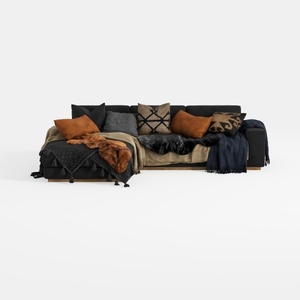
Txtin's U Shaped Sectional Couches for Living Room
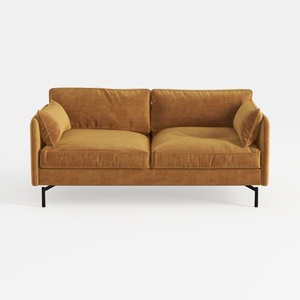
Corduroy High Resilience Sofa with 2 Pillows,57.9


Minimalist Fabric Curved Sofa With Throw Pillow 3D Model
Homestyler is your go-to online home design platform, perfect for anyone looking to create their dream space. With an easy-to-use design tool, stunning 3D renderings, a wealth of inspiring design projects, and helpful video tutorials, bringing your ideas to life has never been easier!
Desain sekarang Gratis
































