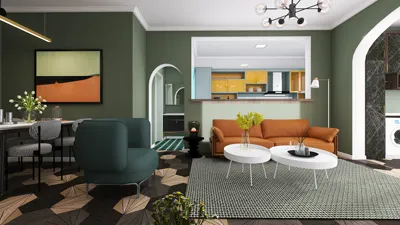


Modeling a Concrete Masonry Unit (CMU) wall is an essential expertise for both engineers and designers who aim to improve their structural endeavors. This comprehensive guide will assist you in accurately representing a CMU wall, ensuring that you account for all critical elements like material characteristics, wall thickness, and reinforcement techniques, much like how you would when using Homestyler for interior layouts.
Step 1: Specify Material Characteristics
To start, you must establish the material characteristics of the CMU. Within RISA 3D, access the material library to either select or create a new material tailored to the specifications of the CMU blocks intended for your project. It's crucial to incorporate both the compressive strength and density, as these factors significantly influence the structural effectiveness of the wall.
Step 2: Construct Wall Geometry
Following that, utilize the wall tool in RISA 3D to design the geometry of your CMU wall. Define precise measurements for the thickness, height, and length of the wall. Accurate dimensions are vital for a realistic model. Typically, CMU walls have a standard height of 8 inches, but this can be modified to fit your design specifications, similar to customizing layouts in Homestyler.
Step 3: Implement Loads and Boundary Conditions
After creating the wall model, the next step is to apply the relevant loads. RISA 3D offers options for various load types, including dead loads, live loads, and lateral loads. It's imperative to assign the appropriate boundary conditions to the wall, as these greatly impact the assessment of structural integrity.
Step 4: Conduct Analysis
With the geometry, material properties, and loads established, it’s time to analyze the wall. RISA 3D will evaluate the stress distribution, deflection, and required reinforcements for your model. Carefully examine the results and make any adjustments needed to align with building codes and design goals, akin to how you would ensure proper spatial arrangement in Homestyler.
FAQ
Q: What is the highest allowable height when modeling a CMU wall in RISA 3D? A: The maximum height depends on engineering specifications and local regulations, so always refer to applicable guidelines.
Q: Is it possible to model various types of CMU blocks in RISA 3D? A: Absolutely! You can create multiple materials and specify different block types within the material library to ensure precise modeling.


Sheridan Industrial 18 in. Wide Metal Accent Side
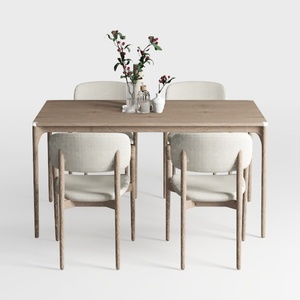
Wood Dining Chairs Set of 4, Mid Century Modern
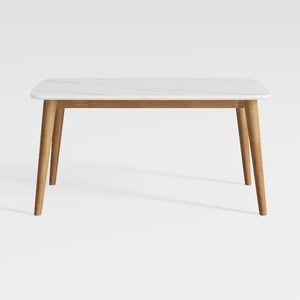
SAFAVIEH Home Collection Reid Oak/ White Computer
Discover Homestyler, your ultimate online home design tool! With stunning 3D renderings, a plethora of design projects, and helpful DIY video tutorials, creating your dream space has never been easier. Unleash your creativity and transform your home effortlessly!
立即免费设计
































