


Uploading a 2D floor plan can be a simple endeavor when you adhere to the correct procedures. Whether you are utilizing design software or a dedicated platform, grasping the process of uploading your design is essential. Let's explore the steps to successfully upload your 2D floor plan.
Comprehensive Guide to Uploading Your 2D Floor Plan
To begin, ensure that your 2D floor plan is saved in an appropriate format, such as JPG, PNG, or PDF. After that, head to the upload section of your selected platform. If you are using Homestyler's design tools, for instance, click on the 'Upload' button. Choose your file and wait for the upload to finish. Once the upload is complete, you can edit and personalize your design even further!
Typical Problems Encountered During Uploading
Users occasionally face challenges while uploading their designs. These issues might include limitations on file size or format incompatibilities. It’s important to verify the guidelines provided by the platform. If difficulties arise, consider compressing your file or converting it to a more suitable format.
Frequently Asked Questions
Do you have inquiries regarding the process of uploading your 2D floor plan? Don’t hesitate to ask! We’re here to assist you with any concerns you might encounter!
Welcome to the Leading 2D Floor Planner

Modern Two Tone Solid Wood Nightstand 3D Model

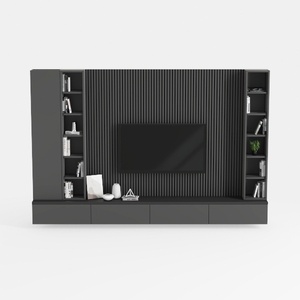
Modern Minimalist Black Solid Wood TV Wall Cabinet With Storage Shelves 3D Model
Homestyler is your go-to online home design platform, ideal for all skill levels. Enjoy a user-friendly design tool, stunning 3D renderings, a wealth of inspiring design projects, and comprehensive DIY video tutorials. Transform your vision into reality effortlessly!
Design Now for FREE
































