


Downloading models from 3D Warehouse can significantly enhance your design projects, offering a wealth of resources to boost your creative potential. Have you discovered an ideal model but found yourself uncertain about how to obtain it? Don’t worry—this guide will provide you with clear, step-by-step instructions.
Step 1: Navigate to the 3D Warehouse Website
Start by accessing the 3D Warehouse online platform. This vast repository is packed with models created by users, all ready for you to download. Utilize the search function by entering specific keywords that relate to your design needs. If you aim to improve a certain element of your project, such as lighting fixtures or furniture pieces, ensure you incorporate relevant terminology in your search.
Step 2: Choose the Model You Want
After spotting a model that piques your interest, click on its thumbnail. You’ll be directed to a detailed page where you can examine images, dimensions, and a description of the model. Consider whether this model aligns with your design intentions. Take your time to scrutinize the visuals and read the accompanying details to confirm its compatibility with your overall concept.
Step 3: Initiate the Download
Find the download button, typically positioned on the right side of the page for the model. Clicking it will reveal a dropdown menu showcasing various file formats, like SKP for SketchUp. Select the format that fits your editing software; if you're uncertain, refer to the documentation for your design application to ensure you choose correctly.
Step 4: Import into Your 3D Software
Once the model has been downloaded, open your 3D design software and import the file. Here you have the flexibility to scale, customize, and seamlessly incorporate the model into your projects. Has this specific model revitalized your workspace? Don’t hesitate to modify its dimensions or features so they align perfectly with your vision using tools like Homestyler for even more adjustments.
Effective Usage Tips
Always take the model’s licensing into account, particularly if you intend to use it for commercial purposes. Respecting copyright and attribution rules is crucial. Have you reviewed the licensing of the model before starting the download? Doing so will ensure adherence to legal requirements and honor the creator's rights.
FAQ
Q: Which software can open models from 3D Warehouse? A: Models are mainly available in the SKP format for SketchUp but can also be adapted for use in other design software like Homestyler.
Q: Are all models available for free download? A: Most models are free, although some may have limitations or necessitate attribution to the original designer.
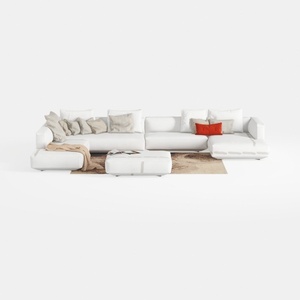
Minimalist White Fabric L Shaped Sectional Sofa with Ottoman 3D Model
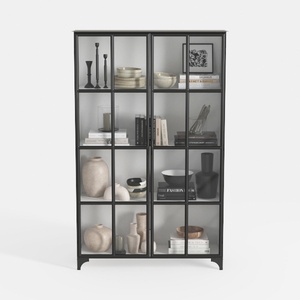
Triple Wide 5-Tier Bookshelf, 70.87" L x 79.13" H
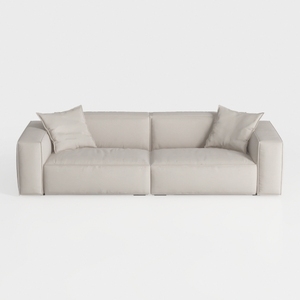
Minimalist Beige Fabric Modern Sofa with Throw Pillows 3D Model
Unlock your creativity with Homestyler, the ultimate online home design platform! Effortlessly create stunning spaces using its user-friendly design tool, explore countless 3D renderings, and gain inspiration from helpful video tutorials. Transform your home design dreams into reality today!
Desain sekarang Gratis
































