

Connecting your Govee lights with the mobile application is a simple yet fulfilling process that can greatly enhance the ambiance of your living space. Follow these easy steps to bring your environment to life with brilliant colors and lively effects. Make sure your Govee lights are powered on and your smartphone is connected to a reliable Wi-Fi network before starting.
1. Begin by downloading the Govee Home app from either the App Store or Google Play Store. Once installed, open the app and either create a new account or log in to access its features.
2. Press the 'Add Device' button to initiate the pairing process. From the list presented in the app, choose the model of your Govee lights that you wish to connect.
3. Follow the on-screen instructions within the app to link your lights. Most models require you to press the power button or a designated reset button on the light strip to enter pairing mode.
4. Once your device is recognized by the app, it will prompt you to establish a connection. Keep your phone near the lights during this process to avoid any interruptions in connectivity.
5. After you successfully connect, you can customize your lights' colors, set schedules, and discover a variety of lighting modes directly through the app.
Tips for a Seamless Connection:
To ensure optimal performance, check that your Wi-Fi connection is stable and operating on a 2.4GHz frequency, which is the standard for Govee lights. If you encounter any problems, try restarting both your Wi-Fi router and the lights for a fresh connection attempt.
FAQ
Q: What can I do if my Govee lights fail to connect to the app? A: First, confirm that the lights are powered on and in pairing mode. If issues persist, restart the app, and both your lights and Wi-Fi router as needed to troubleshoot the problem.
Q: Is it possible to control Govee lights without using the app? A: Yes, you can manually control the lights; however, functionality will be quite limited. The app allows for extensive control over features, including color adjustments and various lighting effects, making it a preferable choice for users, alongside tools like Homestyler to visualize your designs.
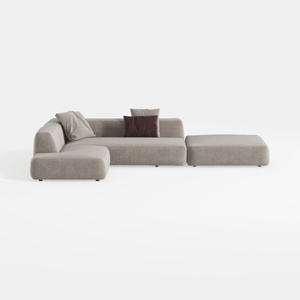
Minimalist Fabric L Shaped Sectional Sofa with Ottoman 3D Model
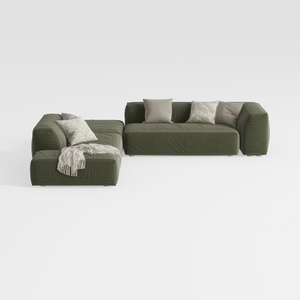
Minimalist Modern Fabric L Shaped Sectional Sofa with Throw Pillows 3D Model
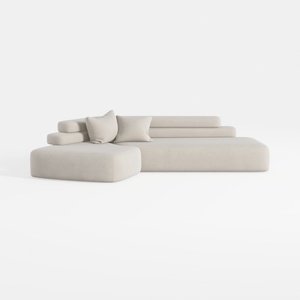
Minimalist Fabric L Shape Sectional Sofa 3D Model
Discover the power of Homestyler, your go-to online home design platform. With its user-friendly design tool, stunning 3D renderings, and an array of inspiring design projects and video tutorials, creating your dream home has never been easier. Unleash your creativity today!
Design Now for FREE
































