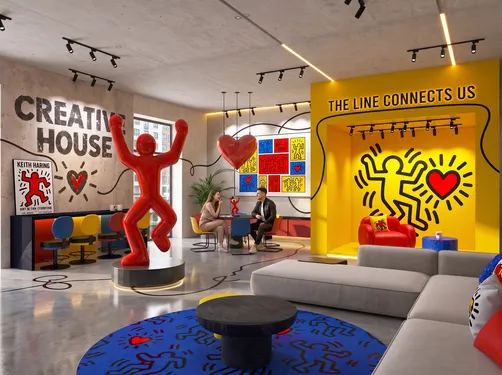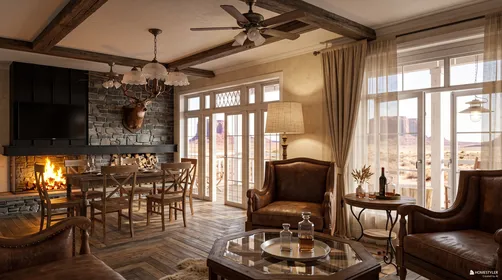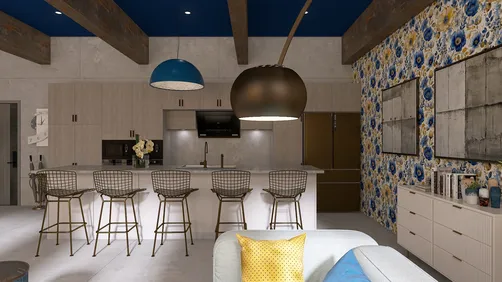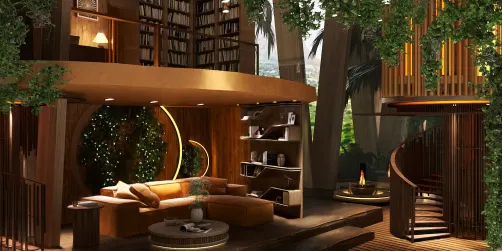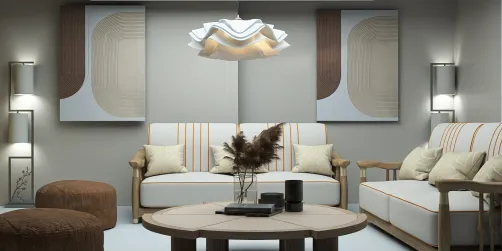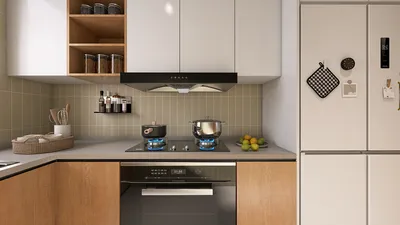



Integrating animated models into Paint 3D is often a popular inquiry, particularly among those eager to infuse vitality and motion into their 3D designs. Unfortunately, Paint 3D is designed primarily for crafting, editing, and painting static 3D structures. The capability to create or import animated models (such as those that exhibit movement like walking or waving) is not inherently available in Paint 3D. Nonetheless, with a creative approach, let's delve into effective strategies and alternatives to add a touch of animation to your projects using tools like Homestyler:
With a background in design, I frequently observe that animating a project transcends mere direct animation—it's about arranging your scenes, positioning your models, and layering your visuals effectively. For example, using a powerful 3D rendering home tool, like Homestyler, allows designers to illustrate both static and dynamic elements by displaying various renditions of a scene or model juxtaposed. This technique proves especially imaginative for presentations or narrative projects.
Tips 1:
To create the most realistic animation-like effects in Paint 3D, it's essential to strategize your project in phases—position your model in each critical frame, export each step as an image, and then, outside of Paint 3D, assemble them using a GIF maker or presentation software to visually animate the sequence. Keep in mind: the effectiveness of animated creations within static software often hinges on careful preparation and utilizing external tools for motion production.
FAQ
Q: Is it possible to import animated GIFs into Paint 3D?
A: No, Paint 3D only accommodates 2D or 3D models, not animated GIFs or video formats. You can, however, import separate frames and compile them as static elements.
Q: Are animated models available in the 3D library of Paint 3D?
A: The internal 3D library offers poseable yet primarily static models. The animation choices remain limited; most models are intended for static applications.
Q: What file formats should I use to bring models into Paint 3D?
A: The accepted formats include .fbx, .obj, .3mf, and .stl, although any animations in the .fbx format will not be recognized; only the static mesh will be imported.
Q: How can I simulate animation within Paint 3D?
A: Position your model in successive postures, export each as an individual image, then compile these frames externally as a stop-motion animation style.
Q: Can I export animated 3D content from Paint 3D?
A: No, Paint 3D is unable to export or render actual animations—only static images or 3D model files can be generated.
Homestyler's roots trace back to Autodesk, the global leader in design and engineering software. That heritage lives on in every feature we build. Today, with a community of more than 20+ million registered users (platform data, 2026) worldwide, Homestyler continues to make professional-quality interior design accessible to everyone — from first-time decorators to seasoned architects.

Minimalist Walnut Solid Wood Rectangle Coffee Table With Lower Shelf 3D Model

multi-seat sofa-Sep.Check-in

Modern Fluted Solid Wood Marble Top Round Coffee Table 3D Model
Discover your inner designer with Homestyler! This user-friendly online platform offers an intuitive design tool, stunning 3D renderings, inspiring design projects, and helpful video tutorials. Whether you're a novice or an experienced designer, you'll find everything you need to create your dream space effortlessly.
Design Now for FREE

















![[For my dearest Sabrinik 🧡]](https://hs-designs.homestyler.com/production/design/images/3f463715-5ed6-4c49-9346-16d464510aa6/1714085722568.jpg?x-oss-process=image/resize,w_502,m_mfit/format,webp)