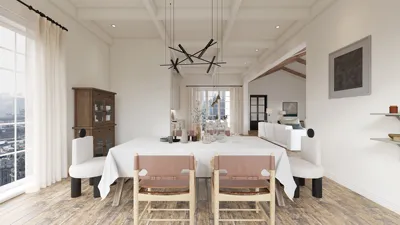


Extracting 3D models from World of Warcraft (WoW) is a popular endeavor among enthusiasts and designers who want to utilize iconic assets for personal projects, machinima, or fan art. This process typically requires specialized tools to access the game files, convert proprietary formats, and subsequently import them into 3D modeling applications. Below is a comprehensive guide to facilitating this extraction legally and efficiently:
As a designer, I advise against merely extracting models for immediate use; instead, consider using these assets as a source of inspiration for your creative projects. If you're looking to create custom environments or game-themed interiors, especially for DIY endeavors, employing digital planning tools can significantly enhance your workflow. For instance, a 3D floor planner like Homestyler allows you to import, organize, and visualize game assets in real-world settings, merging fantasy with reality in a polished manner.
Tips 1:
Always back up your files before performing any extraction and conversion. Working with copies preserves the integrity of your original data and allows you to revert any changes if necessary. Additionally, keeping an eye on the WoW modding community forums or Discord groups will provide you with the latest export scripts and troubleshooting advice, as these tools are frequently updated to accommodate new iterations of WoW.
FAQ
Q: Is it legal to extract and utilize WoW 3D models?
A: Extraction for personal, educational, or non-commercial purposes is generally accepted, but it is always regulated by Blizzard’s Terms of Service. Any commercial use without explicit permission is not allowed.
Q: What file types should I focus on when extracting from WoW for 3D models?
A: You will mainly need .M2 (models) and .BLP (textures) file types from the game’s directory.
Q: Can I directly import WoW models into Blender?
A: Unfortunately, you cannot directly; you first need to convert .M2 files into a standard format such as .OBJ or .FBX using tools like WoW Model Viewer or WowExportTools.
Q: Where can I access tutorials or get help if I run into problems?
A: The WoW modding communities on platforms like Reddit, Discord, and specialized forums provide guides and assistance for extraction and import challenges.
Q: Are there design tools that support the import of custom 3D models?
A: Indeed, many modern floor and room planners, particularly those with 3D visualization capabilities, enable users to import custom models, allowing you to simulate environments or present unique design ideas effectively.
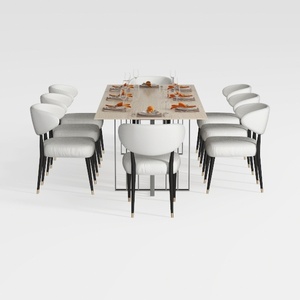
GarveeHome Natural Rattan Dining Chairs Set of 2

Modern Rattan Fabric Outdoor Sectional Sofa with Coffee Table 3D Model
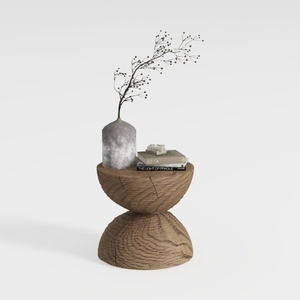
Minimalist Solid Oak Wood Side Table Unique Hourglass Shape 3D Model
Homestyler is your go-to online platform for effortless home design! With its user-friendly design tool, stunning 3D renderings, and a wealth of design projects and DIY video tutorials, transforming your space has never been easier or more inspiring. Start creating your dream home today!
Design Now for FREE
































