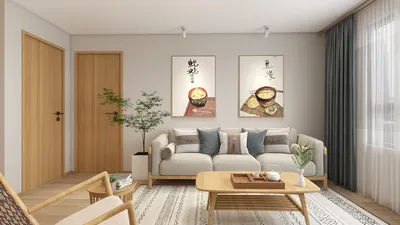


Creating a 2D floor plan for workshops is essential for optimizing space utilization and enhancing functionality. Whether you're establishing a community workshop or a professional training environment, a thoughtfully arranged layout can significantly boost both productivity and creativity. In this article, we will delve into effective techniques and tools, including Homestyler, for designing a powerful 2D floor plan that meets your needs.
Key Components of Effective Workshop Layouts
An effective workshop layout must accommodate a variety of activities while promoting smooth traffic flow and accessibility. It's important to consider the specific activities that participants will engage in and allocate space accordingly. By incorporating designated areas for tasks like brainstorming, hands-on projects, and relaxation, you can greatly enhance the overall experience.
Leveraging 2D Design Software
Employing a 2D design software, such as Homestyler, makes the process of creating floor plans much easier. These applications enable you to visualize measurements, test different furniture configurations, and modify designs effortlessly to suit your requirements. Additionally, they allow for sharing plans with team members, fostering collaboration.
Emphasizing Feedback and Adaptability
Designing a workshop should never be a one-dimensional task. Solicit feedback from participants to gain insight into their needs and preferences. This collaborative approach can result in a more dynamic and inviting space. Keep in mind that adaptability is crucial; think about incorporating movable furniture or modular setups that can adjust to various activities.
Common Questions
welcome to Use the Leading 2D Floor Planning Tool


Discover Homestyler, the ultimate online home design platform! With its user-friendly design tool, stunning 3D renderings, and a wealth of inspiring design projects and DIY video tutorials, you can effortlessly transform your home into a masterpiece. Explore your creativity today!
立即免费设计
































