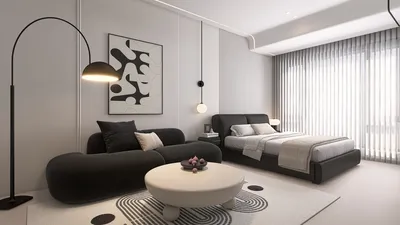


Are you ready to craft the home of your dreams right from your Android device? Look no further than Homestyler, the ideal app for turning your design concepts into tangible spaces. This user-friendly application empowers you to create intricate floor plans, visualize your environment, and effortlessly arrange furniture. Suitable for both novices and seasoned designers, Homestyler offers a diverse array of tools catering to varying expertise levels. Unleash your creativity and design your interior layout with utmost ease, all while benefiting from the convenience of a mobile platform.
Getting Started with Homestyler Floor Plan App
To kick off your journey with the Homestyler Floor Plan on Android, start by downloading the app from the Google Play Store. After installation, initiate a new project and define the dimensions of your area. The intuitive interface allows for smooth wall drawings, window placements, and door insertions. Be sure to explore the extensive furniture catalog included in the app to add a realistic flair to your design!
Features of Homestyler for Android Users
A prominent feature of Homestyler is its exceptional 3D visualization capabilities. While designing your floor plan, you can easily toggle to a 3D view, giving you a real-life perspective of your space. Furthermore, you can personalize colors, materials, and textures to align with your aesthetic preferences. Sharing your designs for collaboration is also a breeze, allowing friends and family to provide valuable feedback.
FAQ
What are the system requirements for Homestyler on Android? Is it available for free? How can I share or export my designs?
Welcome to Use Free 3D Floor Planner
Discover Homestyler, the ultimate online home design platform! With its user-friendly design tool, stunning 3D renderings, a wealth of design projects, and engaging DIY video tutorials, you can easily transform your space into a dream home. Start designing today!
지금 무료로 디자인하세요
































