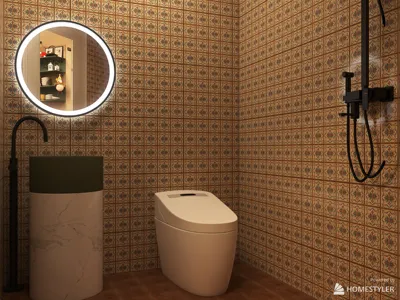


Transforming a face into a 3D model is a powerful method that merges creativity with technology, suitable for designing 3D avatars, crafting digital art, or enhancing architectural visuals. This process often entails capturing facial data and converting it into an editable 3D mesh, which can be further detailed and textured. Here’s a concise guide to assist you in achieving this while applying essential design principles for professional outcomes:
For designers, incorporating a 3D face model into interactive settings opens up exciting possibilities for creating personalized experiences for clients. For example, displaying a homeowner’s face in a virtual family gallery or experimenting with human-centered decor can make environments feel more engaging. To simplify these processes and effectively visualize 3D models within the context of spaces, consider user-friendly tools like Homestyler, which allow smooth integration and immersive staging in interior design projects.
Tips 1:
Ensure you pay attention to lighting and resolution when capturing facial data—consistent, uniform lighting reduces distortion and results in clearer scans. As a designer, this practice not only saves time during cleanup but also guarantees that the facial model integrates seamlessly into architectural renderings or digital presentations.
FAQ
Q: Can I create a 3D face model using just photos?
A: Absolutely! By utilizing photogrammetry or AI-driven applications, you can build a 3D mesh from multiple perspectives. The quality tends to improve with a range of well-lit images.
Q: What’s the best free software for face modeling?
A: Blender stands out as an outstanding open-source option, providing robust sculpting and texturing features suitable for both novices and professionals.
Q: How will a 3D face model fit into interior design?
A: You can use personalized 3D faces as interactive features in virtual tours, create bespoke artwork, or organize digital family photo displays in model homes.
Q: Are there AI tools available that automate face-to-3D modeling?
A: Indeed, numerous tools leverage AI to automatically create 3D models from single images or scans, although some manual adjustments are often recommended to achieve optimal results.
Q: What file formats should I use to export my 3D face model?
A: The most common formats include OBJ, FBX, and STL, depending on your intended application (animation, rendering, 3D printing, or AR/VR).
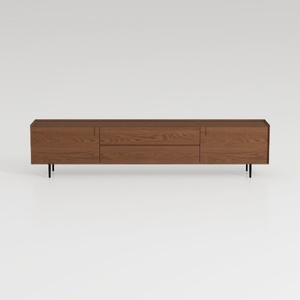

Modern Minimalist Walnut Solid Wood TV Stand with Drawers 3D Model
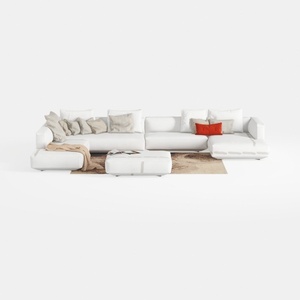
Minimalist White Fabric L Shaped Sectional Sofa with Ottoman 3D Model
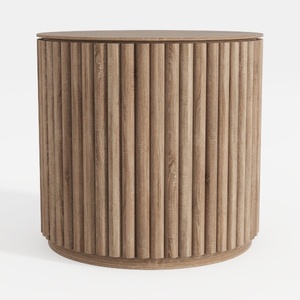
Discover your creativity with Homestyler, the ultimate online home design platform! Utilize its user-friendly design tool to create stunning spaces, explore an extensive library of 3D renderings, and learn from DIY video tutorials. Transform your design ideas into reality effortlessly!
Concevez maintenant gratuitement
































