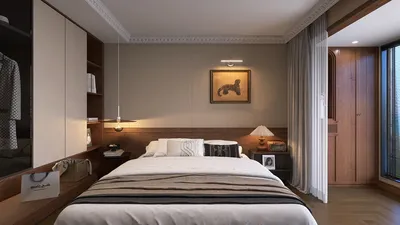


Converting a model from Roblox into a 3D representation suitable for external visualization or design requires a series of technical steps. However, this is a process that a multitude of creators and designers have efficiently navigated. Let's explore the key elements to guarantee that your project flourishes while ensuring that your model retains its quality during the transition.
Initially, you should export your Roblox model from Roblox Studio. Launch Roblox Studio, select the desired model for conversion, and utilize the ‘Export Selection’ feature to save it as an .OBJ file. This format is widely recognized across various 3D modeling and rendering applications, acting as an essential link for employing your models outside of the Roblox platform.
After you've obtained your .OBJ file, the next step is to import it into your favorite 3D modeling software, such as Blender, 3ds Max, or SketchUp. Here, you can enhance textures, modify lighting, and create environments for rendering. As a designer, I often recommend examining your imported model from various perspectives, considering its potential applications in an interior context; this consideration adds practical value whether your goal is to visualize virtual decor or prepare for 3D printing your model.
Additionally, effective tools for 3D floor planning can assist you in placing the imported model within realistic layouts, which is particularly useful for designing a personalized room or gaming environment. Incorporating these assets into a cohesive interior design strategy not only ensures visual appeal but also functional equilibrium, ultimately making the outcome more engaging and aesthetically pleasing.
Tip 1:
After importing, always verify the scale and texture coordinates of your model, as these may occasionally become distorted during the export process. By applying suitable materials or UV mapping in your 3D software, you can enhance realism and guarantee the model integrates smoothly into your chosen scene.
FAQ
Q: Is it possible to export any Roblox model into a 3D format?
A: You can export any model that you own or have permission to use within Roblox Studio. Models created by others or those protected by copyright cannot be exported without appropriate approvals.
Q: Which file formats are available for export?
A: Roblox Studio permits exports in .OBJ format, which is widely accepted by most 3D modeling tools available today.
Q: Are textures included with the model export?
A: Basic textures are exported as separate PNG files. However, more complex material configurations may necessitate manual adjustments after the import process.
Q: What software is best for editing Roblox models?
A: Blender is a favored free option, while professional tools like 3ds Max, Maya, or SketchUp are also recommended for effective editing and rendering.
Q: How can I utilize my 3D model for interior design or visualization?
A: Import your model into a 3D floor planner or visualization tool, allowing you to position it in a space while experimenting with lighting, decor, and overall layout. Moreover, consider using platforms like Homestyler for enhanced visualization options.
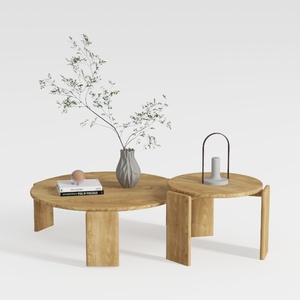
RUSTOWN 2-Piece Round Farmhouse Coffee Table
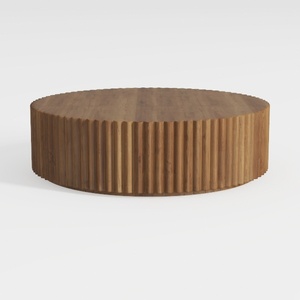
Oval Drum Coffee Table Brown Oval Fluted Coffee

Minimalist Solid Wood Fabric L Shape Sectional Sofa 3D Model
Homestyler is your go-to platform for effortless home design. Its user-friendly online design tool, stunning 3D renderings, and an array of inspiring design projects, coupled with easy-to-follow video tutorials, empower you to transform your space like a pro—no prior experience needed!
تصميم الآن مجانا
































