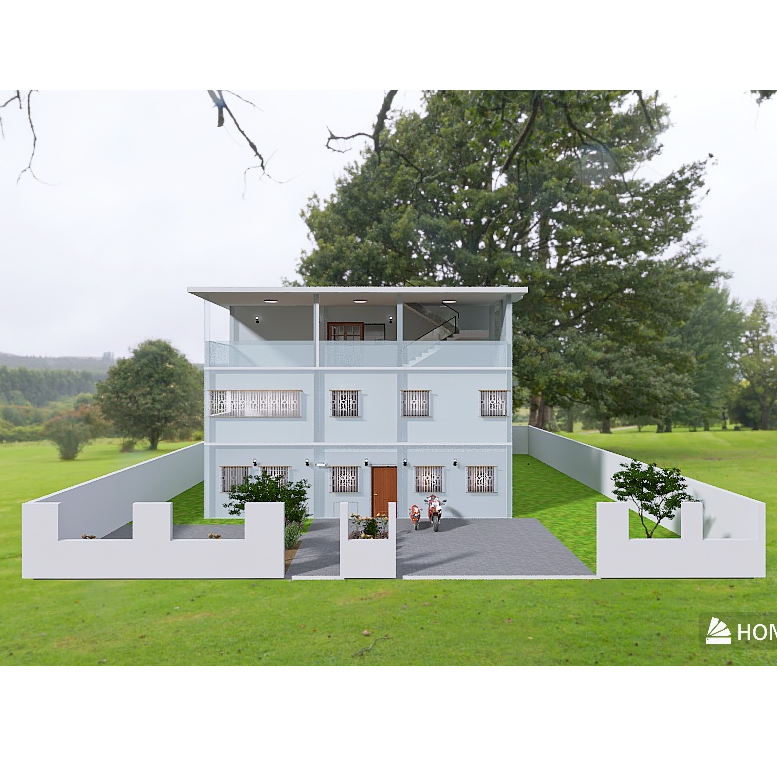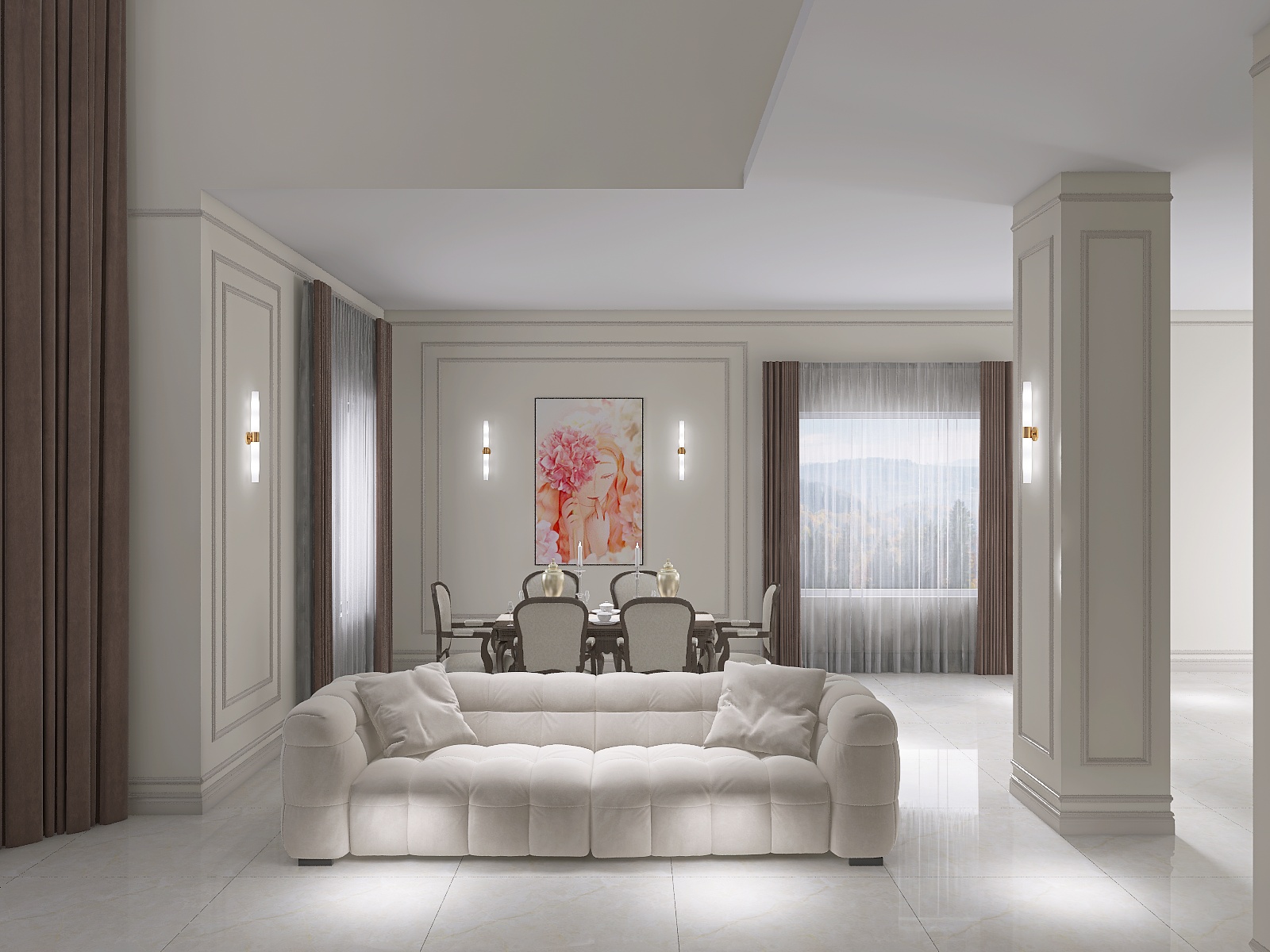
Welcome to Homestyler Bootcamp Vol. 3! 🚀
In our previous lessons, we explained how to quickly generate desired models and textures using AI Modeler and AI Texture. Today, let's design a warm and cozy master bedroom from scratch!
💡 Video Highlights:
1️⃣ Wall & Floor Finishes: Use the RGB mode in the properties panel to freely customize paint colors.
2️⃣ Ceiling & Wood Beam Customization: Plan a recessed tray ceiling and use the Interior Modeling tool to create decorative wooden beams.
3️⃣ Furniture Styling & Layout Tips: Seamlessly plan the sleeping and home office areas, use the "Material Brush" to achieve color harmony, and learn styling aesthetics like "triangle composition" for decor.
🔍 Search these IDs to find the furniture (excl. model packs):
curtain:62729217
Venetian blinds:550127
Bedside ornament :64149102, 64147156
laptop:55877629
green plant: 56377223
wall painting: 64148194, 64146218, 64152093
magazine:57300215
storage box:64146232
cat:61162711
floor lamp:54751201
👉 Try Homestyler for Free: https://www.homestyler.com/
🔔 Subscribe to us for more 3D design tutorials! https://www.youtube.com/@Homestyler3D