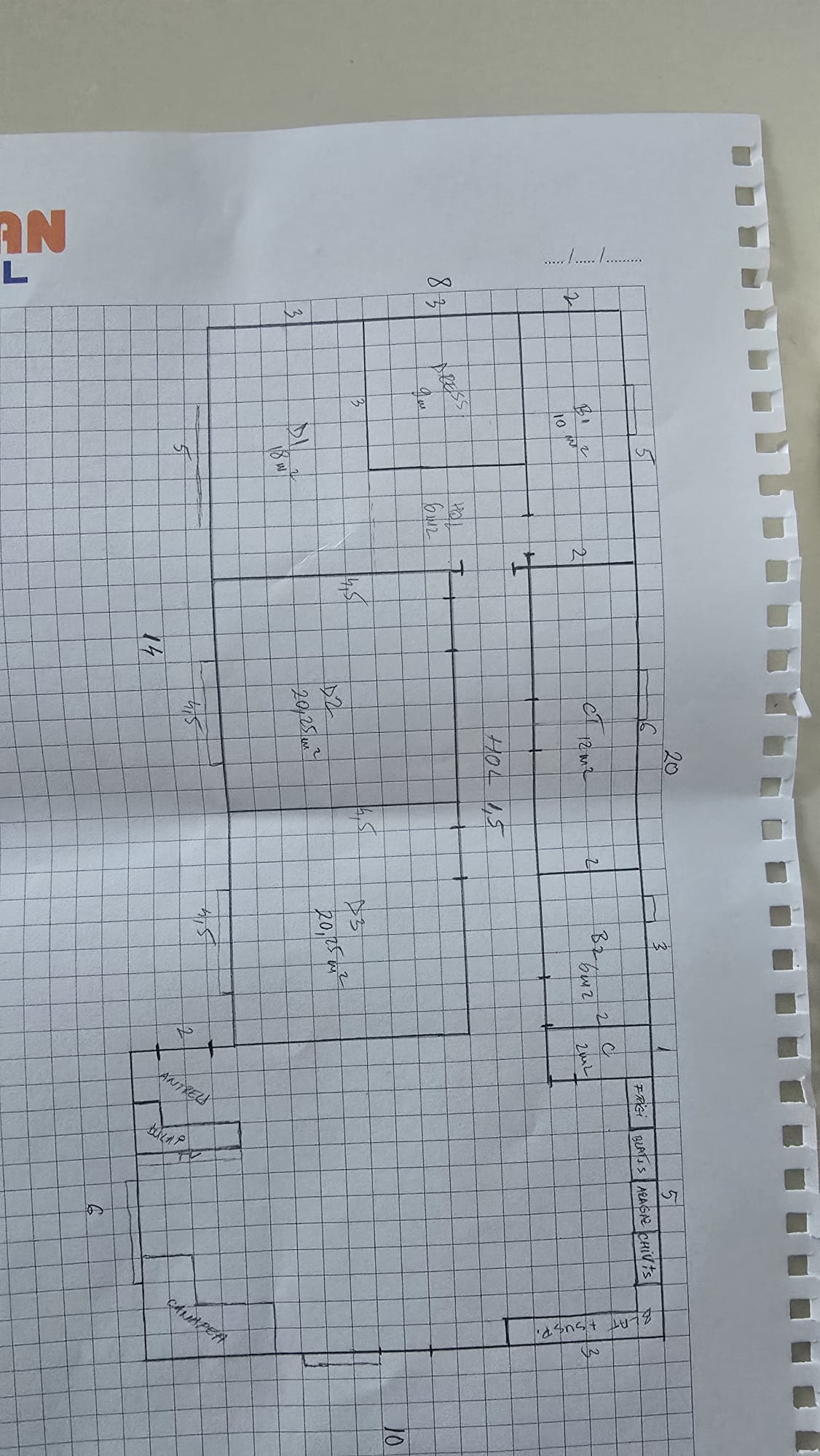
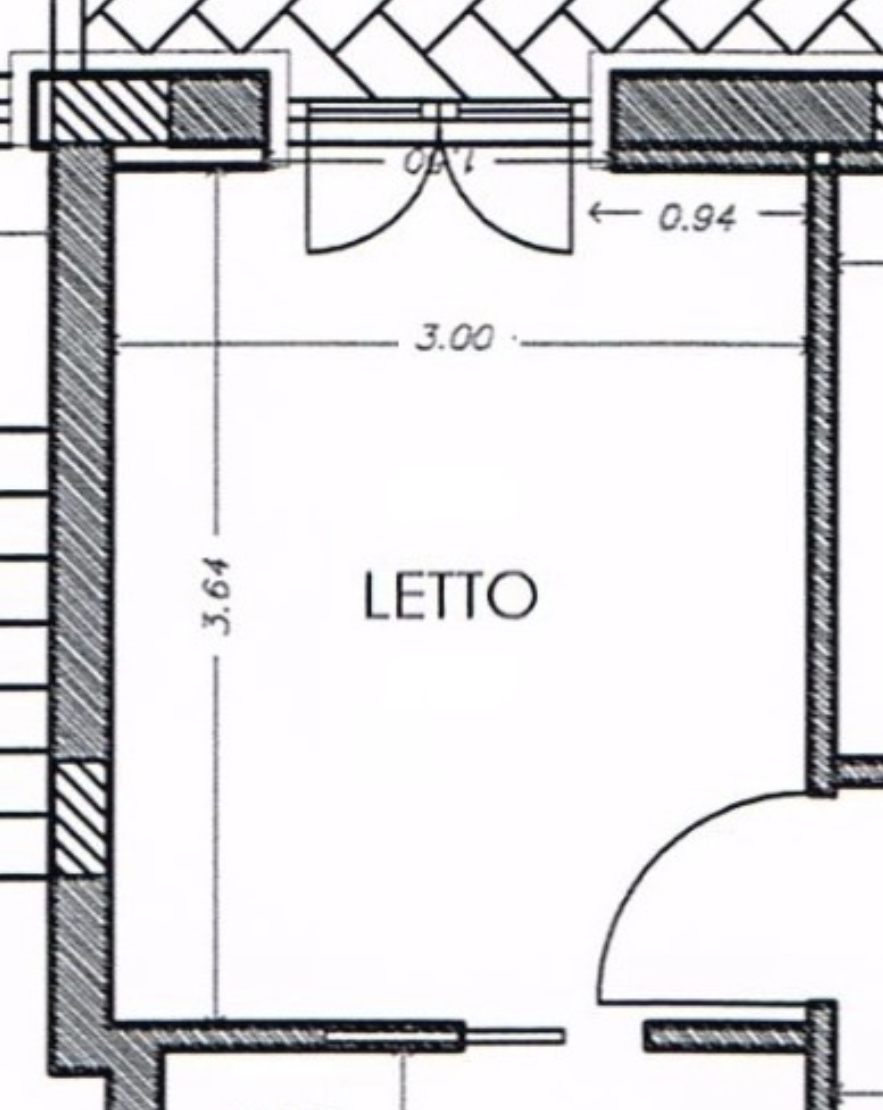
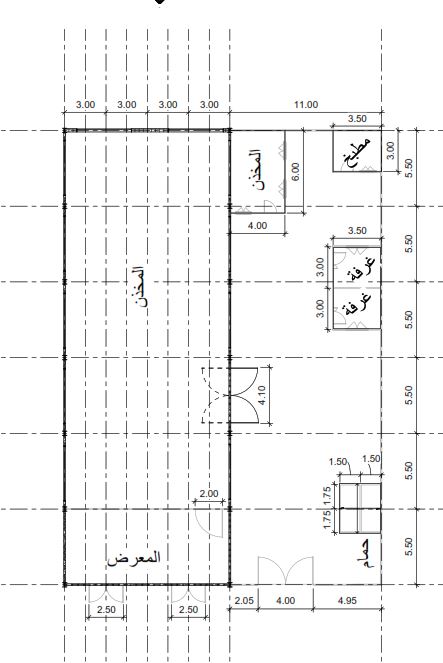
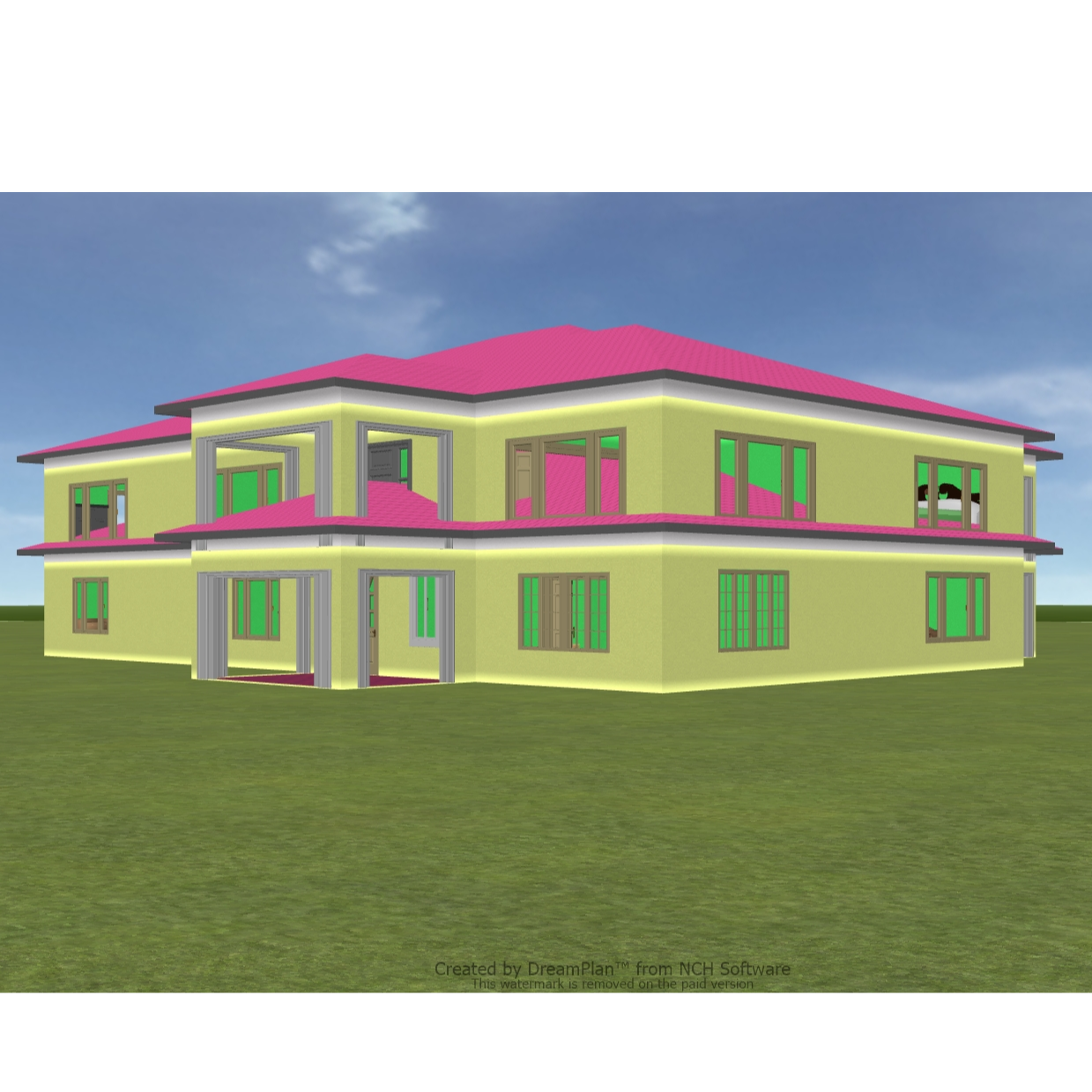
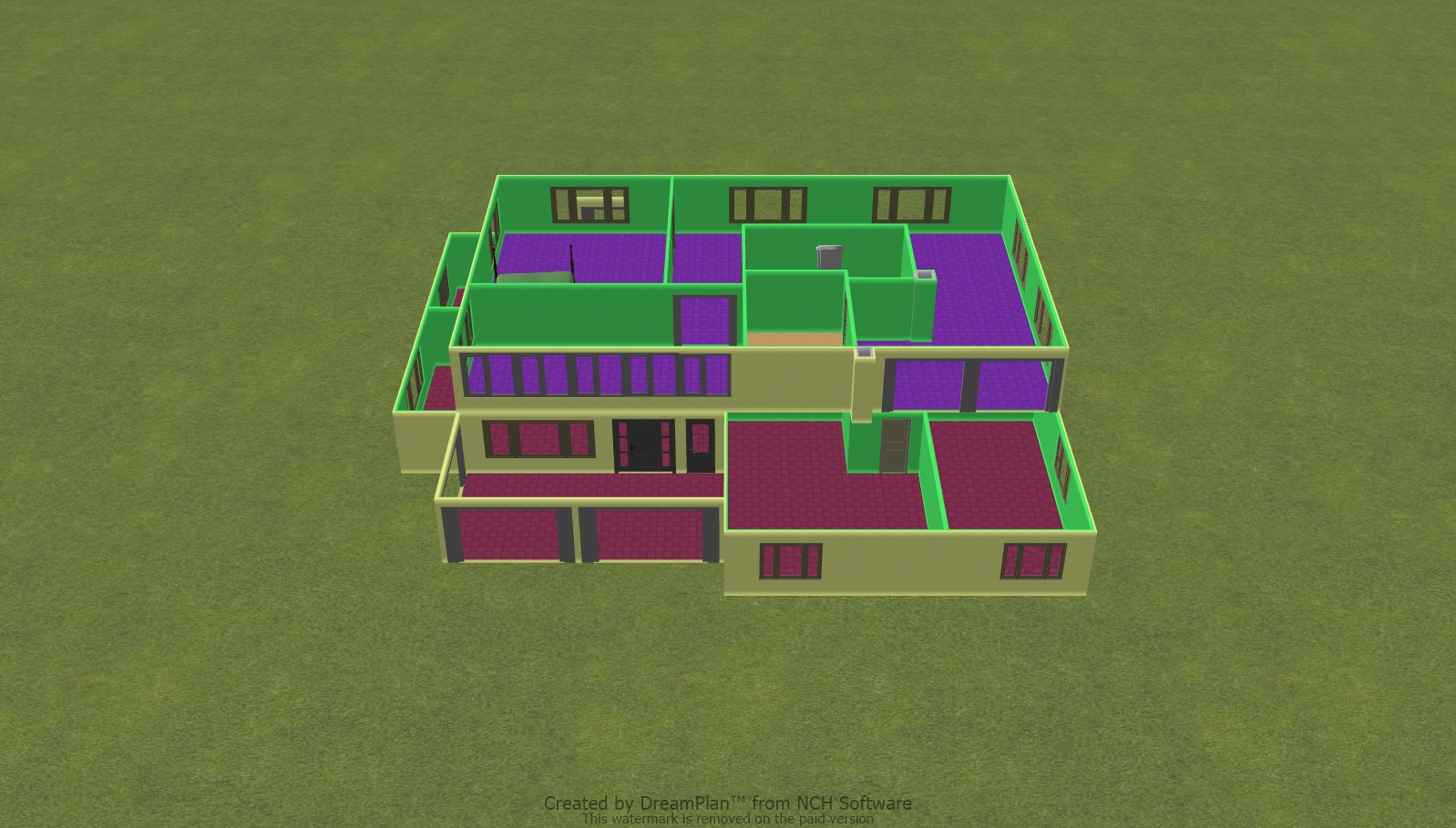
With AI Planner, you can create a floor plan in minutes. In this tutorial, you’ll see how easy it is to choose your rooms, pick a home size, and let AI build a layout for you.
AI Planner (Web) Tutorial:
Go to "AI tools" tab from the top navigation bar on the Homestyler website, then click “AI Planner" to begin. You can also direct visit through this link: https://www.homestyler.com/ai-planner
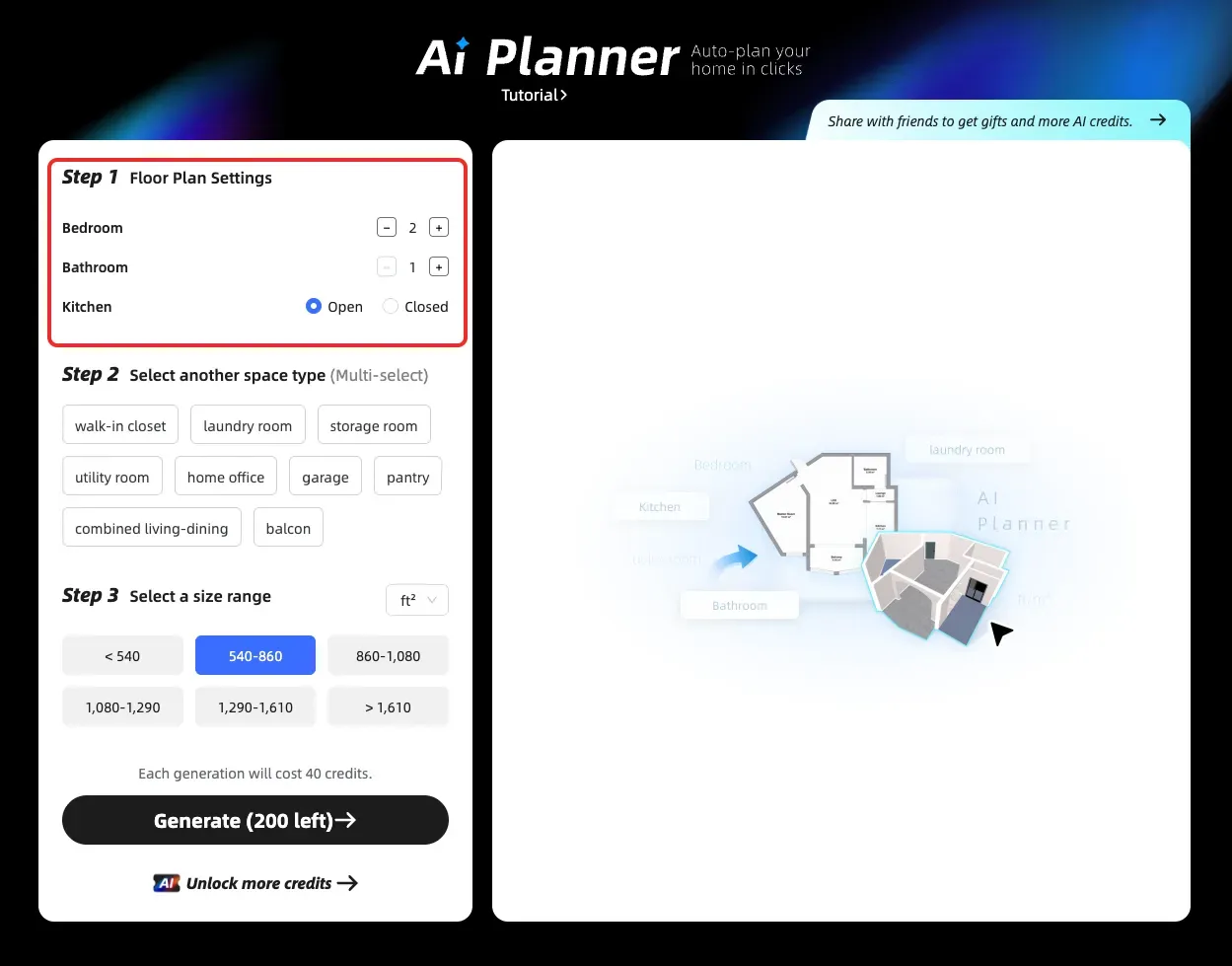
Step 1: Set your main rooms
• Choose how many bedrooms and bathrooms you need.
• Pick if the kitchen is open or closed.
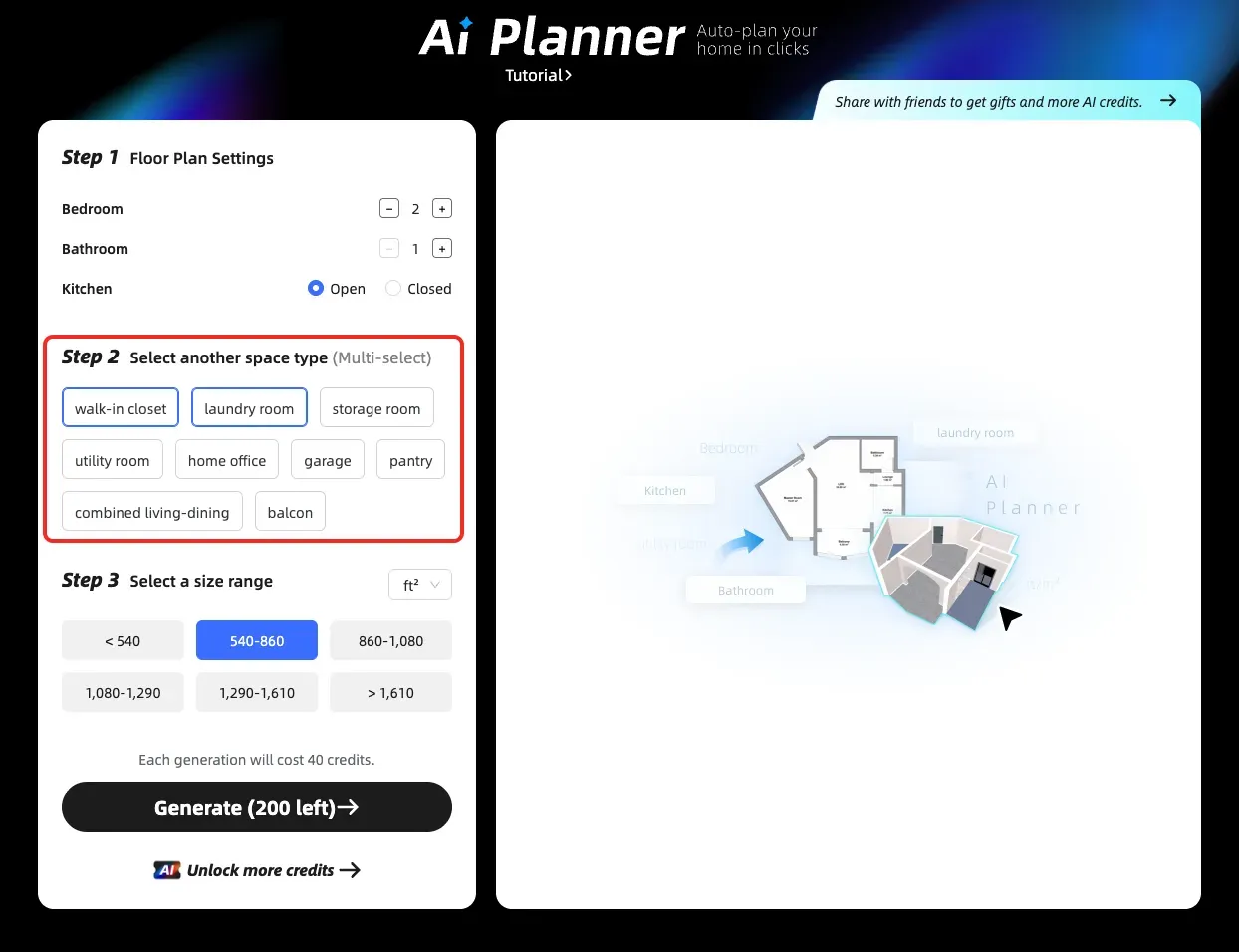
Step 2: Add extra spaces
Select any additional rooms you want, like a laundry room, home office, walk‑in closet, storage room, garage, or balcony.
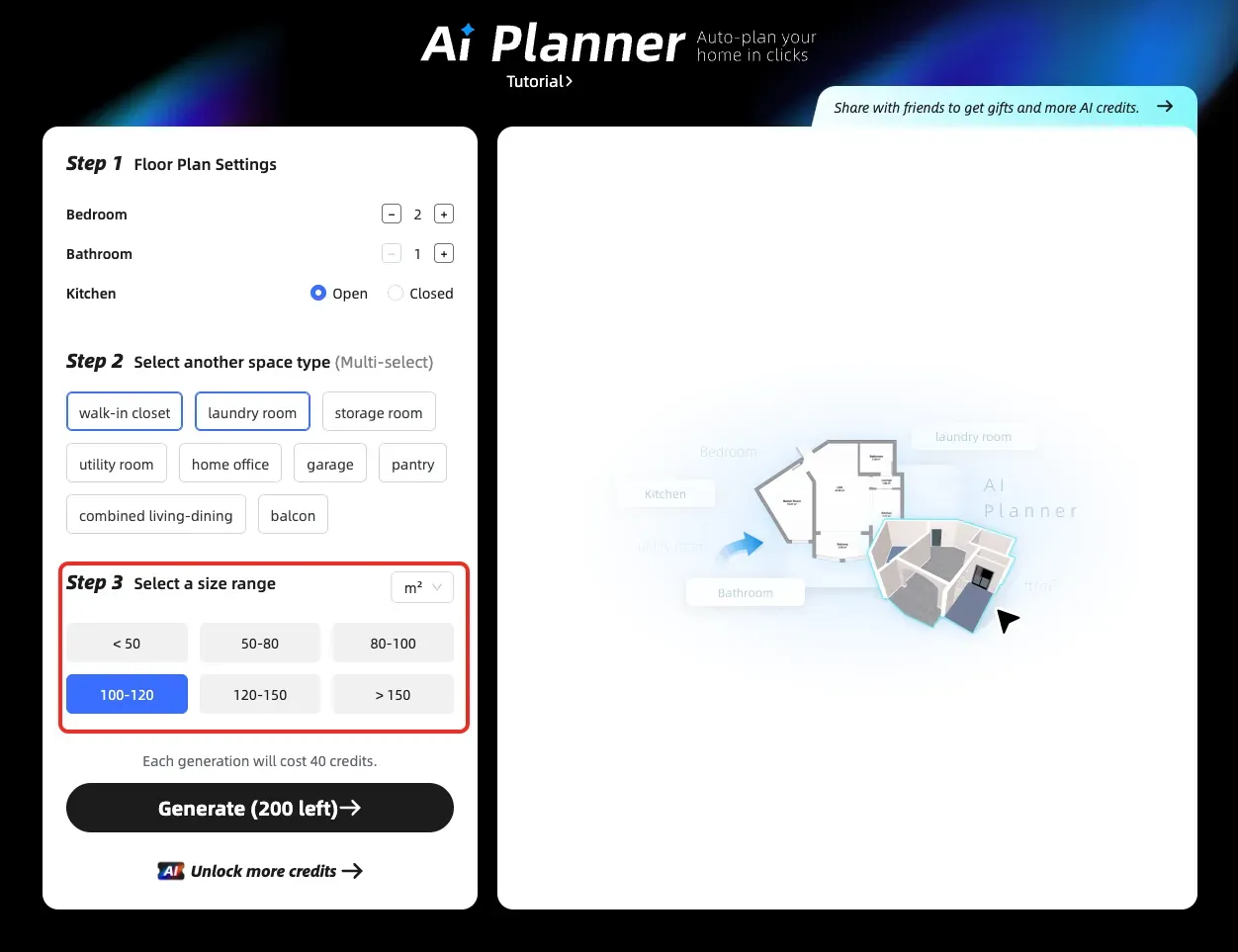
Step 3: Select the total size of your home
• Choose the size range that matches the overall area of your home.
• You can switch between ft² and m².
Step 4: Generate your floor plan
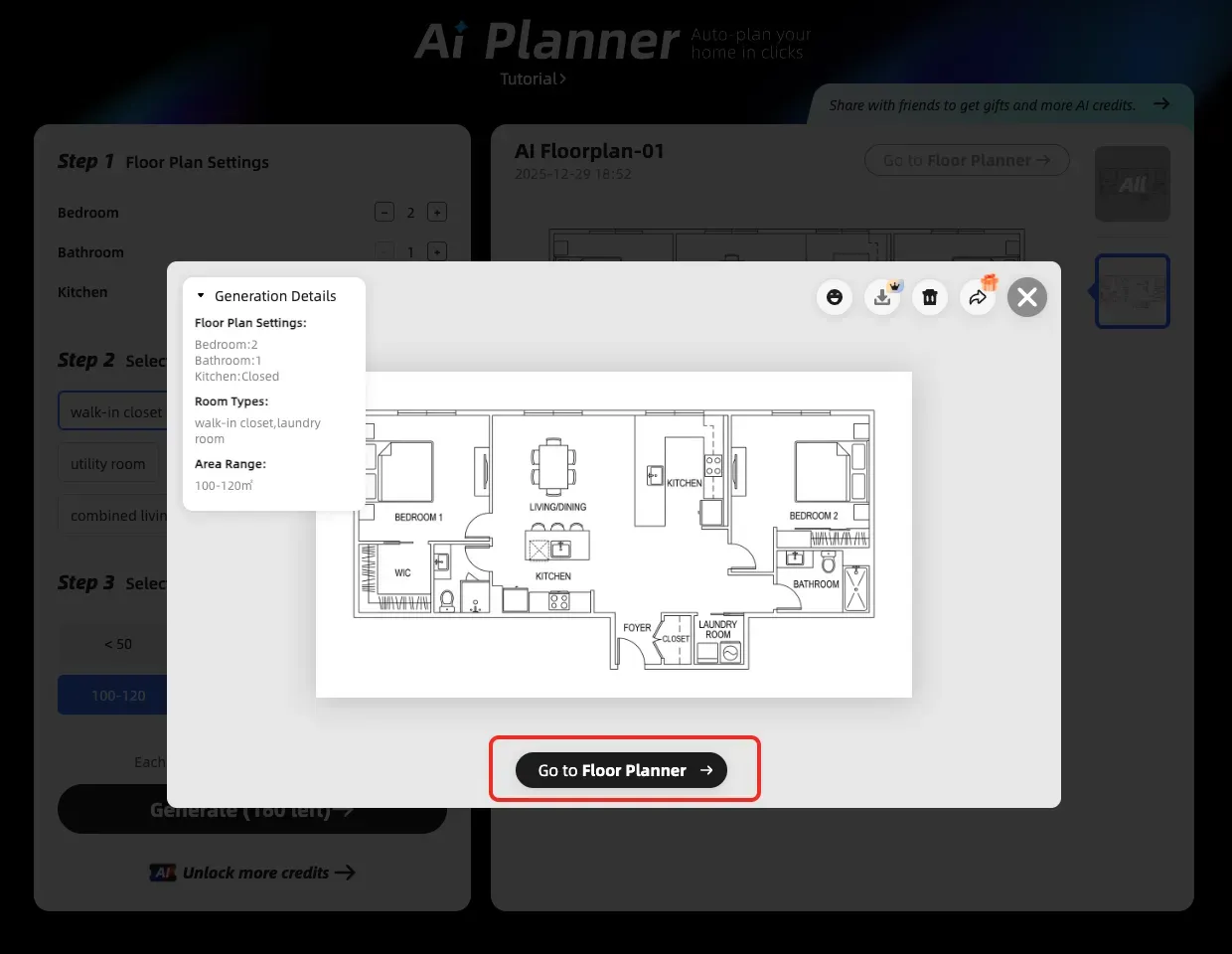
• Click Generate and let AI create the layout for you.
• When it’s ready, open it in the 3D editor and continue customizing your design.
* Credit usage: Each AI‑generated texture uses 40 AI credits.
* Floor Plan Generation Time: Your AI‑generated 2D floor plan usually takes about 2–5 minutes to complete. When it’s ready, you can open it in the 3D design tool to turn it into a 3D floor plan and continue making changes.
* Find Your AI Floor Plan: Go to Floor Planner > My > AI Result > AI Planner. Your generated plan will be marked with an “AI” badge.
Video Tutorial:
You can also check out our step‑by‑step video tutorial here:
[Watch the AI Planter Video Guide >>]