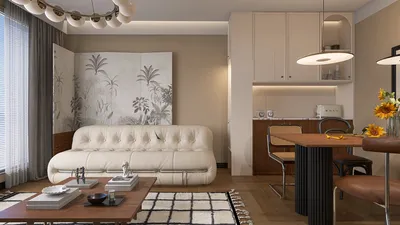


Opening 3D models in Homestyler can significantly streamline your design process and enhance your visual presentation. Are you prepared to explore the realm of 3D modeling?
Firstly, confirm that your 3D models are in a format compatible with Homestyler. While this platform supports numerous formats, OBJ, FBX, and 3DS are among the most commonly used. If you’re uncertain about your model's format, remember to check the file extension before proceeding.
Step 1: Prepare Your 3D Model
Before you import your 3D model into Homestyler, ensure it adheres to the platform's specifications. If necessary, you can convert your models into a compatible format using software like Blender or Autodesk 3ds Max, which can help prevent unnecessary delays.
Additionally, make sure to optimize your model for optimal performance. Lowering the polygon count, if needed, can help achieve smooth rendering in Homestyler.
Step 2: Upload Your Model to Homestyler
Once your model is ready, it’s time to upload it to Homestyler. Open the application and navigate to the import section. You can simply drag and drop your files into the interface or select the upload button to choose your model explicitly.
After the upload, allow Homestyler a moment to process your model. How does it appear in the viewer? You may need to adjust its position or scale if it doesn't appear correctly.
Step 3: Explore and Edit
With your model now displayed, it’s time to explore its various features. Utilize the tools within Homestyler to rotate, zoom, and manipulate the model. This interactive workspace lets you truly experience your design!
Are there specific features or components you’d like to modify? Make use of Homestyler’s robust editing tools to enhance the details of your model.
FAQs
Homestyler supports several formats, including OBJ, FBX, and 3DS, commonly utilized for 3D modeling.
To optimize your model, consider reducing the polygon count and ensuring it meets the specifications required by Homestyler.
Absolutely! After uploading, you can leverage Homestyler’s editing tools to make any necessary modifications and enhancements to your model.
If your model isn’t displaying correctly, adjust its positioning or scale in the Homestyler viewer to ensure it fits appropriately.
You can utilize software such as Blender or Autodesk 3ds Max to convert your models into a format that Homestyler supports.

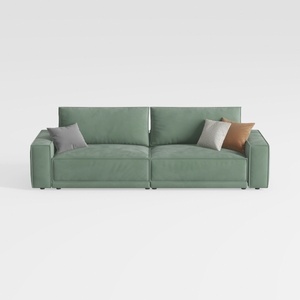
HIFIT 112" Sectional Couches for Living Room- Pull


Cream Boucle Floor Couch Sofa - Mid Century Modern
Homestyler is your go-to online platform for home design! With its user-friendly design tool, stunning 3D renderings, and a wealth of DIY video tutorials, you can easily create, visualize, and enhance your interior spaces—perfect for any design enthusiast!
Design jetzt kostenlos
































