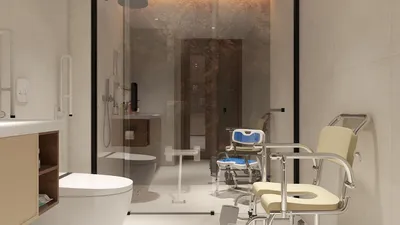


Developing 3D model animations for Unity is a detailed process that includes multiple stages: modeling, rigging, animating, and eventually importing your assets into Unity for seamless integration into your projects. In my experience as a designer, following a structured method enhances not only the visual appeal but also guarantees a smooth workflow and compatibility. Below is a brief guide to help you get started with 3D animations using Homestyler and Unity.
As a designer, I emphasize the necessity of planning your model’s bone structure and animations early in the process. Proper organization leads to efficient production and reduces potential challenges during game development.
Successfully incorporating 3D models into your environment demands more than mere technical skills; it requires a vision for creating harmonious spaces and movements. Using tools like Homestyler for 3D rendering not only facilitates asset pre-visualization but also enhances the integration of models with interactive environments. This ensures that style and functionality are well-aligned.
Tips 1:
Utilize reference videos along with motion capture data to create more realistic animations. Always preview your exported animations in Unity, as subtle adjustments may be necessary post-import to achieve the desired feel.
FAQ
Q: Is there a specific 3D software I must use for Unity animations?
A: There is no requirement to use a specific 3D application, as Unity supports FBX files exported from well-known software such as Blender, Maya, and 3ds Max. Opt for the tool that you are most familiar with.
Q: Am I able to animate models directly within Unity?
A: While Unity provides animation tools like the Timeline and Animation windows, complex rigging and animations are best performed using external 3D software.
Q: How can I loop animations in Unity?
A: During the import of the animation clip, make sure to enable the “Loop Time” option in the Import Settings.
Q: What is the recommended frame rate for gaming animations?
A: A frame rate between 24 and 30 frames per second is common for gaming animations. Adjust according to performance considerations.
Q: Why does my model’s animation appear differently in Unity than it does in the 3D software?
A: Discrepancies often stem from incompatible rigging, scaling issues, or missing animation curves. Always verify your export settings and test with simple animations beforehand.
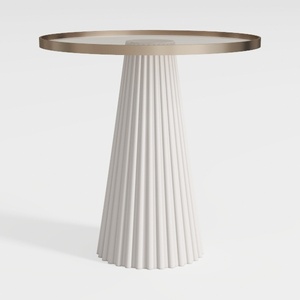
43" Wooden Round Dining Table, Mid-modern Circular
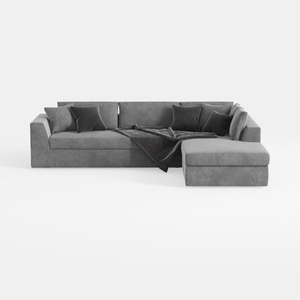
MAKLAINE Contemporary Gray Velvet Down Filled
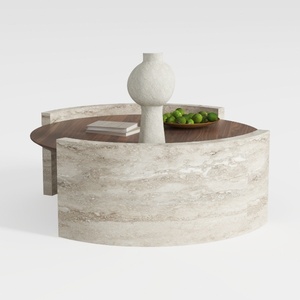
Round Coffee Table,29.52IN Wooden Coffee Table,Mid
Discover Homestyler, your go-to online home design platform! With an intuitive design tool, stunning 3D renderings, and a wealth of inspiring design projects and DIY video tutorials, you can effortlessly create your dream space, regardless of your experience level. Start designing today!
Desain sekarang Gratis
































