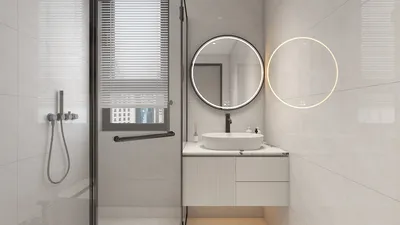


Dorm simulators are transforming how students, educators, and designers conceptualize and organize college living areas. These innovative tools create a virtual environment for users to arrange and personalize their dorm rooms, allowing experimentation with layouts, furniture positioning, color schemes, and decorative elements prior to making any tangible modifications. Whether you're preparing for the excitement of college as a student or assisting clients with transitional living situations, utilizing a dorm simulator can facilitate decision-making and encourage imaginative design solutions, especially with the aid of platforms like Homestyler.
For students, dorm simulators serve as a means of creative expression and effective planning. They assist in maximizing limited space, exploring style combinations, and avoiding expensive errors in purchases. For interior designers like myself, these tools allow us to seamlessly integrate theoretical design with practical usability, showcasing solutions to enhance comfort, lighting, storage, and movement within compact living quarters. By virtually experimenting with arrangements, users save time and reduce stress, ensuring their real dormitory feels welcoming and functional.
Modern dorm simulators exceed basic design templates. With advanced capabilities, users can customize wall colors, produce realistic 3D visuals, and even utilize augmented reality to preview designs in their actual dormitory settings. This meticulous attention to detail is essential for crafting spaces that are both functional and fashionable, reflecting personal styles while complying with college regulations. From a professional design perspective, I recommend employing tools like Homestyler to customize every inch according to specific needs—whether that’s incorporating modular storage for personal hobbies, selecting versatile furniture, or optimizing lighting for designated study areas.
Tips 1:
Begin with the basics—concentrate on the bed, desk, and necessary storage before layering in decorations to prevent overwhelming your space. Accurately measure your real room's dimensions and input them into the simulator for optimal outcomes. Keep in mind the flow of movement, natural light, and accessibility as you rearrange items virtually.
FAQ
Q: What is a dorm simulator?
A: It is a digital resource that allows users to design and visualize dorm room layouts and décor before implementing any real-life alterations, assisting students and designers in effectively utilizing both space and style.
Q: Are dorm simulators compatible with any type of dorm or college layout?
A: Most of these platforms provide customizable templates and measurements, making them suitable for various dorm configurations and furniture arrangements.
Q: Can I operate a dorm simulator from my smartphone?
A: Numerous dorm simulators are accessible via web platforms or mobile applications, allowing users to design conveniently while on the move.
Q: Do professional designers use dorm simulators?
A: Absolutely! Interior designers often utilize these simulators to help clients envision ideas, maximize small areas, and explore various color and material combinations.
Q: How can I enhance the coziness of my virtual dorm space?
A: Pay attention to details such as rugs, wall art, and layered lighting in your simulator. Experiment with warm color schemes and textures to find what aligns with your comfort and aesthetic preferences.

Modway EEI-6312-WHI-NAT Kinetic 49" Wall-Mount Off
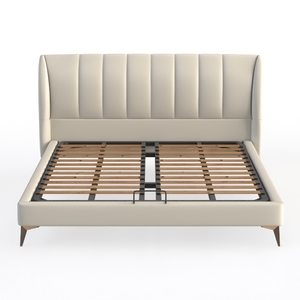
Queen Size Bed Frame with Fabric Upholstered
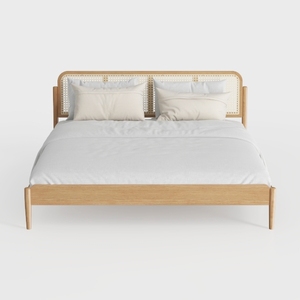
Meridian Furniture SienaNatural-T Siena Collection
Discover the creativity of Homestyler, your go-to online home design platform! With its user-friendly design tool, stunning 3D renderings, diverse design projects, and helpful video tutorials, you can easily transform your living space into your dream home—no prior experience needed!
Progetta ora GRATIS
































