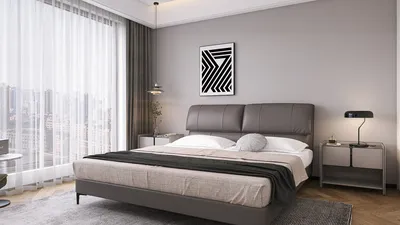


Preparing a 3D model for printing involves the important step of slicing, which converts your digital design into machine-readable instructions known as G-code. This process requires a specialized tool known as a "slicer." Here’s a comprehensive guide on how to effectively slice a 3D model for printing, from beginning to end, using powerful tools like Homestyler.
As a designer, I always advocate for utilizing advanced 3D visualization tools during the slicing phase. A robust 3D Floor Planner not only provides essential spatial context for your designs but also allows you to experiment with layouts and dimensions before you finalize your print. By combining design strategies with the slicing process, you can achieve superior results that enhance both the visual appeal and functional aspects of your project.
Tips 1:
Ensure your model is free of errors, such as holes or non-manifold edges, by utilizing the analysis features in your slicer or dedicated software like Meshmixer or Netfabb.
FAQ
Q: What exactly does "slicing" entail in the realm of 3D printing?
A: Slicing refers to the procedure of breaking down a 3D model into a sequence of thin layers, subsequently generating instructions (G-code) for the 3D printer to construct the object layer by layer. Q: Which file formats are compatible with slicing for 3D printing?
A: The most frequently used formats include STL, OBJ, and 3MF. Most slicers, including those used with Homestyler, support these input types. Q: What is the benefit of previewing the sliced model before proceeding to print?
A: Previewing your model helps uncover potential issues, such as absent supports, inadequate layer adhesion, or uneven infill, ultimately conserving both time and material. Q: How can I enhance the strength of parts when slicing?
A: To optimize for strength, consider increasing infill density, adding more perimeter walls, or selecting specific infill patterns like gyroid or grid. Q: Is it possible to utilize a slicer for architectural or interior design models?
A: Definitely! Slicers are vital for creating prototypes of interior designs, and with tools like Homestyler, you can digitally verify layouts and proportions before committing to physical prints.
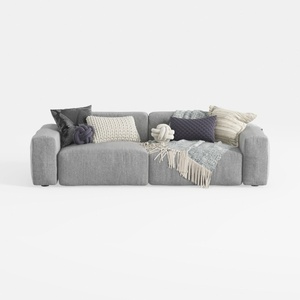
Sectional Sofa Cloud Couch Compatible with Living
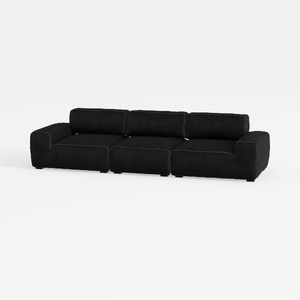

Meridian Furniture 141Black-S4 Indulge Collection
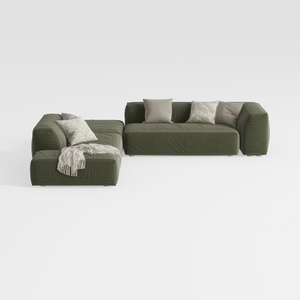
ovios 104" Cloud Sectional Couch with L-Shape
Homestyler is an amazing online home design platform that caters to all your creative needs. With its user-friendly design tool, stunning 3D rendering, and a plethora of inspiring design projects and video tutorials, you can effortlessly transform your vision into reality and elevate your space!
Zaprojektuj teraz za darmo
































