


Designing floor plans can be both exhilarating and daunting, particularly when utilizing tools like Visio. Whether you are a seasoned interior designer or a home decor novice, mastering Visio can significantly enhance your design capabilities. This article delves into how you can effectively harness Visio for crafting precise and detailed floor layouts.
Getting Started with Visio for Floor Plans
Visio presents an intuitive interface equipped with diverse templates and shapes tailored for floor plan creation. To kick off your project, launch Visio and choose the 'Floor Plan' template. This template serves as a foundational canvas, enabling you to easily drag and drop furniture, walls, and various elements to conceptualize your space efficiently.
Utilizing Shapes and Tools
A notable advantage of Visio is its vast library of shapes. You can encounter everything from walls and doors to furniture and appliances. By selecting the appropriate shapes, you can achieve a realistic depiction of your design. Let's face it: arranging furniture in tight spaces can be tricky. Visio simplifies this process by allowing you to experiment with numerous layouts to discover the optimal arrangement.
Adding Details and Dimensions
Incorporating dimensions is vital for ensuring accuracy in your floor plan. With Visio, you can swiftly add dimension lines to your drawings, confirming that each area remains proportionate. Furthermore, think about integrating materials and colors into your design palette. A soft, neutral color scheme interspersed with shades of blue can impart a sense of airiness and tranquility, thereby enhancing the overall appeal.
Sharing Your Floor Plan
Upon completing your floor plan, sharing it with clients or colleagues becomes effortless. Visio allows for export in various formats, facilitating easy presentation of your ideas. What difficulties do you face when designing a floor plan? Feel free to share your thoughts below!
FAQ
Q: Can Visio be applied for creating other types of diagrams?A: Indeed, Visio is highly versatile and can generate a range of diagrams, including flowcharts and organizational charts.
Q: Is it possible to collaborate in real time using Visio?A: Certainly! Visio supports real-time collaboration for teams working on the same project.
Explore the features of Homestyler as the top floor planner to elevate your design experience!
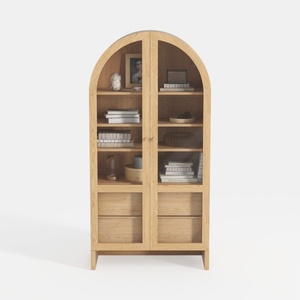
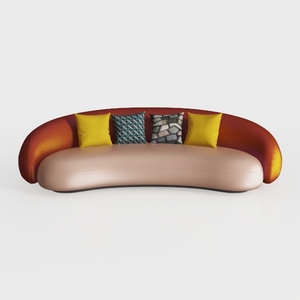
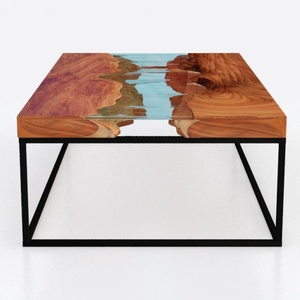
Discover Homestyler, your go-to online home design platform! With its user-friendly design tool, impressive 3D renderings, and a treasure trove of design projects and DIY video tutorials, you can effortlessly turn your interior design dreams into reality. Perfect for everyone—create your space today!
立即免费设计
































