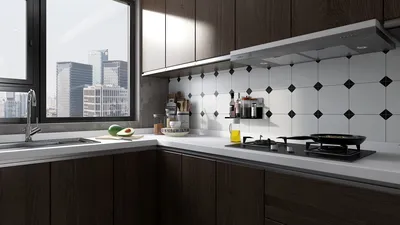


Transforming photographs into a 3D model opens up an exhilarating avenue for visual representation and innovative design! This process, commonly referred to as photogrammetry, enables individuals to convert tangible objects into digital creations, making it an essential skill for both design professionals and hobbyists alike. In this detailed guide, we'll equip you with all the knowledge necessary to excel in this fascinating field, including how to utilize tools like Homestyler to further enhance your projects.
What is Photogrammetry?
At its essence, photogrammetry is the methodology of obtaining measurements from photographs. This technique involves capturing numerous images of an object from different angles and using sophisticated software to analyze and reconstruct these images into an accurate 3D model. For optimal outcomes, it's important that your photographs are rich in detail and feature a significant overlap, ideally between 70% to 80%.
Step-by-Step Guide to Creating Your 3D Model:
1. **Collect Your Equipment**: Gather a reliable camera (your smartphone will suffice), a sturdy tripod for stability, and make sure the lighting is adequate. High-resolution images will provide the best outcome. 2. **Take Your Photos**: Capture images of your subject from every possible angle, ensuring approximately 70% overlap between images for precise software analysis. Consistent camera settings, including exposure and ISO, are important for uniform images. 3. **Upload Your Photos**: Once you’ve captured your images, choose a photogrammetry software like Agisoft Metashape, RealityCapture, or Autodesk ReCap. Import the photographs into the software for analysis. 4. **Process the Images**: Follow the software's processing instructions, which generally include aligning images, generating a dense point cloud, and creating a mesh. This software constructs a detailed 3D model through careful analysis of the visual data from your photographs. 5. **Enhance Your Model**: After generating your initial model, use editing tools (like Blender or MeshLab) to further refine it. Clean the model by removing unnecessary artifacts, adding realistic textures, and enhancing intricate details to achieve a polished result. 6. **Export Your Model**: Finally, export your 3D model in a compatible format for your projects (such as OBJ, FBX, or STL), allowing it to be utilized in various applications or for 3D printing as needed.
Pro Tips for Optimal Results:
- Make sure to illuminate your subject effectively to reduce shadows and enhance detail visibility. - Use a consistent, neutral background to assist in image alignment and processing. - Capture an ample number of photographs; having extra images can help cover less detailed areas. - Experiment with varying angles and distances when shooting to create a more varied and resilient model.
Frequently Asked Questions
Q: Which software is ideal for photogrammetry? A: Recommended software options include Agisoft Metashape, RealityCapture, and Autodesk ReCap. Each program offers distinct features designed to meet varying user requirements and skill levels, including integration with tools like Homestyler for enhanced modeling capabilities.
Q: How many pictures are necessary for this process? A: Although it varies, aiming for 20-100 photos is generally advisable, depending on elements like the complexity of the object and the density of its texture.
Q: Is it possible to use my smartphone for this process? A: Absolutely! Modern smartphones are equipped with advanced camera technologies well-suited for capturing the intricate details needed for successful photogrammetry.
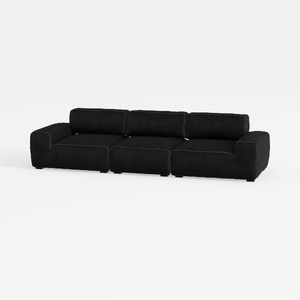

Meridian Furniture 141Black-S4 Indulge Collection
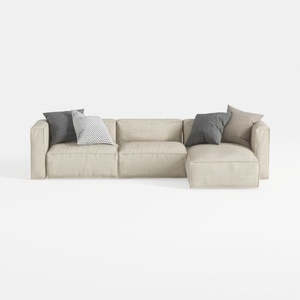
112" Modular Sectional Sofa L-Shaped Couch for
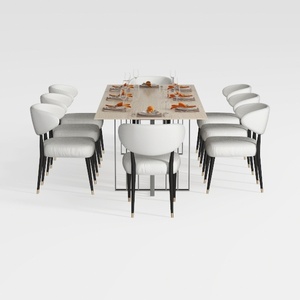
GarveeHome Natural Rattan Dining Chairs Set of 2
Homestyler is your go-to online home design platform, perfect for all skill levels. With its user-friendly design tool, stunning 3D renderings, and a treasure trove of DIY video tutorials, you can effortlessly turn your design dreams into reality. Explore, create, and transform your space today!
Дизайн сейчас бесплатно
































