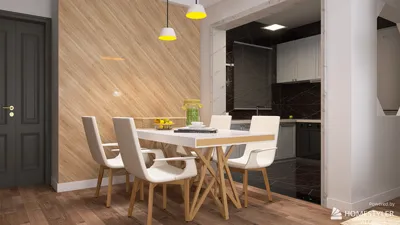


Creating breathtaking interior renders can be significantly influenced by the settings you choose in Lumion. Whether your project involves a compact apartment or a vast estate, optimizing these rendering settings is key to realizing your creative vision. This guide will delve into the crucial interior rendering settings that can enhance your 3D designs while integrating features from Homestyler.
Understanding Lumion's Rendering Capabilities
Lumion is equipped with a robust rendering engine that facilitates real-time visualization of your designs. To achieve top-notch renders, it's essential to grasp how to tweak its myriad settings. You can adjust elements ranging from lighting to materials, ensuring your interior designs exude realism and warmth, complemented by features available in Homestyler.
Key Rendering Settings for Interior Spaces
Lighting is pivotal in interior rendering. Here are some guidelines to enhance your setup:
The choice of materials can greatly impact your render’s success. For optimal results:
Selecting the right camera angles is vital for encapsulating your design's essence:
Enhancing with Post-Processing Effects
After setting up your render, you can further elevate it using Lumion’s post-processing effects, enhancing the overall aesthetic and detail of your project.
Adjusting Rendering Quality Settings
Before finalizing your render, be sure to select suitable quality settings for the best output.
Exporting Your Final Images
Once your settings are optimized to your satisfaction, it’s time to export your creative work. Lumion offers various export formats, ensuring that your renders are compatible with your requirements, akin to the options provided by Homestyler.
Conclusion
By mastering the intricacies of interior rendering settings in Lumion, you can greatly enhance the quality of your designs. Don't hesitate to experiment with different options to discover what harmonizes best with your individual projects. Enjoy rendering!
Frequently Asked Questions
Q: What are the ideal lighting settings for interior renders? A: For optimal effect, blend natural light with strategically placed artificial lighting that enhances the overall design.
Q: How can I make my materials appear more realistic? A: Incorporate high-resolution textures and fine-tune properties like reflectivity and bump mapping for enhanced detail.
Q: Which export format is best for Lumion renders? A: PNG and JPEG are commonly preferred for images, while MP4 is ideal for video outputs.
Welcome to the leading Home Design Software experience!
Concevez maintenant gratuitement
































