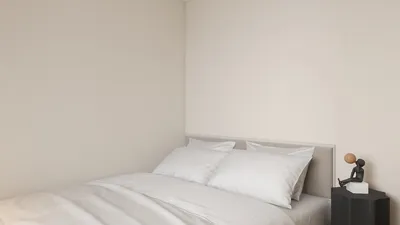


Quick Summary
- Hex colors are represented by a hash (#) followed by six characters that indicate RGB values, with #FFFFFF for white and #000000 for black.
- To maintain a neat appearance, limit your color selections to 3–5 options.
- Highlight important elements using contrasting colors effectively.
The hex color palette serves as an essential tool for designers, enabling them to select colors that significantly improve their projects. Each hex code, consisting of six characters, offers an exact method to define shades and tones. Whether your focus is on web design, interior decoration, or graphic arts, familiarizing yourself with hex codes can vastly enrich your creative endeavors. Let’s explore how you can apply hex palettes to achieve stunning outcomes, potentially utilizing tools like Homestyler for visualization.
Understanding Hex Colors
Hex colors are extensively utilized in digital design due to their accuracy in color representation. Each hex code begins with a hash symbol (#) followed by six characters that detail the levels of red, green, and blue (RGB). For example, #FFFFFF signifies white, whereas #000000 denotes black. Mastering the reading and application of these codes can empower you to produce cohesive color schemes.
Creating a Cohesive Hex Palette
Selecting a unified hex palette is vital when crafting a design. Begin by identifying a base color that aligns with your project's message. Subsequently, choose complementary shades that enhance the overall aesthetics. Platforms like Homestyler can be instrumental in visualizing how various hex colors interact within a space.
Tips for Using Hex Palettes
1. Limit your color choices: Aim for 3-5 colors to keep a tidy aesthetic. 2. Ensure contrast: Employ contrasting colors to emphasize key elements. 3. Test across backgrounds: Verify that your palette performs well across different platforms and materials.
FAQ
What is a hex palette? A hex palette is a collection of colors defined by their hex codes, utilized for precise color selection in design.
How do I select a hex palette for my project? Start with a primary color and then choose complementary and accent shades to establish a balanced appearance.
welcome to Homestyler
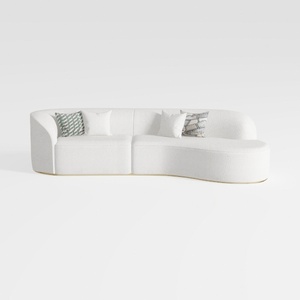
Luxury Modern Style Living Room Upholstery Curved
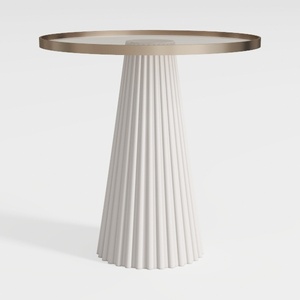
43" Wooden Round Dining Table, Mid-modern Circular

Tribesigns 70.87" Tall Geometric Bookshelf, White
Discover your interior design potential with Homestyler! This online platform offers an intuitive design tool, stunning 3D renderings, and a wealth of design projects and DIY video tutorials. Perfect for both beginners and seasoned designers, Homestyler makes transforming your space easy and fun!
지금 무료로 디자인하세요
































