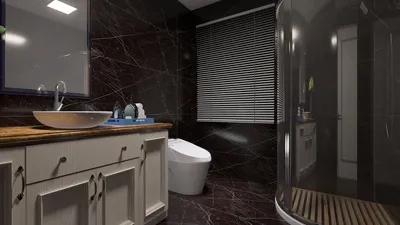


Cel-shading is a distinctive rendering technique that imparts a flat, stylized appearance to 3D models, reminiscent of classic comic books and cartoons. By utilizing cel-shading, designers can infuse their models with striking, graphic elements, making it especially suitable for stylized video games, animations, or marketing brochures showcasing architectural designs. Below is a straightforward guide to help you apply cel-shading to your 3D models effectively.
In my experience as an interior designer, I find that cel-shading can greatly enhance concept presentations, particularly for clients who appreciate visual storytelling. Additionally, it can be quite effective for creating captivating promotional materials. If you’re eager to push the boundaries of stylized rendering, tools such as Homestyler can significantly enhance your workflow and expand your creative opportunities in design projects.
Tips 1:
Experimenting with various color ramp settings in your shader can create different atmospheres—soft pastel shades yield a whimsical feel, whereas high-contrast palettes can evoke a graphic novel aesthetic. It's crucial to view your cel-shaded designs from multiple perspectives to maintain consistency throughout the model.
FAQ
Q: What is cel-shading?
A: Cel-shading is a rendering method that makes 3D models appear flat and cartoon-like by applying sharp color contrasts rather than gradients. Q: Which software is suitable for cel-shading a 3D model?
A: There are several popular choices, including Blender, Maya, 3ds Max, and game engines like Unity and Unreal Engine, all of which offer toon or cel-shader capabilities. Q: How important is lighting in cel-shading?
A: Lighting plays a vital role, as it establishes the crisp shadow and highlight edges that define the cel-shaded aesthetic. Q: Can cel-shaded effects be applied to interior design projects?
A: Certainly! Cel-shading presents a unique and artistic method for showcasing designs, particularly effective for mood boards and concept visuals. Q: Do I need advanced 3D skills to create a cel-shaded model?
A: Typically, basic knowledge of 3D modeling and material adjustments is sufficient. There are many online tutorials and community resources available to help you begin your journey.




Homestyler is an outstanding online home design platform that allows you to craft your dream space effortlessly. With its user-friendly design tool, stunning 3D renderings, a plethora of design projects, and informative video tutorials, you'll find everything you need to transform your ideas into reality.
지금 무료로 디자인하세요
































