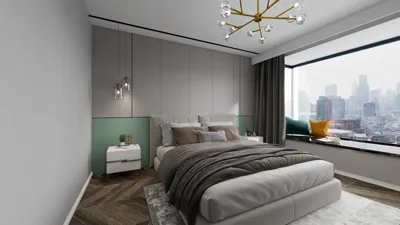


Importing 3D models into DaVinci Resolve via the Fusion page offers remarkable opportunities for enhancing motion graphics, visual effects (VFX), and innovative editing techniques. This entails utilizing compatible 3D file formats alongside Fusion's powerful 3D tools. Here’s a comprehensive guide to navigate the process:
As a designer, integrating 3D models has significantly enriched my visual storytelling and paved the way for new creative possibilities. Whether you are crafting product mockups, visualizing spaces, or delving into intricate compositions, embracing a 3D Render Home workflow can effectively enhance the creation of breathtaking interior environments and lifelike scenes for your design initiatives, especially when utilizing platforms like Homestyler.
Tips 1:
Remember to optimize your 3D assets prior to importing. Ensuring clean geometry, accurate scale, and correctly assigned textures or materials will facilitate a smoother experience in DaVinci Resolve. If you’re focusing on interior visualization or architectural modeling, maintaining real-world proportions simplifies the compositing process.
FAQ
Q: Which 3D model formats are compatible with DaVinci Resolve Fusion?
A: The most frequently supported formats include OBJ for static models and FBX for animated or more complex assets. Q: Is it possible to import animated models or just static geometry?
A: The FBX format allows for the importation of animated models (including position, scale, and rotation), whereas OBJ is limited to static assets. Q: How can I apply textures and materials to my imported 3D model?
A: Utilize Blinn or Phong material nodes in Fusion, or import embedded materials when using FBX files for more intricate material configurations. Q: Can 3D models be imported directly in the Edit or Cut pages of DaVinci Resolve?
A: No, 3D imports are specifically handled in the Fusion page, as the Edit and Cut pages cater exclusively to 2D video timeline editing. Q: What should I do if my 3D model is distorted or missing textures?
A: Revisit your original 3D software to verify UV mapping, texture paths, and scale before importing; you may need to reassign materials in Fusion if necessary.
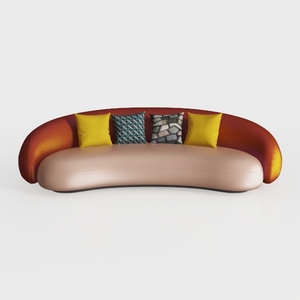
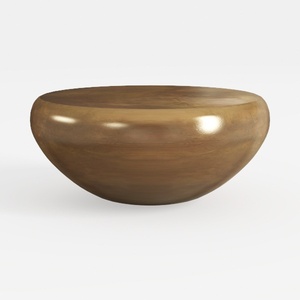
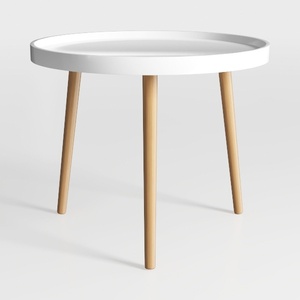
Homestyler is your go-to online home design platform, offering an intuitive design tool, stunning 3D renderings, and a wealth of inspiring design projects and DIY video tutorials. Transform your home with ease and creativity, whether you’re a beginner or a seasoned designer!
Desain sekarang Gratis
































