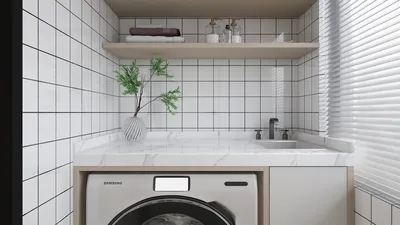


Are you excited to transform your floor plan into a captivating 3D model? Utilizing a 3D design tool like Homestyler to upload your floor plan can significantly enhance your ability to visualize your space. Follow this comprehensive guide for a seamless upload experience, maximizing the potential of your design.
Selecting the Appropriate Format
Before proceeding with the upload, ensure that your floor plan adheres to a compatible format. Generally, 3D design platforms, including Homestyler, accept various formats such as .DWG, .DXF, and .PDF. It's advisable to review the specific requirements of the software you are utilizing.
Steps for Uploading Your Floor Plan
1. **Launch the 3D Software:** Open the design software where you intend to upload your floor plan.
2. **Navigate to the Upload Section:** Look for a button labeled 'Upload' or 'Import', typically located in the main menu.
3. **Choose Your File:** Click 'Browse' to find your floor plan file stored on your computer.
4. **Adjust Your Settings:** Certain software may request specific settings like scale or orientation. Modify these as needed to best fit your project.
5. **Upload and Inspect:** Click 'Upload' and allow the software to process your file. Once the upload is complete, take the time to review your 3D floor plan and make any necessary adjustments.
Common Challenges and Solutions
If you face any challenges while uploading, consider the following tips:
- **File Size Restrictions:** Make sure your file does not surpass the maximum size limit established by the software.
- **Compatibility Problems:** Ensure that the file format you are using is supported by the platform.
- **Reliable Internet Connection:** A stable internet connection is crucial, especially when uploading larger files.
Conclusion
Uploading your floor plan in 3D can greatly enhance your design process, offering you the ability to visualize and refine your spaces in an effective manner. Keep these guidelines in mind for a hassle-free experience, and enjoy creating your ideal layout with the help of Homestyler!
FAQ
Q: Which file formats are optimal for 3D floor plans? A: The most suitable file formats for 3D uploads comprise .DWG, .DXF, and .PDF.
Q: What steps should I take if my upload does not succeed? A: Verify your file's size, format compatibility, and confirm that your internet connection is stable.
Explore the Benefits of Using a Free 3D Floor Planner
Design Now for FREE
































