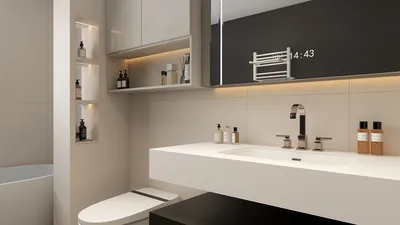


Opening a 3D model might feel intimidating at first, but with the right tools and methodical steps, it can be a straightforward task. Whether you opt for professional software or online applications, being able to open and manipulate 3D models is crucial for any interior design enthusiast. In this guide, we’ll delve into effective ways to open 3D models. 1. **Select Appropriate Software**: Start by ensuring you have the suitable software for your 3D model. Well-known options include AutoCAD, Blender, SketchUp, and Homestyler. Each has its own unique features, so choose one that aligns with your project requirements. 2. **Understand File Formats**: 3D models are available in multiple file formats such as OBJ, STL, FBX, and 3DS. Confirm the format of your model and check that your selected software supports it. For example, Homestyler accommodates a variety of formats, facilitating effortless imports. 3. **Importing Your Model**: After installing the software, launch it and find the 'Import' or 'Open' option in the menu. Navigate to the folder where your 3D model is saved, select it, and proceed with the import. In Homestyler, this process can often be as easy as drag-and-drop, making it beginner-friendly. 4. **Adjusting Viewing Settings**: Upon opening your model, you might want to tweak the view settings. Most software provides functionality to rotate, zoom in or out, and pan around your model. Getting familiar with these controls can enhance your navigation through your design. 5. **Editing and Enhancing**: Once your model is open, it’s time to edit! Utilize the tools available in the software to alter dimensions, add textures, and play with colors. Homestyler boasts a rich library of furniture and decor assets that you can easily use to elevate your design. 6. **Saving Your Progress**: Don’t forget to save your project regularly. Use the 'Save As' option to create a backup in the software’s native format, ensuring you can revisit your project without losing your progress. By adhering to these steps, you can easily open and manipulate 3D models, successfully translating your interior design dreams into reality. Don’t hesitate to explore various software options to find the best fit for your creative needs. Happy designing!
Tips 1:
Consider engaging with online forums or communities like Homestyler’s platform to exchange designs and gather feedback from fellow enthusiasts. Connecting with other designers can provide you beneficial insights and inspiration.
FAQ
Q: What software is best for beginners to open 3D models? A: Homestyler is highly recommended for its intuitive interface and vast model library, making it an excellent choice for those new to 3D design.
welcome to Homestyler
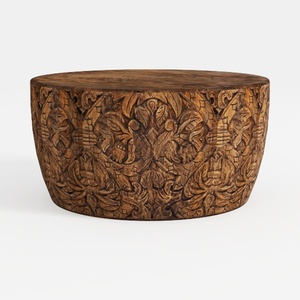

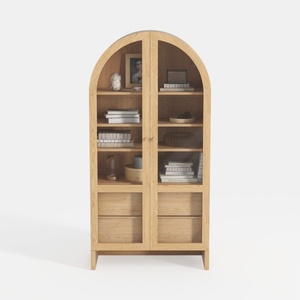
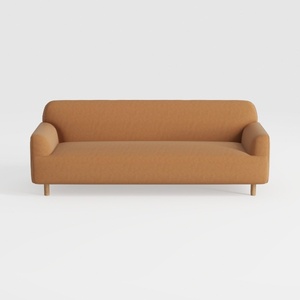
Homestyler is your go-to online home design platform! With its user-friendly design tool, stunning 3D renderings, and a wealth of design projects and DIY video tutorials, you can effortlessly transform your space and unleash your creativity. Perfect for beginners and pros alike!
立即免费设计
































