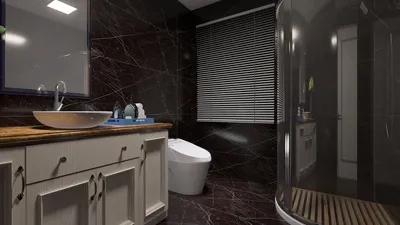


Designing stairs in a floor plan using AutoCAD can be a seamless experience when you adhere to the correct procedures. Whether your project involves a residential layout or commercial premises, accurately representing stairs is crucial for communicating your design objectives. This guide will delve into effective methods for illustrating stairs in AutoCAD, offering techniques and tips to elevate your design.
Fundamentals of Stair Design
Before starting the drawing process, it’s vital to grasp the essential elements of stair design. Stairs generally comprise treads, risers, and landings. The tread refers to the horizontal surface you walk on, while the riser denotes the vertical section between steps. Be mindful of the slope and overall measurements of your stairs to ensure compliance with building regulations.
How to Sketch Stairs in AutoCAD
1. **Open Your Floor Plan:** Begin by accessing your existing floor plan or setting up a new one in AutoCAD. Confirm that you have the appropriate scale configured for your drawing.
2. **Utilize the Line Tool:** Choose the Line Tool from the toolbar to outline your stairs. Start by marking the first riser. Sequentially create lines for each step, ensuring uniformity in heights for the risers and depths for the treads.
3. **Add Accurate Dimensions:** Once your stairs are drawn, dimensioning them correctly is critical. Employ the Dimension Tool to display the height of every riser and the depth of each tread, ensuring your design adheres to standards.
4. **Include Landing Areas:** If your design features landings, ensure they are drawn correctly. Landings are generally located at the top and bottom of the stairs and should be adequately spacious for safety purposes.
Strategies for Effective Stair Design
When creating stair designs, keep these recommendations in mind:
FAQ Section
1. What is the typical size for stairs in residential buildings? The usual rise for residential stairs is about 7 inches, while the tread depth is approximately 11 inches.
2. Is it possible to generate a 3D view of my stairs in AutoCAD? Certainly! AutoCAD equips you with tools to create 3D models, enabling you to visualize your stair design more effectively. Additionally, utilizing tools like Homestyler can further enhance your design experience by allowing for detailed interior layouts.
Welcome to the Leading Floor Planner
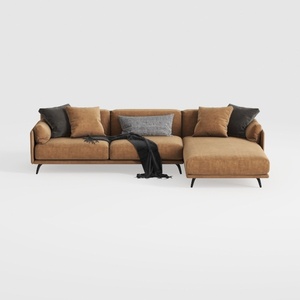

Coaster Home Furnishings - Camacho - Upholstered C
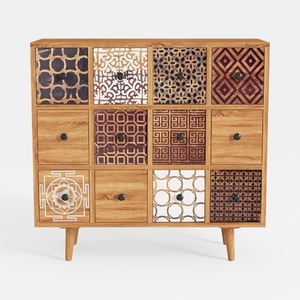
Bohemian Solid Wood Multidrawer Accent Cabinet With Patterned Fronts 3D Model
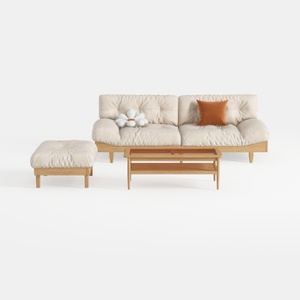
Minimalist Solid Wood Fabric Sofa Ottoman Coffee Table Set 3D Model
Homestyler is your go-to online home design platform, perfect for bringing your creative ideas to life. With its user-friendly design tool, stunning 3D renderings, diverse design projects, and helpful video tutorials, transforming your space has never been easier. Start designing today!
Design Now for FREE
































