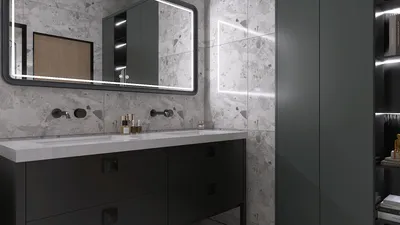


Enhancing the visual appeal and realism of your 3D models can be significantly achieved by adding texture. Textures have the power to infuse depth, detail, and character into your creations, transforming a basic shape into a captivating work of art. This guide will delve into effective techniques for texturing your 3D models to ensure they stand out in any design project. To start, it's essential to familiarize yourself with the types of textures available. Broadly, textures fall into two main categories: procedural textures and bitmap textures. Procedural textures are created through algorithms and can be adjusted in real-time, whereas bitmap textures are images that get applied directly to the model's surface. Each type has distinct advantages, enabling their use depending on the desired result for your model. Next, choosing the right software is crucial for the task at hand. For example, Homestyler provides an intuitive platform that simplifies the process of applying textures to your models with minimal effort. This can be particularly advantageous for beginners or those who favor a straightforward interface. Once you open the software, you can upload your 3D model or select one from Homestyler's extensive library. After preparing your model, head over to the texture or materials section, where you will encounter a range of texturing possibilities, including options such as wood, stone, and fabric. Select a texture that aligns with your design goals. After choosing your texture, you can modify its scale, rotation, and UV mapping to ensure it fits seamlessly onto your model. UV mapping is vital as it dictates how the two-dimensional texture wraps around the three-dimensional shape. If your model has intricate forms, it may be beneficial to utilize a UV unwrapping tool to refine the texture application on your model. Additionally, don't overlook the significance of lighting when applying textures. Properly configured lighting can dramatically influence the realism of your model. Adjust the light sources in your scene to accentuate the textural elements. Incorporating shadows and reflections will further enhance depth, making the textures feel more lifelike. Layering textures for a richer effect is another technique to consider. For instance, combining a primary texture with layers that suggest dirt or wear can yield a more authentic appearance. This approach is especially valuable for architectural visualizations, where weathering effects can be highlighted. Finally, always take the time to preview your model after texturing. Many software options, including Homestyler, provide real-time rendering capabilities that let you observe the interplay of textures with light and other components in your scene. Make necessary adjustments until you are satisfied with the outcome. By adhering to these guidelines, you can successfully texture your 3D models, breathing life into them and preparing them for presentation or further refinement. Remember, the ultimate key to successful texturing is experimentation and practice. Don’t hesitate to explore various techniques and combinations until you discover what best suits your design objectives.
Tips 1:
Experiment with diverse textures and combinations to unveil distinctive styles for your models.
FAQ
Q: Is it possible to create custom textures? A: Absolutely! Numerous 3D software programs allow users to develop their own textures via images or procedural techniques.
Q: What is the purpose of UV mapping and its significance? A: UV mapping refers to the method of projecting a 2D image onto a 3D model's surface. Its importance lies in determining how the texture adheres to the model.
welcome to Homestyler
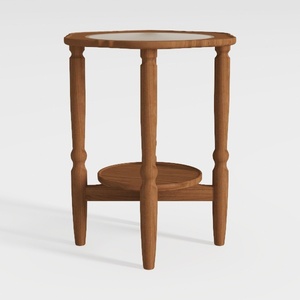

HOOBRO Small Round Side Table with Charging
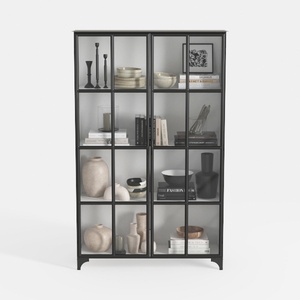
Triple Wide 5-Tier Bookshelf, 70.87" L x 79.13" H

BAXMUY 94.4” Oversized Cloud Couch, Pink Chenille
Homestyler is your go-to platform for home design! With its user-friendly online design tool, stunning 3D renderings, and a rich collection of design projects and DIY video tutorials, transforming your space has never been easier. Bring your vision to life effortlessly!
Progetta ora GRATIS
































