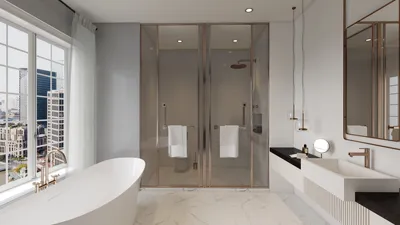


Are you interested in improving your 3D rendering skills? Downloading the Homestyler platform for free is a fantastic way to explore its features without any financial investment. This guide will help you through the legal and safe process of obtaining Homestyler.
Step 1: Visit the Official Website
The first step to accessing Homestyler is to go to its official website. Here, you will find the most recent version available for download.
Step 2: Create an Account
To gain access to the download, you need to create a free account. This will enable you to receive updates and assistance from the developers. Complete the registration form and verify your email address.
Step 3: Navigate to the Download Section
After logging in, head to the download section of the site. Look for the version designated as Homestyler.
Step 4: Choose Your Platform
Select the suitable version based on your operating system, whether it is Windows or macOS. Make sure your system meets the minimum installation requirements.
Step 5: Download and Install
Once you have chosen the right version, click on the download button. When the download finishes, open the installer and follow the instructions on your screen to install Homestyler on your computer.
Tips for Using Homestyler
After installation, take some time to familiarize yourself with the features of Homestyler. Make use of online tutorials and forums for helpful tips and tricks to maximize your rendering experience.
FAQ
Q: Is Homestyler truly free? A: Yes, Homestyler can be downloaded at no cost, but it may have certain limitations compared to the premium version.
Q: Can I use Homestyler for commercial projects? A: Be sure to review the licensing terms on the official site to understand the conditions for commercial use.
Welcome to the No.1 Home Design Software
Design Now for FREE
































