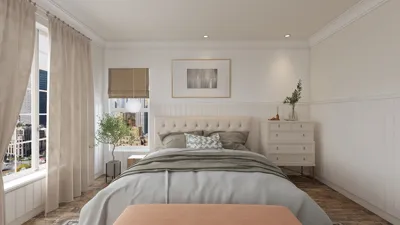


Developing a 3D model for Unity involves several key steps that merge creative artistry with technical expertise. This procedure generally commences within specialized 3D modeling applications—like Homestyler, Blender, Maya, or 3ds Max—where you can design your model, apply various textures, and export it in a suitable format for Unity. Initially, clarify the intended use of your model: is it designed as a character, environment, or prop? This determination guides the scale, polygon budget, and texture specifics. Utilize your selected 3D software to construct geometry (incorporating polygons, quads, and edge loops for superior topology). Implement UV mapping for precise textures, and either create or import texture maps (including diffuse, specular, and normal maps). After achieving satisfaction with your model and textures, export it typically in .FBX or .OBJ format, as these are supported by Unity. You can then import the file into Unity’s project hierarchy, where you can make further adjustments to materials, set up meshes, and utilize prefabs for seamless game integration.
Suggestions:
As a designer, I emphasize that comprehensive spatial planning can transform your 3D models from merely functional to highly immersive experiences for users. For example, if you seek greater flexibility in layout modifications or aspire to visualize your spaces before asset export, employing a tool like a 3D Floor Planner—such as Homestyler—can facilitate efficient space prototyping. This method not only enhances your workflow but also guarantees that your assets cohesively fit within the Unity environment, thereby conserving time during revisions and offering a clearer design perspective.
Frequently Asked Questions
Q: Which file types can I use for 3D models in Unity?
A: Unity accepts various formats such as .FBX, .OBJ, .DAE, and .3DS, with .FBX often being the preferred choice for animations and compatibility.
Q: Should I optimize polygon counts for my Unity models?
A: Absolutely, reducing polygon count is essential for performance, particularly in real-time applications like gaming.
Q: Is creating textures inside Unity possible?
A: While basic material assignments can be made within Unity, intricate textures and UV mapping should ideally be done using your preferred modeling software.
Q: What is the best modeling software for beginners wanting to develop assets for Unity?
A: Blender is a widely used, free tool that serves as an excellent starting point for novices, accompanied by extensive tutorials and community resources.
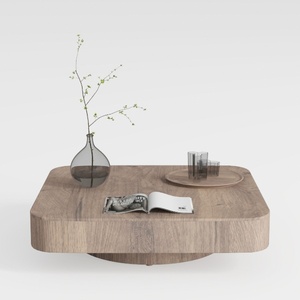
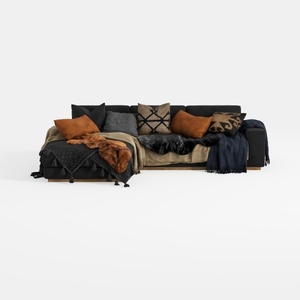
Txtin's U Shaped Sectional Couches for Living Room
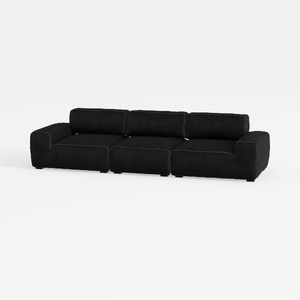

Meridian Furniture 141Black-S4 Indulge Collection
Homestyler is your go-to online home design platform! With an easy-to-use design tool and stunning 3D renderings, you can bring your vision to life. Explore a wealth of design projects and handy video tutorials to unleash your creativity—perfect for any DIY enthusiast!
立即免费设计
































