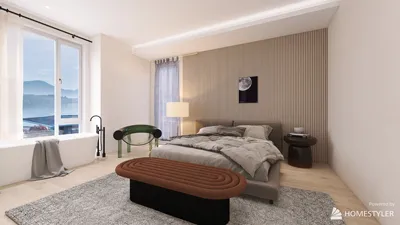


Designing a floor plan can be a thrilling experience, helping you visualize your area, whether you are renovating a space or planning a new construction project. The first step in turning your design ideas into reality is to sign up for a floor plan creator. This guide will take you through each step, providing all the necessary tools to craft impressive floor plans with ease.
Step-by-Step Registration Process
To begin utilizing a floor plan creator, navigate to the Homestyler Floor Planner portal. Locate the 'Sign Up' button, which is typically visible on the main page. You will be required to input your email address and select a secure password. It’s important to choose a strong password to ensure the safety of your account.
Discovering the Features
After registration, take some time to familiarize yourself with the diverse features provided by the floor plan creator. Utilize tools that allow for customization of room sizes, placement of furniture, and the visualization of various layouts. It’s akin to engaging in a creative game where you can bring your ideal space to life! Remember to explore the design community for additional inspiration.
Frequently Asked Questions
What should I do if I forget my password? Simply click the 'Forgot Password' option on the login page to initiate a reset. If you have further inquiries regarding the registration process, don’t hesitate to reach out!
Welcome to the premier floor plan creator!




Homestyler is your go-to online home design platform, perfect for anyone looking to transform their space. With an easy-to-use design tool, stunning 3D renderings, and a wealth of DIY video tutorials, you can effortlessly design and visualize your dream home. Start creating today!
Projete agora para LIVRE
































