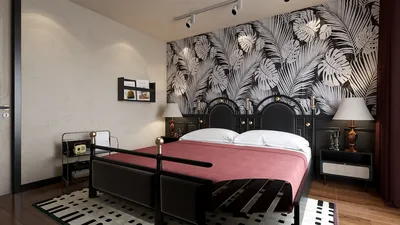


Creating 3D floral models can be a joyful and fulfilling experience, whether you are a seasoned designer or a beginner just starting out. This guide will walk you through the essential steps for modeling flowers in 3D software, such as Homestyler, which offers an intuitive platform for such creative tasks.
Select Your 3D Software
The first step in creating a 3D flower model is selecting the right software. Popular options include Blender, Maya, and 3ds Max. Each has its unique benefits and drawbacks, so choose based on your skill level and specific needs. Alternatively, for those looking for a user-friendly approach, Homestyler is an excellent choice to consider.
Start Designing the Flower Base
Begin by defining the core of your flower. Utilize primitive shapes like spheres for the center and cones for the petals. Adjust these shapes to create the flower's overall structure. Remember, flowers come in various forms, so feel free to experiment with different designs!
Add Detail to the Petals
Details enhance the appeal of your floral model. Incorporate curves, textures, and variations in shape for each petal. It can be helpful to reference photographs of real flowers to ensure accurate proportions and inspire your design. Adding specifics may involve sculpting the petals or using modifiers for a more organic look.
Texturing and Coloring
Once your flower model is defined, it's time for texturing and coloring. Use texture maps to apply colors and patterns to the petals and leaves. Keep in mind realistic color schemes that mimic nature, or opt for vibrant hues for a stylized floral design.
Lighting and Rendering
Finally, set up the lighting for your scene and render the model. Experiment with various lighting angles to highlight the most beautiful aspects of the flower. Rendering will give your model a polished look, bringing it to life with shadows and depth.
Frequently Asked Questions
Q: Which software is best for beginners wanting to create 3D flower models? A: Blender is highly recommended as it is free, user-friendly, and comes with many tutorials. Alternatively, for a more straightforward experience, consider using Homestyler.
Q: Can I use the same techniques to model different types of flowers? A: Absolutely! These techniques can be adapted to model any type of flower; just remember to pay attention to the unique characteristics of each variety.


Homestyler is your go-to online platform for home design! With an easy-to-use design tool, stunning 3D renderings, and a wealth of DIY video tutorials, you can effortlessly transform your space and explore endless design possibilities. Let your creativity shine with Homestyler!
Projete agora para LIVRE
































