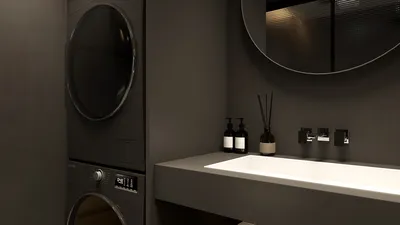


When utilizing a floor plan creator, the adjustment of wall thickness plays a crucial role in your overall design strategy. Whether embarking on a residential or commercial project, the thickness of walls directly influences both the functionality and aesthetics of the space. In this article, we will delve into how to modify wall thickness using tools like Homestyler and discuss its significance in the design process.
The Importance of Wall Thickness in Floor Plans
Wall thickness within a floor plan isn’t merely a technical specification; it substantially affects the ambiance of a room. Thicker walls can provide superior sound insulation, while thinner walls tend to maximize the available space. For instance, employing a 4-inch wall could be ideal for a cozy room in a residential setup, whereas a 6-inch wall may be more suitable for a commercial environment. Recognizing the impact of wall thickness is essential for crafting designs that are both functional and inviting.
Adjusting Wall Thickness in Your Floor Plan Creator
Most floor plan creators, like Homestyler, feature intuitive interfaces that facilitate easy modifications to wall thickness. Here’s a simple guide to help you through the process:
1. Launch your floor plan within the application.
2. Choose the wall you wish to alter.
3. Navigate to the properties panel or wall adjustment settings.
4. Use the thickness slider to set your preferred measurements.
5. Save the modifications you've made.
Advantages of Modifying Wall Thickness
Altering wall thickness enhances both the aesthetics and practicality of your design. Thicker walls contribute to improved structural integrity, while thinner ones can evoke a sense of spaciousness in your layout. When orchestrating your design, do take into account the material of the walls as this can influence both the thickness and the overall visual appeal.
Frequently Asked Questions
What is the standard wall thickness for residential structures? Generally, the walls in residential buildings range from 4 to 6 inches in thickness, contingent on the materials employed.
Is it possible to customize wall thickness in different areas of my floor plan? Absolutely! Most floor plan creators, including Homestyler, enable you to assign varying wall thicknesses to different rooms tailored to your design needs.
Which tools are optimal for designing floor plans? Solutions like Homestyler and other intuitive design tools are exemplary choices for crafting detailed floor plans.
Welcome to the Leading Floor Plan Creator

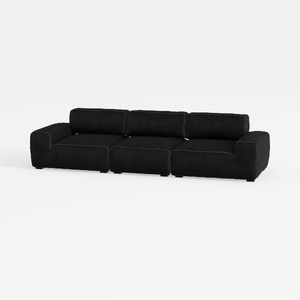

Meridian Furniture 141Black-S4 Indulge Collection
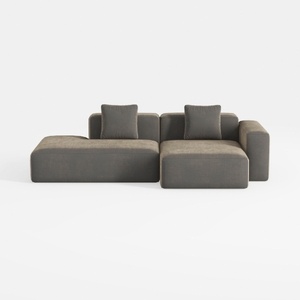
WJShome Cloud Couch Modular Sectional Sofa,102inch
Discover the creative potential of your home with Homestyler! This user-friendly online design platform offers an intuitive design tool, stunning 3D renderings, a treasure trove of design projects, and helpful DIY video tutorials. Transform your vision into reality effortlessly—unleash your inner designer today!
Desain sekarang Gratis
































