Create 3D Floor Plans Easily
Upload a picture or a DWG file, or sketch precise floor plans in 2D, and Homestyler will auto-generate the 3D rooms for you. Our flexible floor editor allows you to create detailed multi-floor structures.

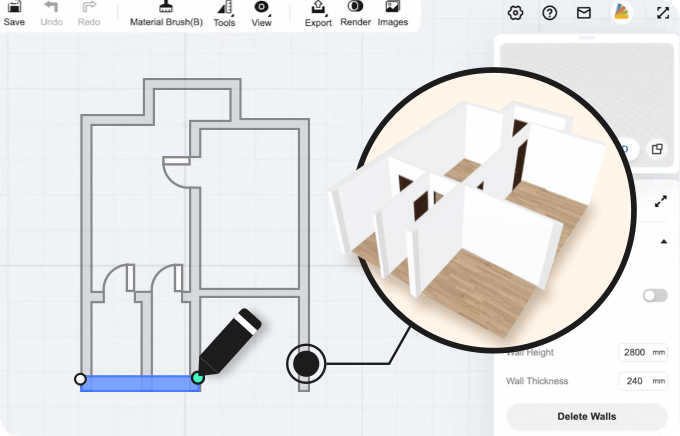 Step 1: Draw
Start by uploading an image or a floor plan in DWG format, entering measurements manually, or using the Scan Room feature. With a single click, Homestyler converts it into a 3D floor plan, complete with room walls and windows.
 Step 2: Decorate
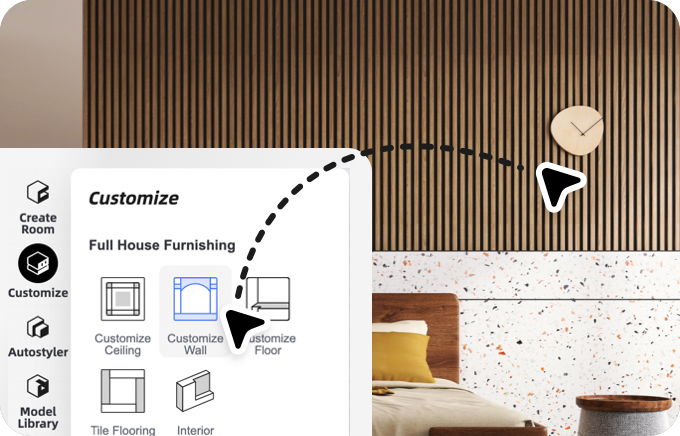
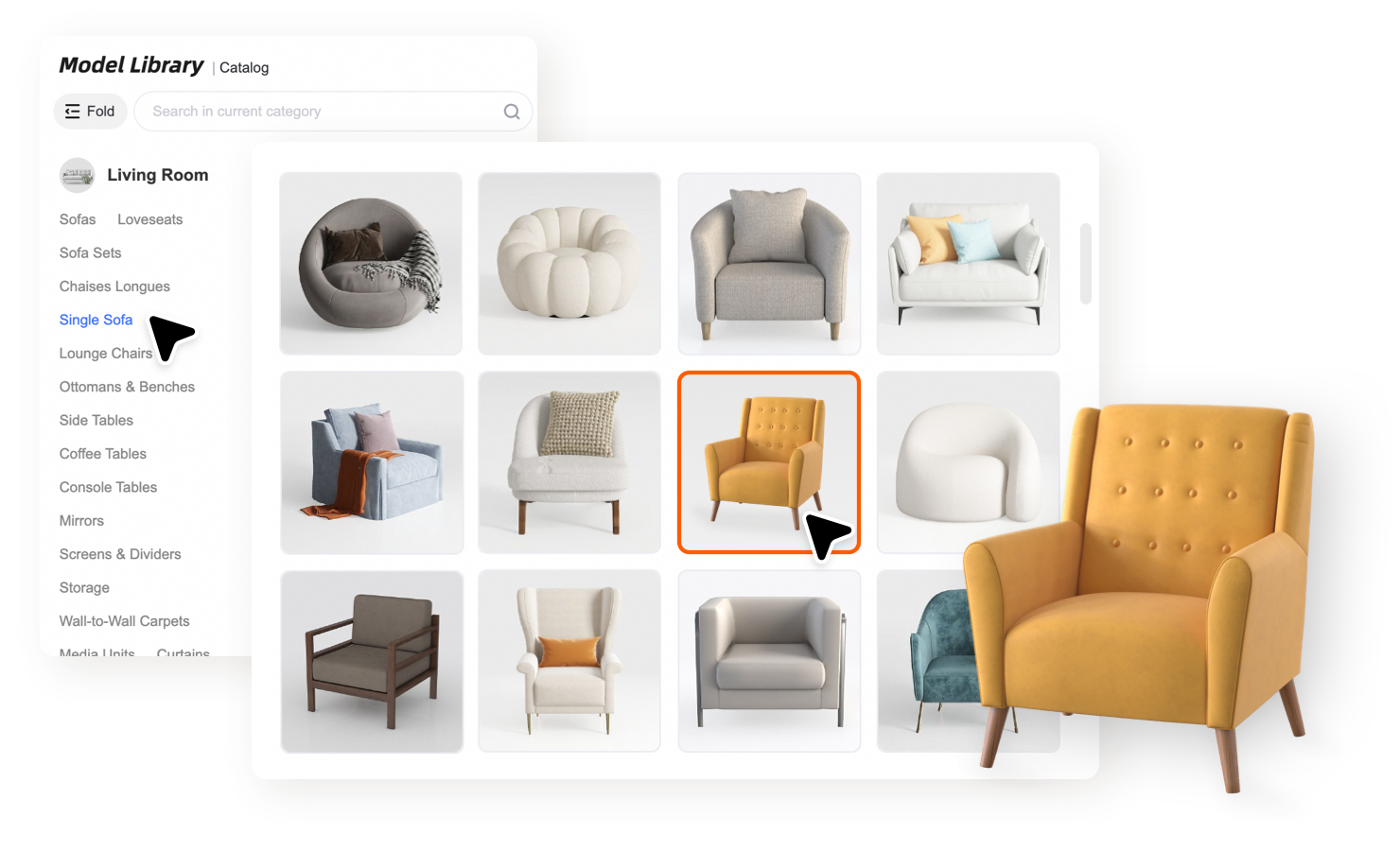
Effortlessly add furniture through a drag-and-drop process to decorate your rooms in 3D using our catalog of over 1,000,000 models, including windows, kitchen islands, carpets, and more, or upload your own models.
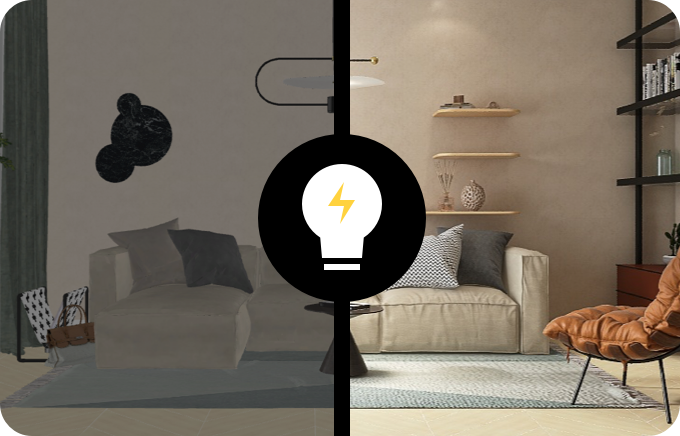 Step 3: Visualize
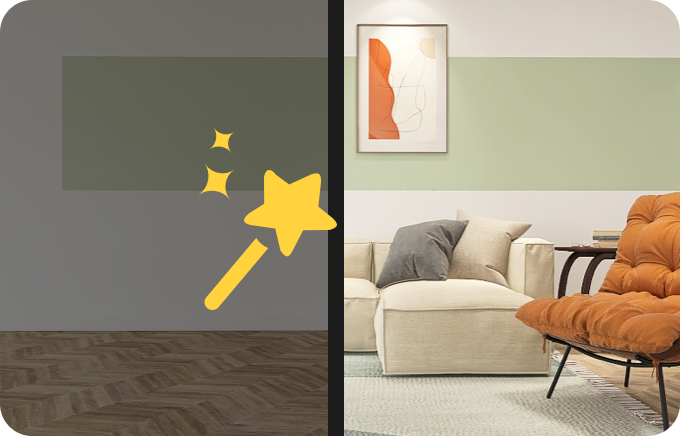
Easily render photo realistic images, panoramas, interactive virtual tour or even animated videos on your browser within minutes! Store high-quality renders of your project, download them, print to scale, and share with others.
Upload a picture or a DWG file, or sketch precise floor plans in 2D, and Homestyler will auto-generate the 3D rooms for you. Our flexible floor editor allows you to create detailed multi-floor structures.
Our extensive model library provides over 1,000,000+ models and materials, covering all types of furniture and accessories. Even if you cannot find ideal ones, you can always upload your own 2D textures or 3D models to fully make your own unique design!
Our extensive model library provides over 1,000,000+ models and materials, covering all types of furniture and accessories. Even if you cannot find ideal ones, you can always upload your own 2D textures or 3D models to fully make your own unique design!
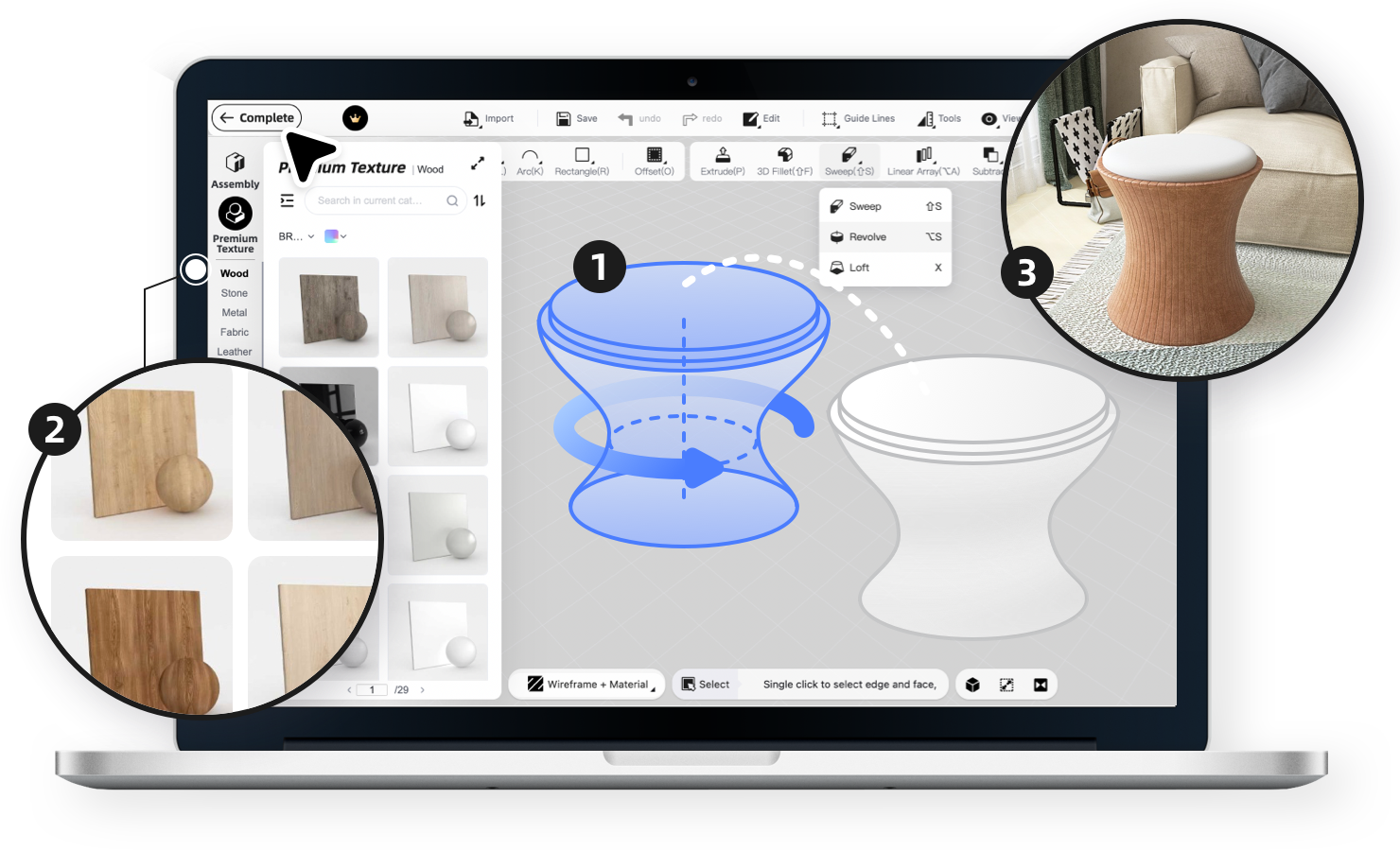
Want even more beyond all the preset structures or models? Just like SketchUp, our interior modeling function allows you to model your own special building elements or furniture.
No need to do modeling from ground 0, easily customize the cabinetry and furniture of the kitchen, bath, and more with our extensive catalog of parametric models.
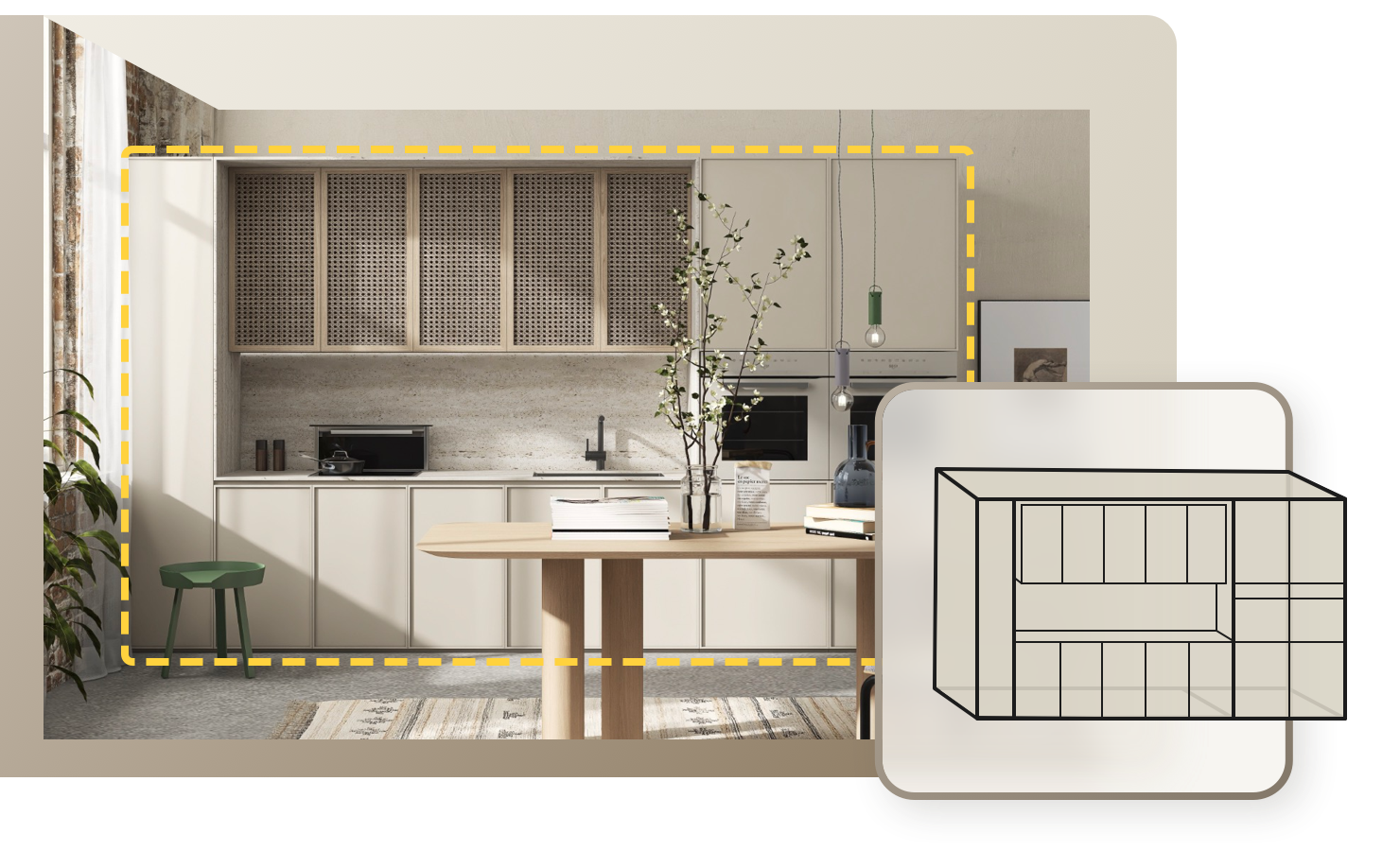
No need to do modeling from ground 0, easily customize the cabinetry and furniture of the kitchen, bath, and more with our extensive catalog of parametric models.
Always struggled with long nights waiting for the rendering of traditional design software? With our powerful cloud-based rendering, we bring you lightning-fast rendering and photo-realistic effects in 3 minutes without burning down your computer.
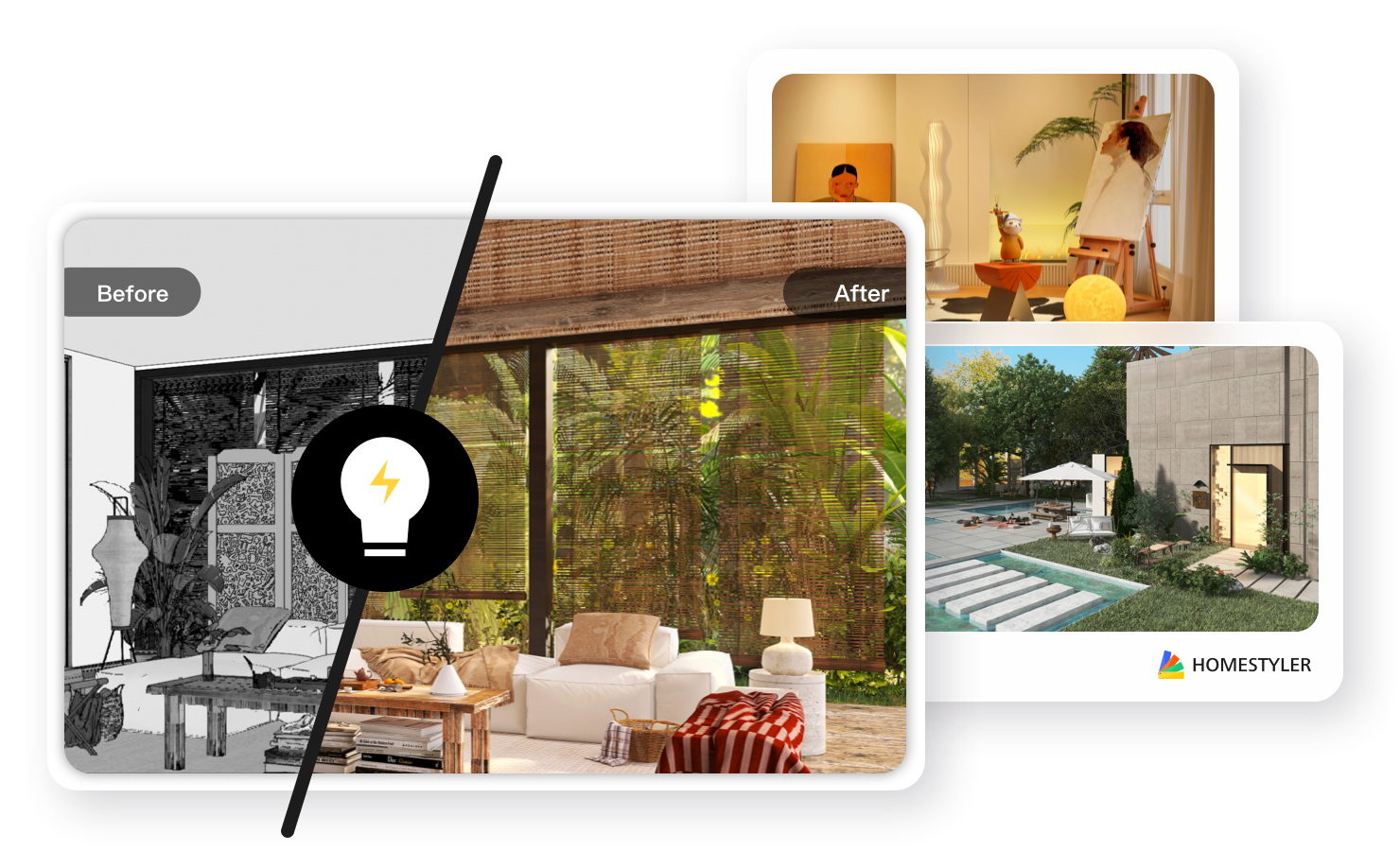
Let video rendering make your design alive
We offer visualization more than images. You can render video with walking or growing animated effect to impress clients. No prior video rendering or editing experience is needed!


Svetlana Baitchourin
Italy Interior Designer

INES GD DESIGN
France Home Designer

Encarni Fernandez Calero
Spain Design Enthusiast
Homestyler's online floor plan tool is an AI-powered space planning solution for both residential and commercial projects. This browser-based software enables users to:
✅ Create 2D/3D floor plans with drag-and-drop simplicity
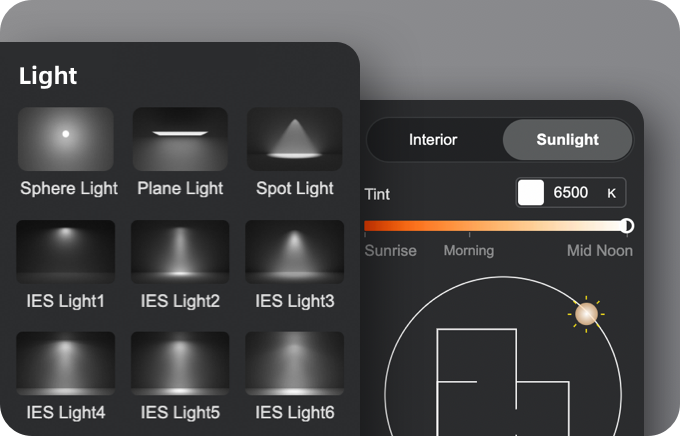
✅ Visualize room layouts in photorealistic 3D rendering with one click
✅ Modify designs in real-time with professional-grade precision
Ideal for homeowners, interior designers, and architects seeking cost-effective design visualization.
Yes! Just follow these 3 steps to start floor plan designing:
1️⃣ Sign up for a free Homestyler account (no credit card required)
2️⃣ Choose a template or upload existing blueprints
3️⃣ Customize using our library of 1M+ furniture models & materials
Yes! Homestyler supports 2D floor plan uploads in multiple formats (DWG, PDF, JPG) for instant 3D model generation. Follow these steps:
1️⃣ Upload your existing blueprint/CAD file or even just a photo
2️⃣ Auto-convert to editable 3D floor plan
3️⃣ Enhance with AI-recommended furniture layouts
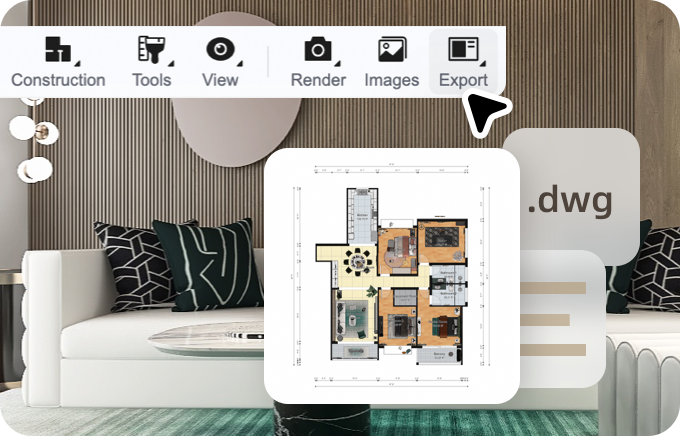
Export professional deliverables including:
• PDF (for client presentations)
• PNG/JPG (high-res images)
• DWG (AutoCAD compatibility)
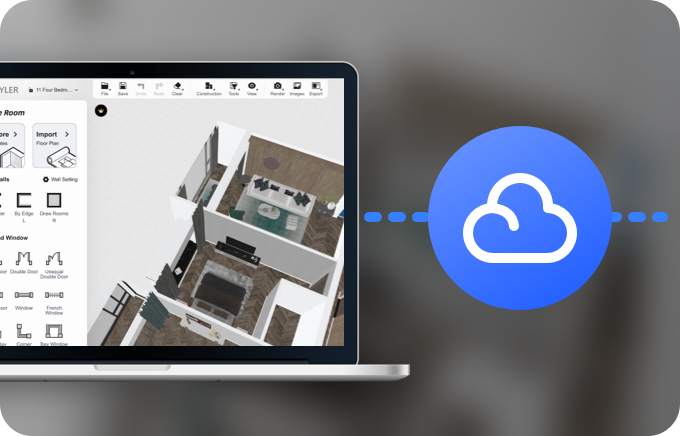
Access your designs anywhere, anytime through:
• iOS/Android app (sync with web projects)
• Touch-screen editing on tablets
Key advantages for professional users:
✅ No learning curve vs complex CAD tools
✅ Cloud collaboration missing in desktop software
✅ Cost 72% lower than SketchUp alternatives