


When utilizing a floor plan creator, managing the visibility of various objects is essential for effective design execution. A frequent issue designers face is determining how to bring specific elements to the forefront of the layout. This adjustment can significantly clarify your design and guarantee that vital components are not overshadowed by others. In this guide, we will discuss straightforward steps to modify object layers, ensuring your floor plan captures your vision flawlessly, especially when using tools like Homestyler.
Understanding Layer Management in Floor Plan Software
Most floor plan creators, including Homestyler, offer features that enable users to easily manipulate layers. To bring an object to the front, you generally need to select the desired object and choose the appropriate option from the menu. While the process may differ among various software, the underlying principle remains consistent: you should highlight certain design elements.
Steps to Bring Objects to Front
1. Select the Object: Click on the object you wish to elevate. 2. Access Layer Options: Locate a 'Layer' or 'Arrange' option within the toolbar of your software. 3. Choose Bring to Front: Opt for the 'Bring to Front' command to position the object as the top layer, ensuring it stands out among other design elements.
Why Layer Management Matters in Design
Good layer management enhances not only the visual appeal of your floor plan but also aids in visualizing how spaces will function in everyday life. Who hasn’t been frustrated by a beautifully designed sofa appearing behind a bulky cabinet in a mock-up? By mastering these simple techniques, you can prevent these scenarios and create more intuitive designs, especially with Homestyler.
FAQ
Can I rearrange objects after saving my floor plan? Yes, most floor plan creators, including Homestyler, enable you to edit and rearrange your designs even post-saving. Simply reopen your project to make any needed changes.
What if my software doesn't provide a 'Bring to Front' option? In such instances, consult the manual or support documentation specific to your software. Many applications have alternative methods for managing object layers effectively.
Welcome to the Premier Floor Plan Creator

Minimalist Fabric L Shaped Sectional Sofa 3D Model
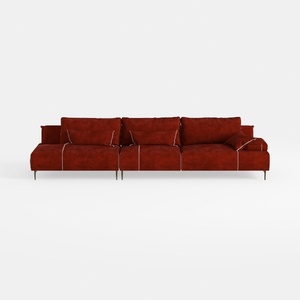

Modern Burgundy Velvet L Shaped Sectional Sofa 3D Model
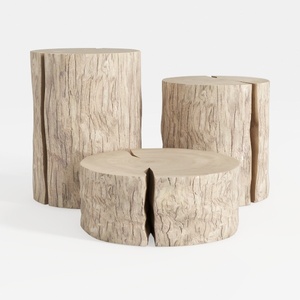
Rustic Solid Wood Stump Side Tables Set 3D Model
Homestyler is your go-to online home design platform, perfect for both novices and pros. With its user-friendly design tool, stunning 3D rendering, and a wealth of DIY video tutorials, you can effortlessly bring your interior design dreams to life. Explore, create, and inspire with Homestyler!
立即免费设计
































