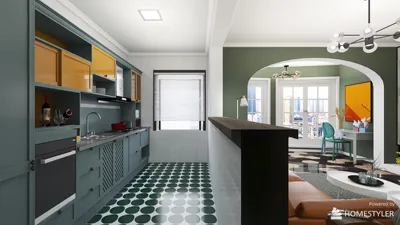


3D modeling of rope piping might initially seem challenging, but with the right approach, it can be an enjoyable and rewarding experience! Rope piping adds a unique touch to your designs, whether you're working on interior decoration, home accessories, or fashion items. This article will delve into how to effectively model rope piping using the popular modeling software, Homestyler.
Understanding the Basics of Rope Piping
Before diving into the modeling process, it's essential to grasp what rope piping is. Typically, it consists of a rope wrapped in fabric that creates a border effect around interior décor elements. By achieving the correct dimensions and texture, you can significantly enhance the realism of your final product.
Step-by-Step Guide to 3D Modeling Rope Piping
1. **Choose Your Software**: Select a 3D modeling program with which you are comfortable. Popular options include Blender, 3ds Max, and the user-friendly Homestyler.
2. **Create the Base Geometry**: Start by forming the basic shape of the rope piping. Utilize a cylindrical prototype as the base rope and adjust it to your desired thickness.
3. **Add Thickness and Fabric Texture**: Apply a fabric texture to cover the cylinder, maintaining the traditional look of rope piping. Modify the UV mapping to enhance details and ensure the texture aligns perfectly.
4. **Refine the Model**: Adjust the vertices to make the rope piping appear more natural. You can slightly twist the rope to simulate a realistic effect.
5. **Render the Model**: After all adjustments, carefully set the materials and lighting to ensure the model looks as realistic as possible. Rendering in high resolution effectively showcases your work.
Tips for Success
Don’t hesitate to experiment with different textures and colors to see how they impact the overall look of the rope piping. You can also create variations to suit different styles or projects.
Conclusion
Now that you have a basic understanding of how to model rope piping, it's time to explore and innovate. The joy of 3D modeling lies in your creativity, so let your imagination soar!
Frequently Asked Questions (FAQ)
Q: What is the best software for modeling rope piping? A: Common software choices include Blender, 3ds Max, and the intuitive Homestyler.
Q: How can I ensure my rope looks realistic? A: Use appropriate textures, adjust the UV mapping, and pay attention to lighting when rendering.

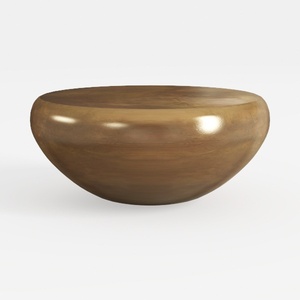
Japanese Floor TableSmall Coffee Table & Tea Table
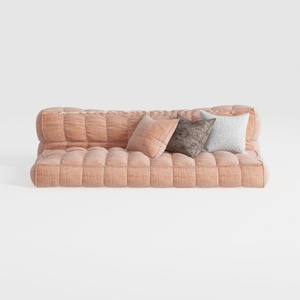

Minimalist Blush Fabric Tufted Contemporary Sofa 3D Model
Discover Homestyler, the ultimate online home design platform! With its user-friendly design tool, stunning 3D renderings, inspiring design projects, and informative video tutorials, you can easily create and visualize your dream space. Bring your interior ideas to life effortlessly—perfect for every DIY enthusiast!
立即免费设计
































