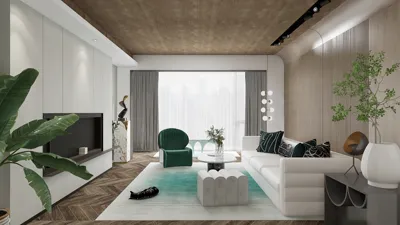


Advancements in technology have made it increasingly straightforward to scan your face for 3D digital modeling. Whether you're developing a virtual reality avatar, prototyping for artistic endeavors, or starting a custom design project, precise facial scans provide an excellent foundation for your digital creations. To begin this process, all you need is a device equipped with a camera—such as a smartphone or a specialized 3D scanner—and the appropriate software capable of converting the captured data into a functional 3D model. Some popular applications include Bellus3D FaceApp, Qlone, and RTAB-Map, which utilize depth sensors or photogrammetry techniques to create a realistic digital likeness.
Start by making sure you have adequate lighting: soft and uniform illumination can help you avoid harsh shadows, resulting in a clearer scan. Keep your device at eye level and maintain a steady position. Gradually rotate your head from side to side and up and down to allow the software to capture all necessary angles. After completing the scanning, the app will merge various images to generate a mesh and texture map of your face. This resulting file—typically in .OBJ or .STL format—can then be imported into digital modeling or rendering software for additional enhancements.
As a designer, I find that 3D facial scans are incredibly useful not only for personalizing products but also for crafting immersive interiors that feature realistic avatars or artistic installations. If you wish to see these facial models within a spatial framework—like custom wall art, unique decor, or virtual reality walkthroughs—consider using tools like Homestyler, which excel in realistic renderings and can effortlessly integrate with various room designs.
Tips 1:
Before scanning, always ensure that your background is free of clutter; distracting elements can interfere with the app and diminish scan quality. For professional results, a dedicated scanner equipped with infrared technology is ideal; nonetheless, many smartphone applications perform excellently for most personal and design goals. When planning to incorporate your facial scan into interior design or virtual staging, verify that the exported file aligns with the specifications of your chosen platform to prevent compatibility problems.
FAQ
Q: What devices can I use for scanning my face for 3D modeling?
A: You can use most smartphones with depth sensors, specialized 3D scanners, or even standard cameras equipped with photogrammetry applications for facial scans.
Q: Which file format is most suitable for 3D facial scans?
A: Generally, .OBJ and .STL formats are preferred due to their broad compatibility with modeling and rendering software.
Q: How can I implement my 3D face scan in interior design projects?
A: You can import 3D face scans into rendering tools to develop personalized decor, virtual reality avatars, or custom art installations in interior settings.
Q: Is professional lighting required for an effective scan?
A: While natural, even lighting is optimal, many scanning apps are capable of adjusting for minor deficiencies. Professional lighting enhances detail and precision for high-quality results.
Q: Am I able to edit the 3D model post-scanning?
A: Absolutely, most scanning applications offer basic editing options, and exported files can undergo further refinement using advanced modeling software such as Blender, Maya, or specialized rendering platforms.
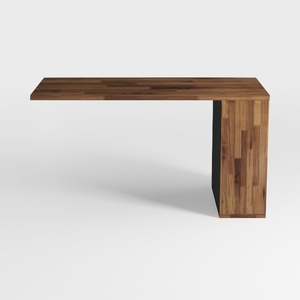
Minimalist Solid Walnut Wood Desk 3D Model
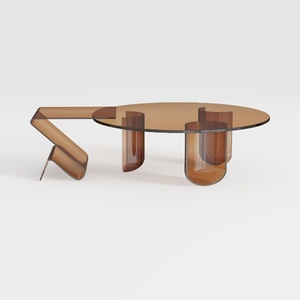
Round Coffee Table Modern Glass Coffee Table with
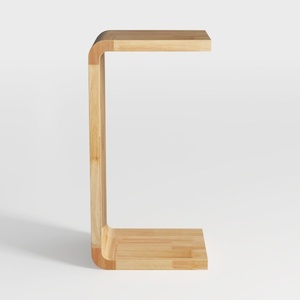
Minimalist Natural Solid Wood C Shape Side Table 3D Model
Homestyler is your go-to platform for transforming home design dreams into reality. With its user-friendly online design tool, stunning 3D renderings, and inspiring DIY video tutorials, you can effortlessly create, visualize, and implement your interior decoration ideas. Start designing today!
Design Now for FREE
































