

Creating an alpha channel for your 3D model is crucial for achieving stunning visual effects, transparency effects, and realistic rendering. This channel dictates the levels of transparency across different elements within your model, enabling the creation of impressive visuals. So, what’s the process to create one?
First, let’s clarify what an alpha channel is — it acts as a grayscale image where areas of white signify complete opacity, while black indicates full transparency.
Step 1: Prepare Your 3D Model
Ensure that your 3D model is set for texture mapping. Utilize software such as Homestyler, Blender, Maya, or 3ds Max to import your model. Before adding the alpha channel, verify the UV mapping so that your textures align correctly.
Step 2: Generate Your Texture Map
Using an image editing application, such as Photoshop or GIMP, craft a texture map for your model. Open your texture image and create a new layer dedicated to the alpha information. Design the transparency levels by utilizing shades of gray; apply white for opaque sections and black for transparent areas.
Step 3: Save your Alpha Channel
Once your alpha mask is created, save it in PNG format to retain the transparency details. In your chosen 3D software, including Homestyler, import both your texture and the alpha channel, then map it to your model.
Step 4: Apply and Tweak Materials
In your 3D application, modify the material settings to leverage the alpha channel effectively. This process typically involves selecting transparency options and loading the alpha texture. Experiment with different settings to realize your desired aesthetic.
Success Tips
Conduct test renders of your model to observe how the alpha channel performs under varying lighting conditions. You may find that minor changes in the alpha mask can have a significant impact on the final rendering results. Always remember to preview your outcomes regularly!
FAQ
Q: What file format is optimal for alpha channels? A: PNG is the best format because it supports transparency. Alternatives include TIFF and TGA.
Q: Is it possible to create alpha channels directly within 3D modeling software? A: Absolutely, many advanced 3D programs even allow you to paint directly on your models utilizing alpha channels.

Minimalist Solid Wood Round Coffee Table 3D Model
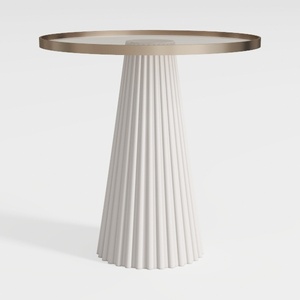
Modern Minimalist Fluted Base Glass Top Side Table 3D Model


Looking to transform your home design ideas into reality? Homestyler is your go-to online platform! With an easy-to-use design tool, stunning 3D renderings, a plethora of inspiring design projects, and helpful video tutorials, you can create your dream spaces effortlessly. Start designing today!
立即免费设计
































