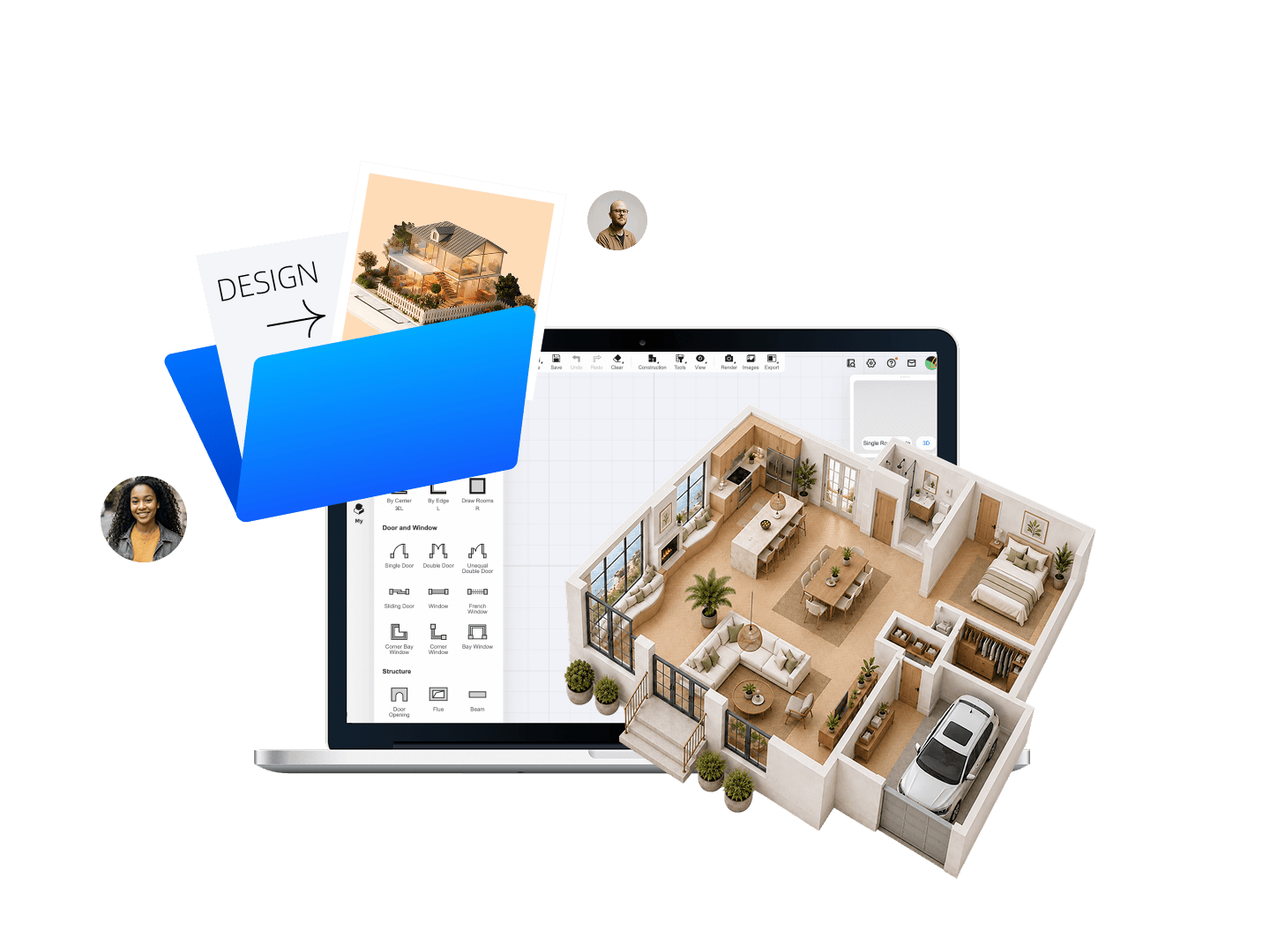
Easy to Start. Powerful Enough to Grow With You.
Start with intuitive tools, then build your skills as your projects grow. From 2D floor plans to 3D design and rendering, Homestyler brings your learning workflow together.
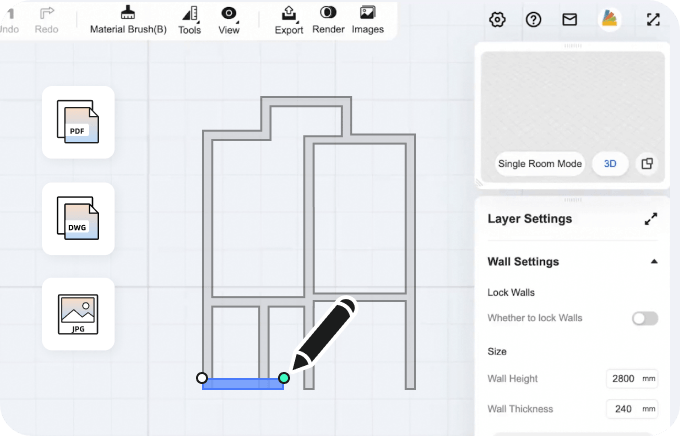
Beginner-Friendly Tools
Intuitive tools help you start creating quickly, even if you're new to 3D design.
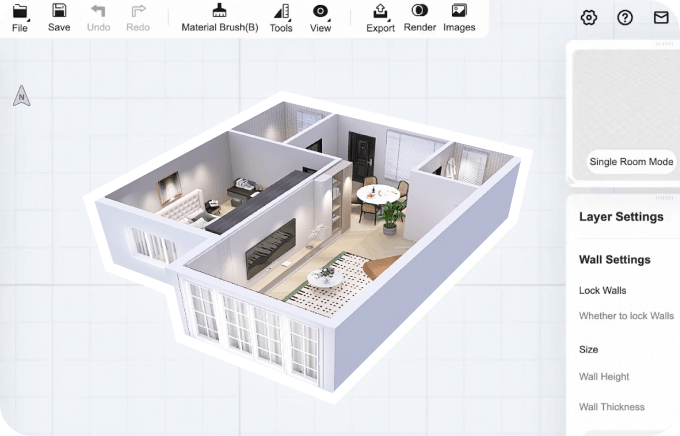
2D Planning, 3D Design
Draw floor plans in 2D, then explore and refine your ideas in 3D.
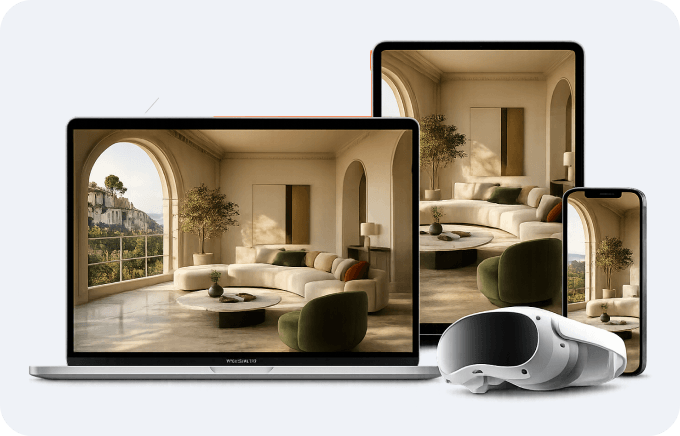
Access Your Designs Anywhere
Access your projects and design outputs on the web and Homestyler mobile app.
Learn Design by Doing
Build practical architecture and interior design skills through hands-on projects, from planning a space to presenting your final ideas.
Plan the Space
Create floor plans and explore scale, layout, and circulation.
Design in 3D
Explore spatial relationships, proportions, and architectural elements.
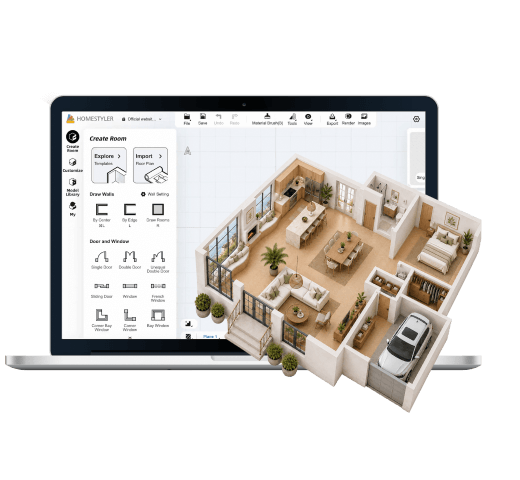
Furnish & Style
Experiment with furniture, materials, color, and composition.
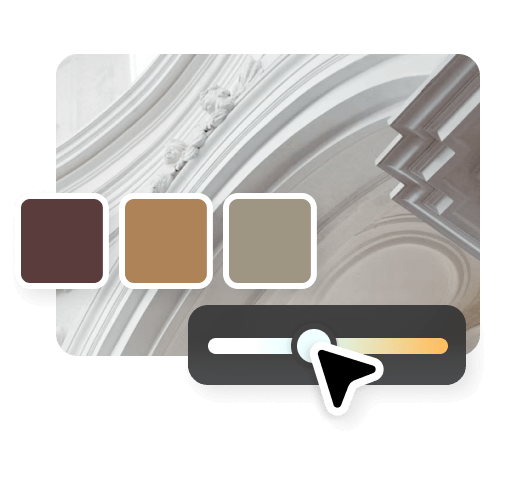
Visualize & Present
Create realistic visuals to communicate and present your design ideas.
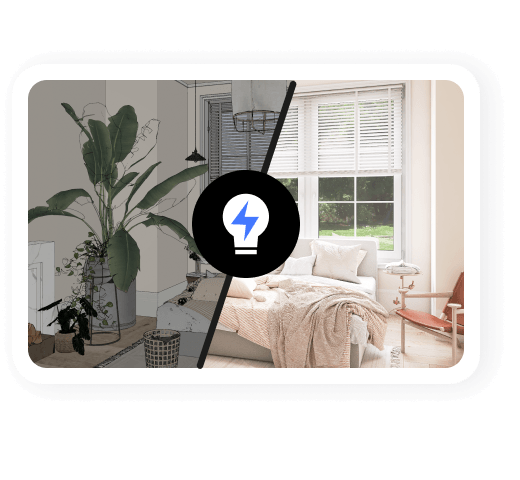
Design with AI. Think Beyond the Tools.
Use AI to explore more possibilities, speed up repetitive tasks, and spend more time developing the creative thinking and design judgment that matter in architecture and interior design.
Explore Ideas Through Conversation
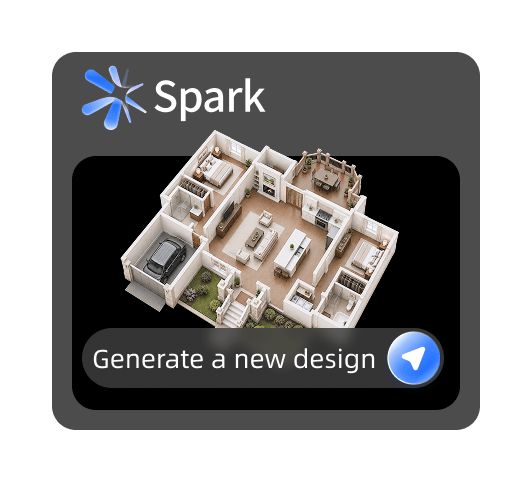
Get a Head Start on Floor Plans
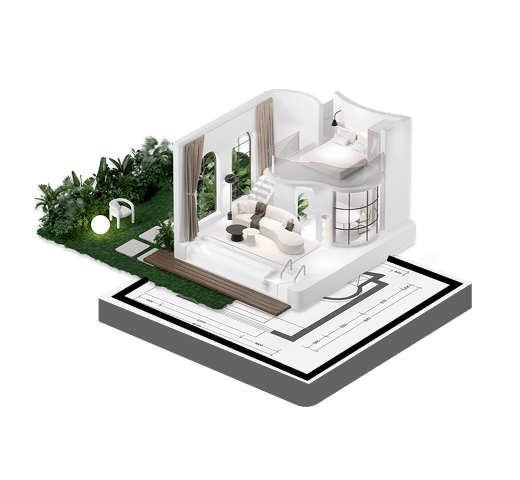
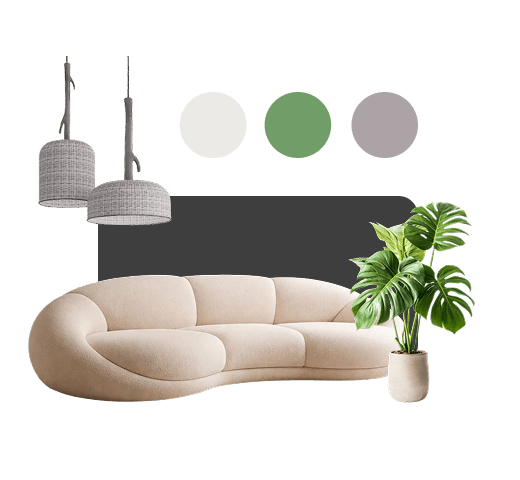
Experiment with Styles
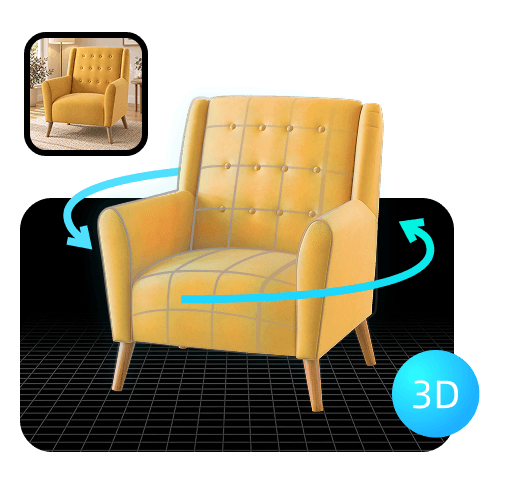
Turn Images into 3D Models
From Your First Project to Your Portfolio
Find the support you need to keep learning, from beginner-friendly tutorials and guided projects to creating work you can proudly showcase.
Learn with Bootcamps
Build your skills step by step with guided projects and practical exercises.
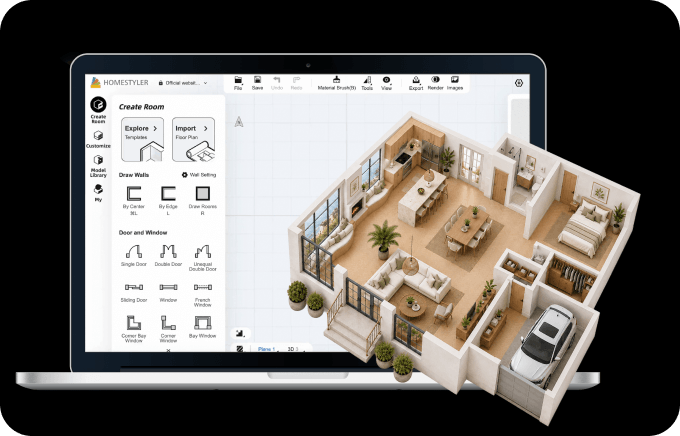
Learn at Your Own Pace
Explore tutorials, videos, and guides for different skill levels.
Create Portfolio-Ready Work
Turn class projects and personal ideas into polished designs you're proud to share.
Create. Share. Get Recognized.
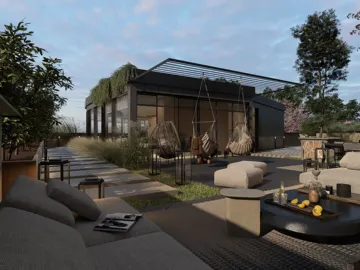
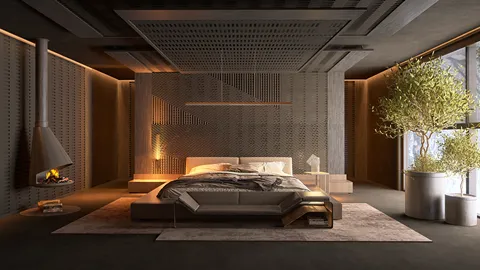
Bring your ideas beyond the classroom. Share your projects, discover inspiration, and join creative challenges with designers around the world.
 Community
 Challenges
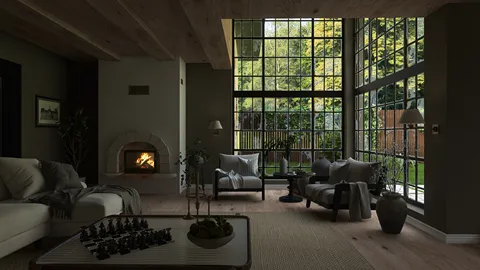




More for Students. Less to Spend.
Is Homestyler free for students?
Yes. Homestyler offers a free Basic plan with essential 2D and 3D design tools, a selection of furniture models, and basic rendering. You can get started without a paid subscription.
Does Homestyler offer student discounts?
Yes! Eligible students can receive a 35% educational discount on personal memberships and products, excluding monthly subscriptions. Simply email your valid student ID to homestyler-support@service.alibaba.com for verification. Once approved, you'll be eligible for the educational discount.
Do I need experience with design software?
Not at all. Homestyler is beginner-friendly, with intuitive floor planning tools, 3D design features, and step-by-step tutorials to help you get started.
Can I use Homestyler for class projects and my portfolio?
Yes. You can create floor plans, 3D interior concepts, and realistic visuals for class assignments and personal projects. Be sure to check your course's submission requirements when preparing final deliverables.
What learning resources are available?
Homestyler offers beginner tutorials, video guides, and hands-on Bootcamps to help you learn 2D planning, 3D design, furnishing, and rendering at your own pace.
Can beginners use Homestyler's AI tools?
Absolutely! Homestyler's AI tools make it easy to explore design ideas, experiment with styles, and create 3D models, even without prior experience. Most AI tools offer free trials, so you can explore their capabilities before committing to a paid plan. Additional usage may require AI Credits.

Your Design Journey Starts Here.
Start creating hands-on projects, develop practical architecture and interior design skills, and build a portfolio for whatever comes next.


